Photo delivery
How to share wedding photos with guests (without 40 WhatsApp groups)
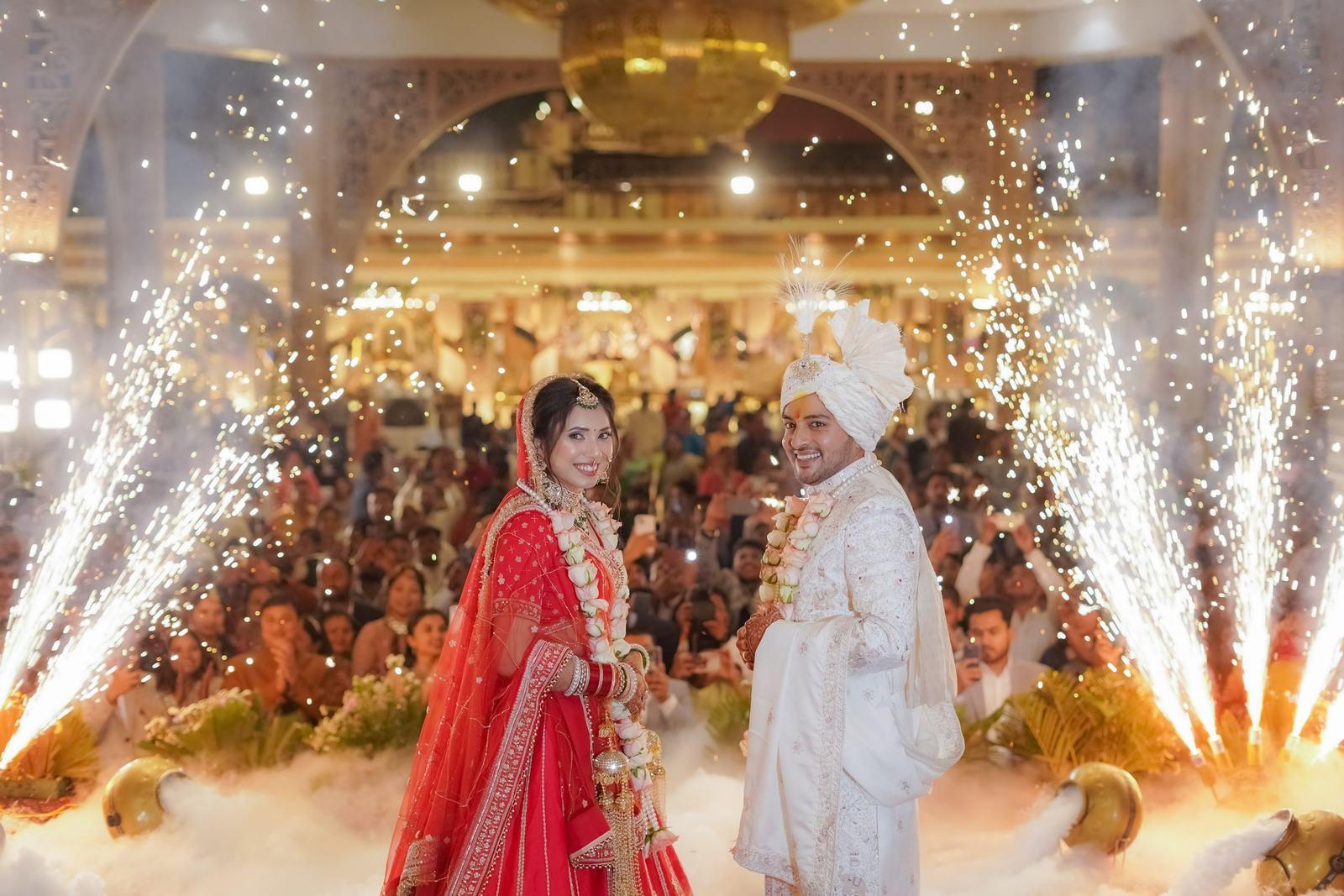
My uncle ran a wedding studio in Maninagar for twenty-two years. The part of the job he hated most was not the 14-hour shoot days or the clients who changed the muhurat twice. It was the week after the wedding, when his phone would not stop buzzing.
“Can you send my photos?” “Bhaiya, where is the sangeet folder?” “I’m the bride’s cousin from Pune, please send only mine.”
He would spend three or four evenings scrolling through thousands of frames, making little folders by face, and forwarding them one by one. Multiply that by forty weddings a season.
Most photographers we talk to are still doing some version of this. So let’s look at the options honestly, because each one has a real cost.
The four usual ways, and where they break
1. One big Google Drive link
The default. You upload everything, share one link in the family group, and you’re done.
It works for the couple. It doesn’t work for guests. A typical Gujarati wedding we see on SpotMe has 4,000 to 8,000 edited photos across four or five functions. Nobody scrolls through that on a phone. Aunties give up after the first two folders, and the cousin who was in 60 photos sees six.
Drive also gives you nothing back. You don’t know who opened it, and you can’t brand it.
2. Pen drives and hard drives
Still common for the couple’s copy, and there’s nothing wrong with a beautiful box with a drive inside. But it’s a gift for two people, not a delivery method for 400.
3. WhatsApp forwards
The quickest way to ruin your photos. WhatsApp compresses images hard. That 24-megapixel portrait you lit carefully arrives as a smudgy 1,600-pixel file, and that’s the version that ends up on everyone’s status with your name nowhere on it.
4. Sorting by face, manually
The premium option, and the one my uncle did. It’s a great experience for guests and a terrible one for you. Even a fast editor needs three to five hours per wedding to make decent per-person folders, and they will still miss people in the background of group shots.
What guests actually want
We asked a few hundred wedding guests what they wanted from “the photos”. The answers were almost boringly consistent:
- Only my photos. Not the whole wedding.
- On my phone, today. Not in three weeks, not on a laptop.
- Good quality. Something they can post without it looking blurry.
- No app. Nobody wants to install something for one wedding.
That’s the brief. Any delivery method should be judged against those four lines.
The setup we recommend
Face recognition delivery hits all four. You upload the wedding once, SpotMe finds every face, and each guest takes a selfie to see only the photos they’re in. Here is what that looks like, on a slice of a real five-day wedding:
Try it yourself
Tap a guest’s selfie and watch SpotMe find them.
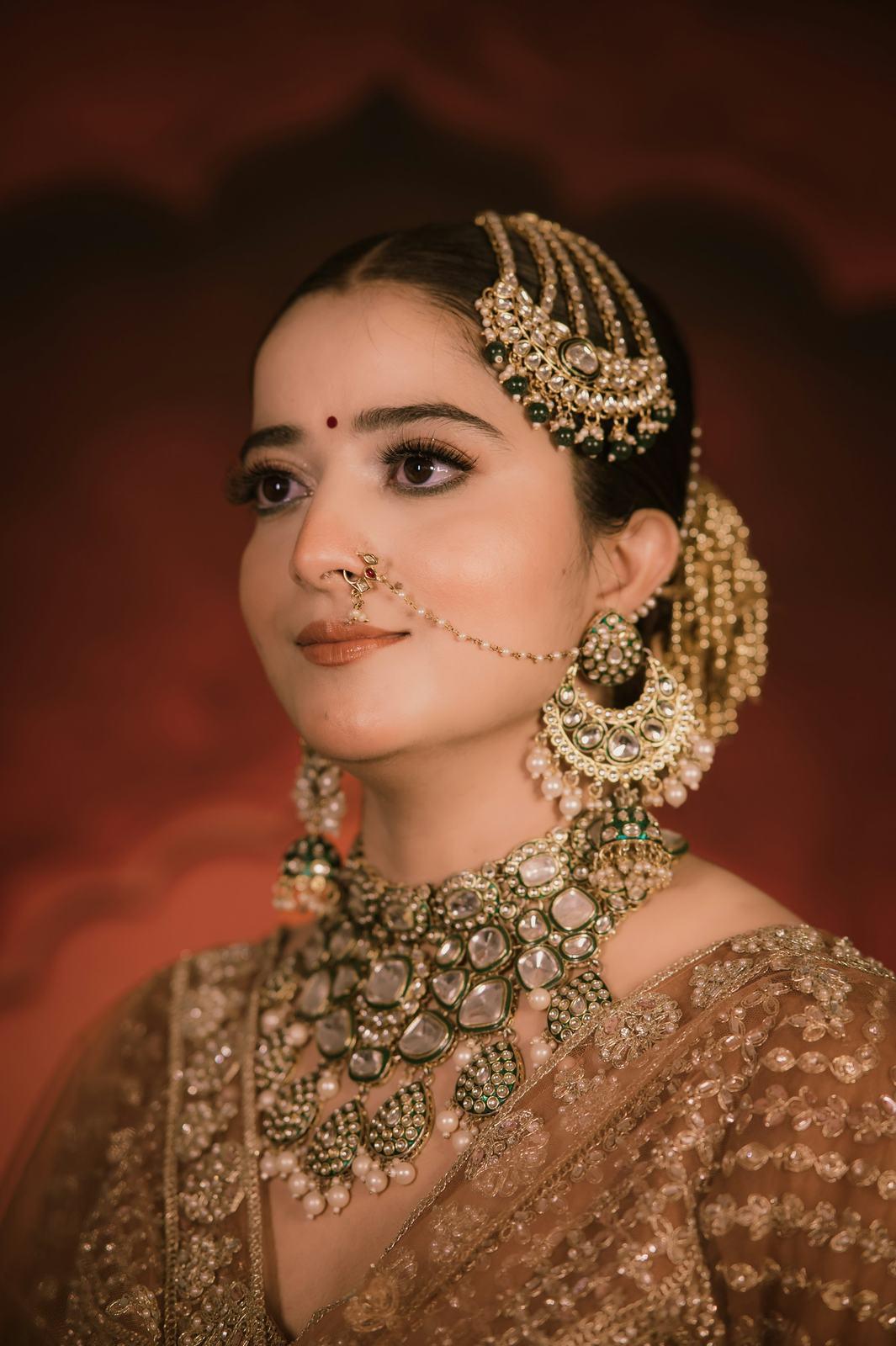

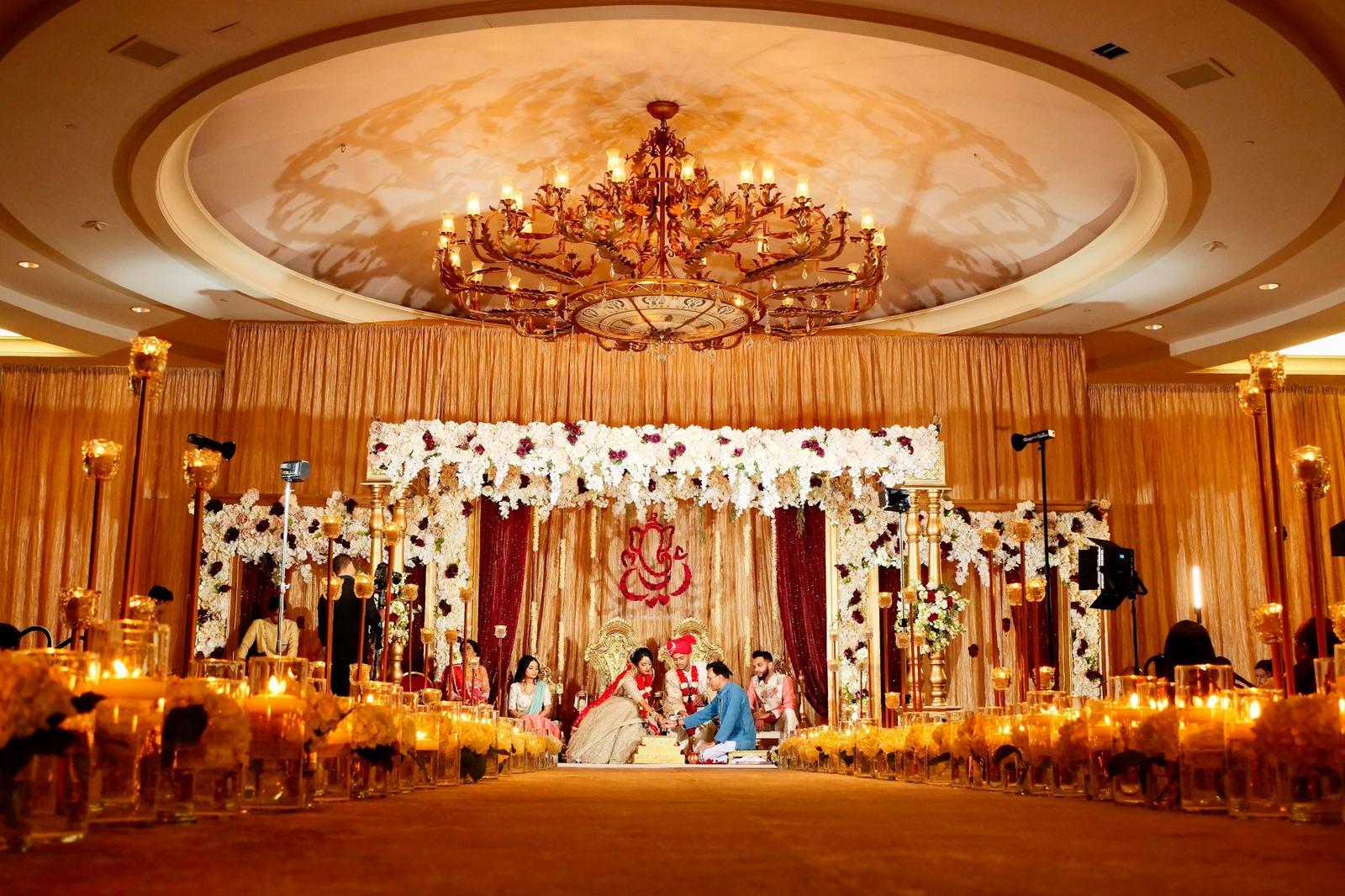

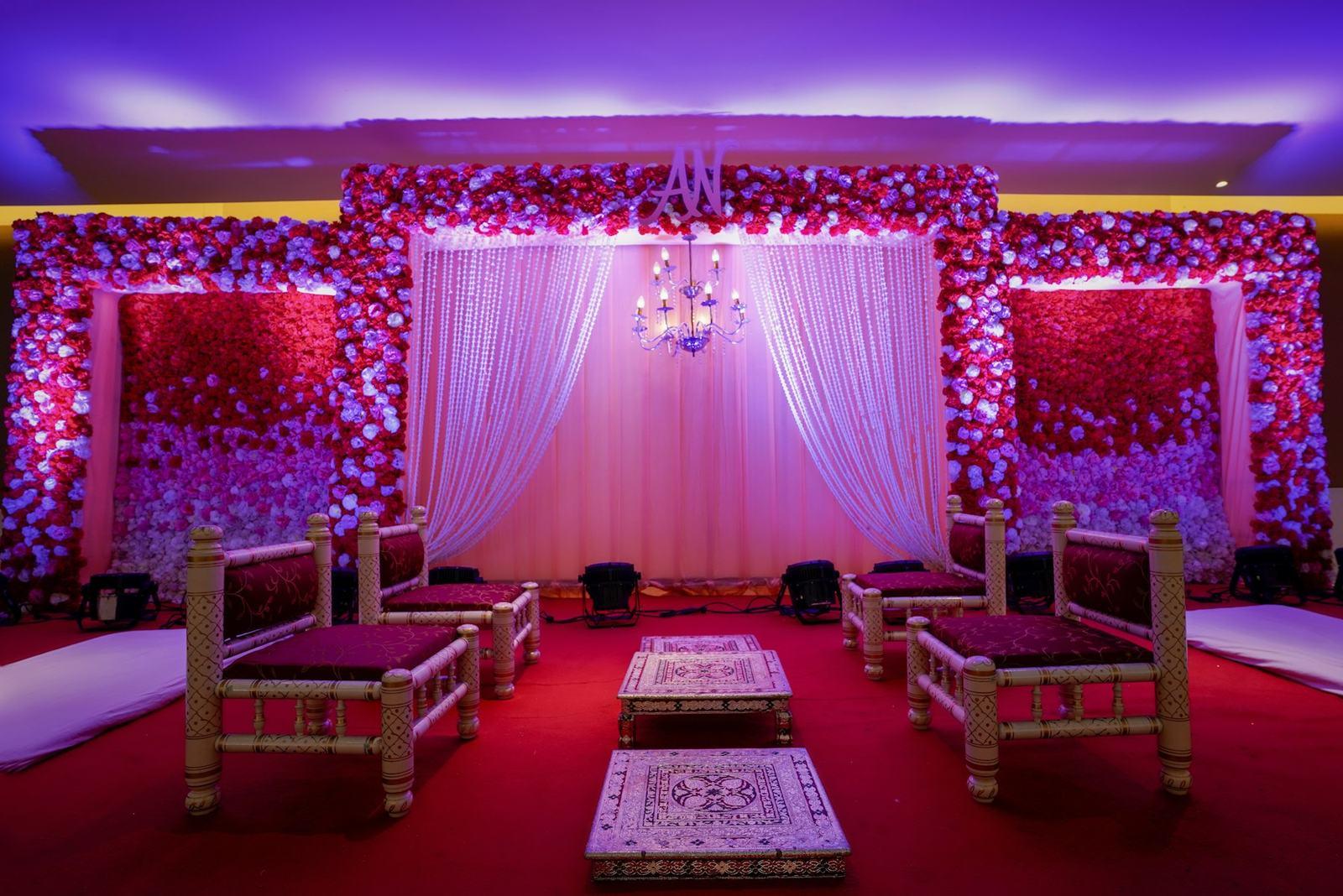
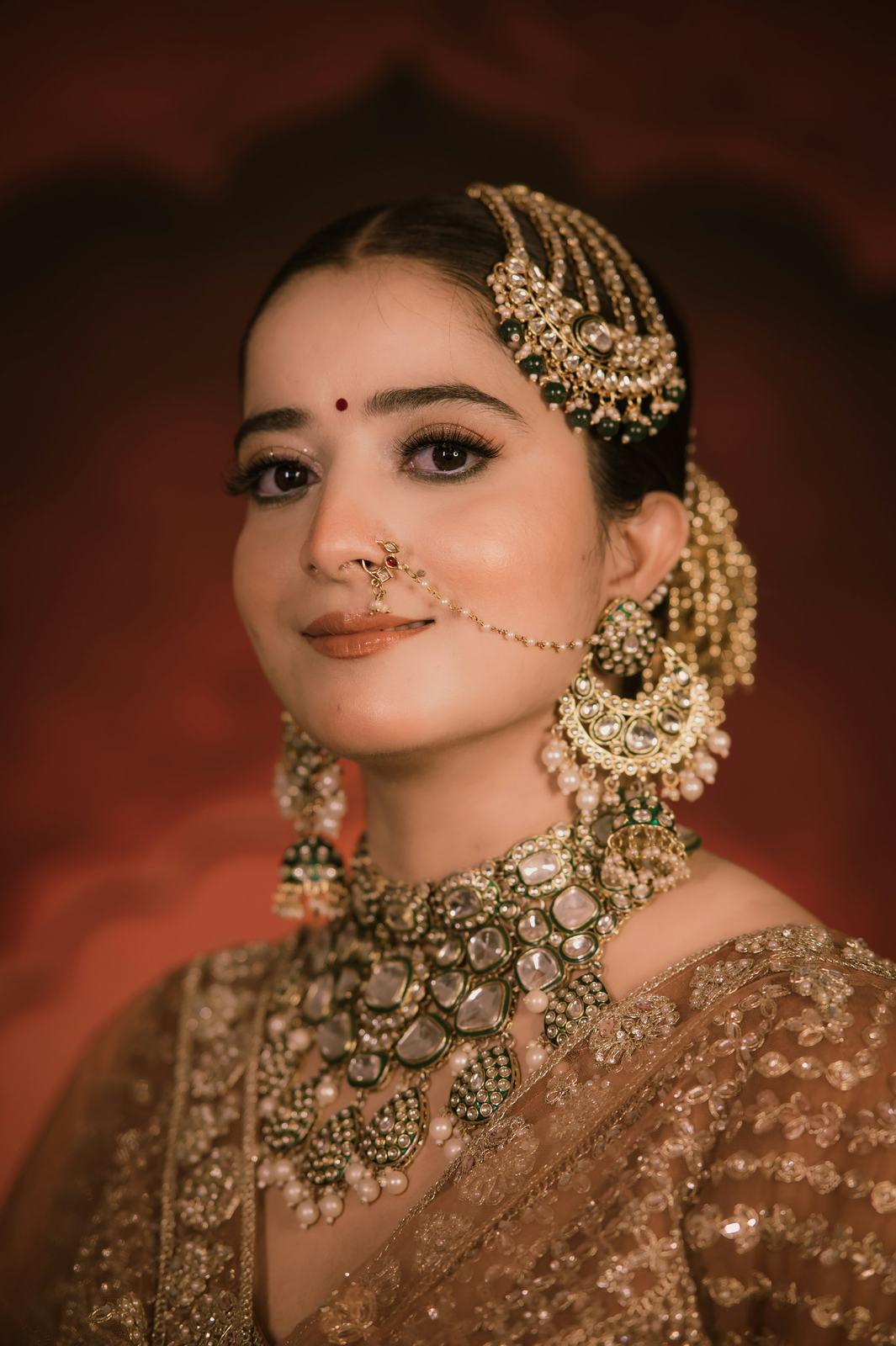
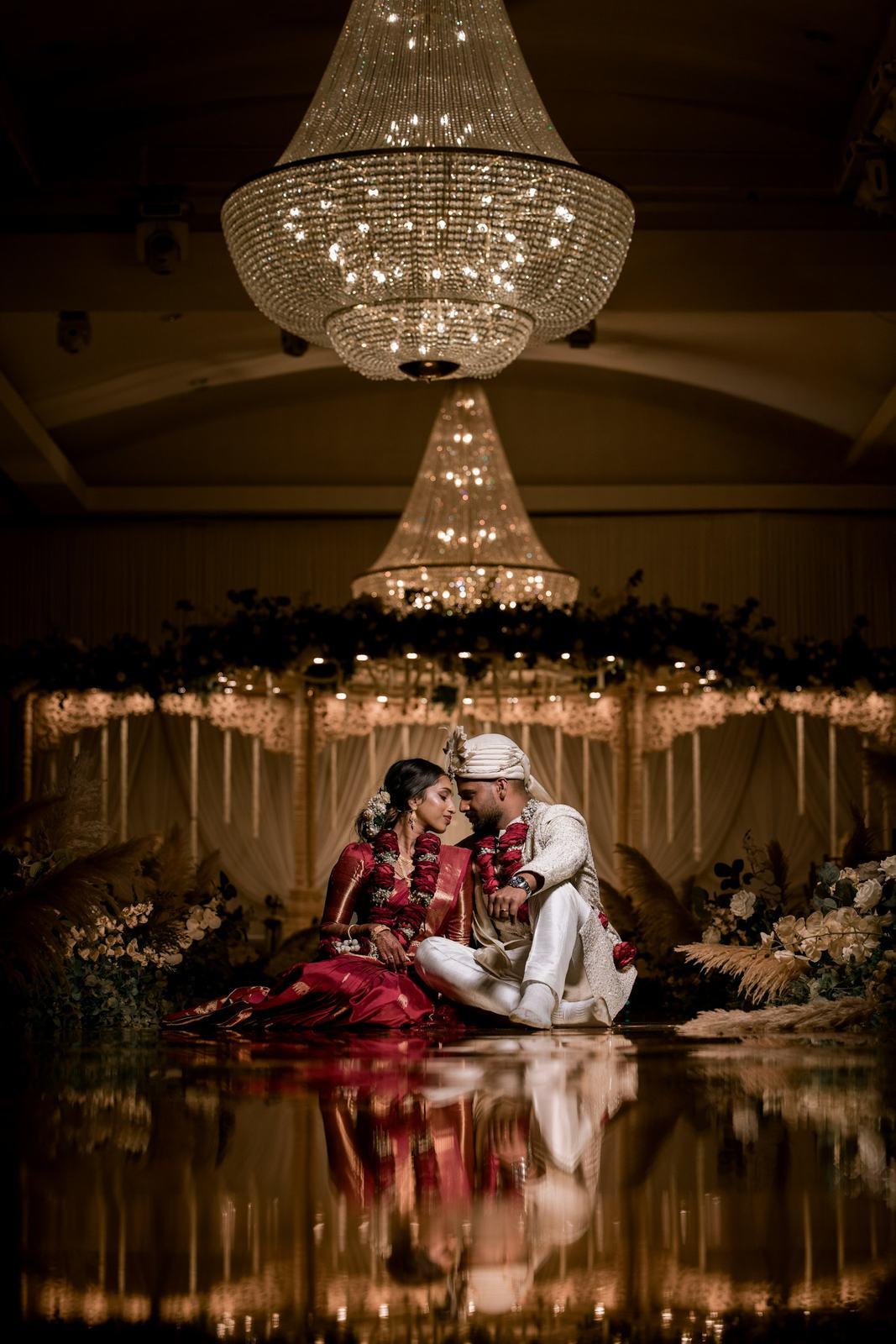
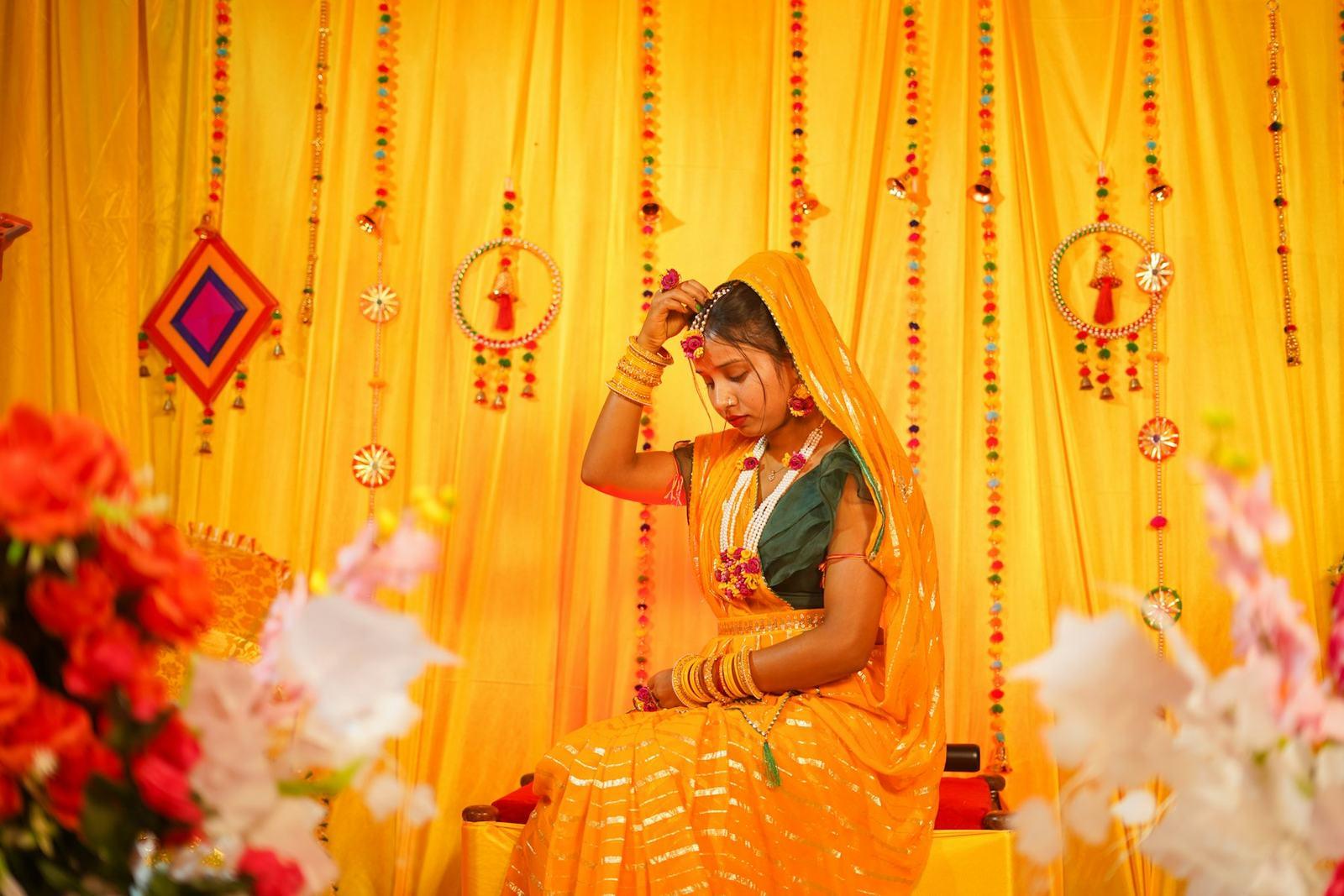


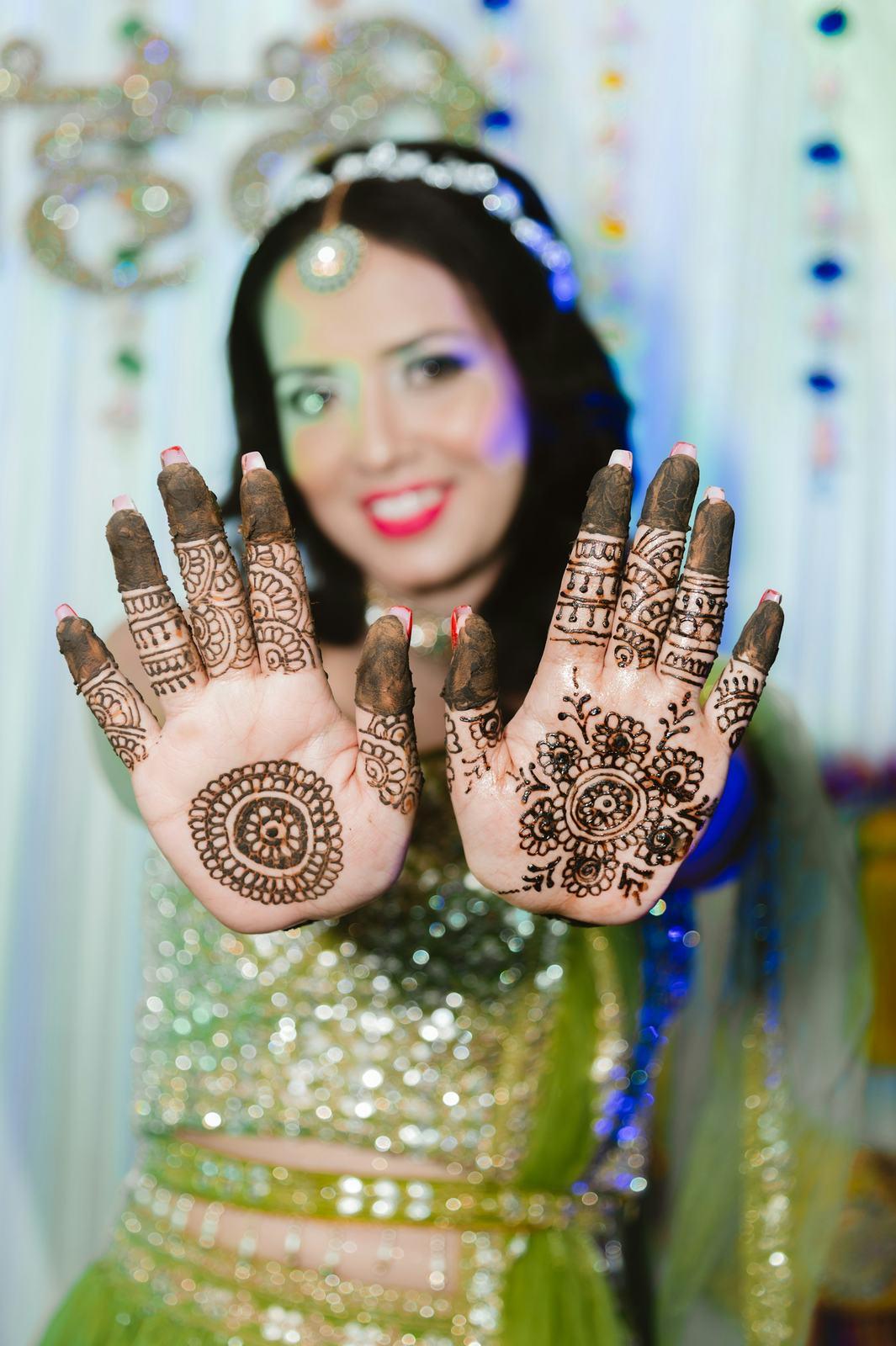
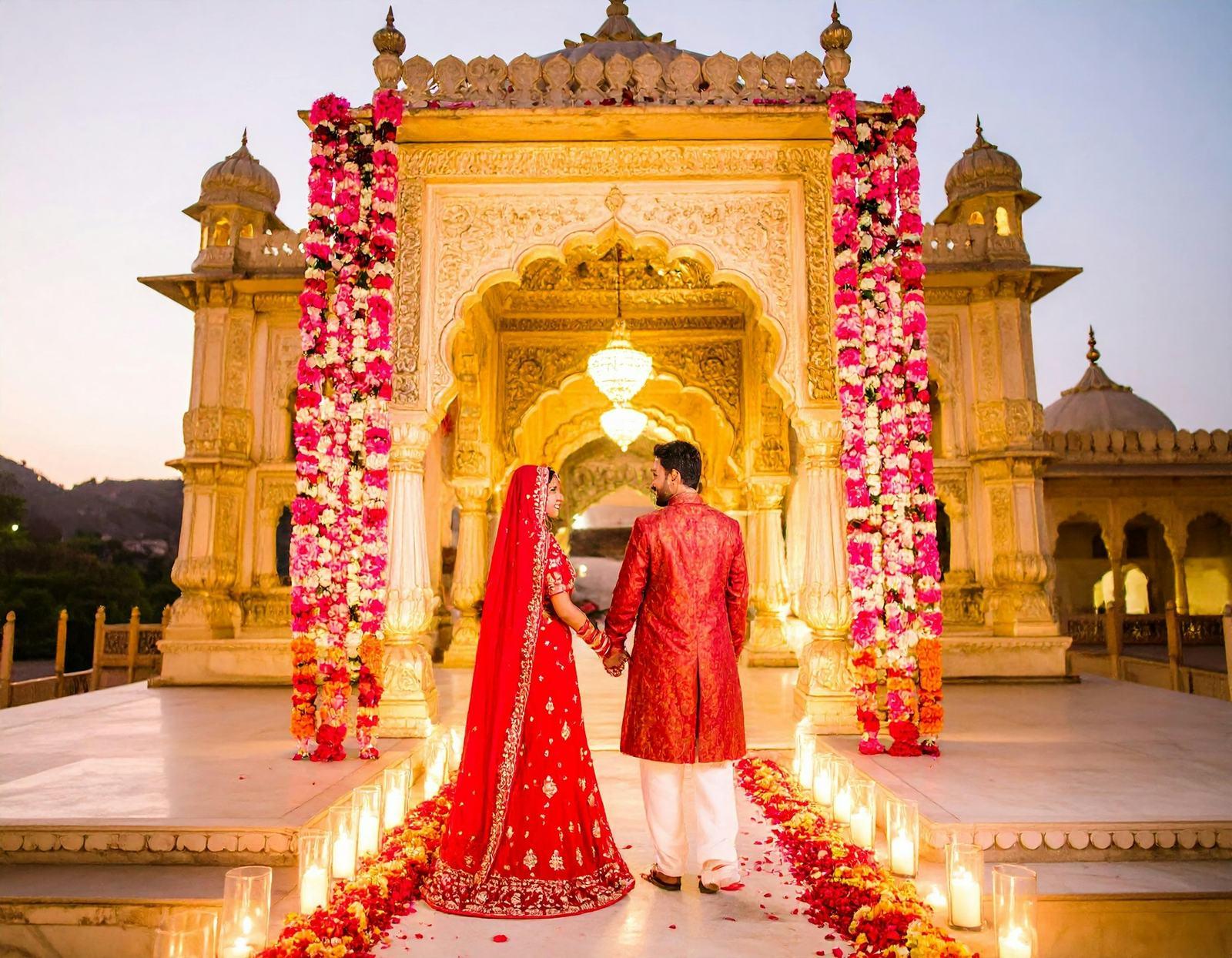

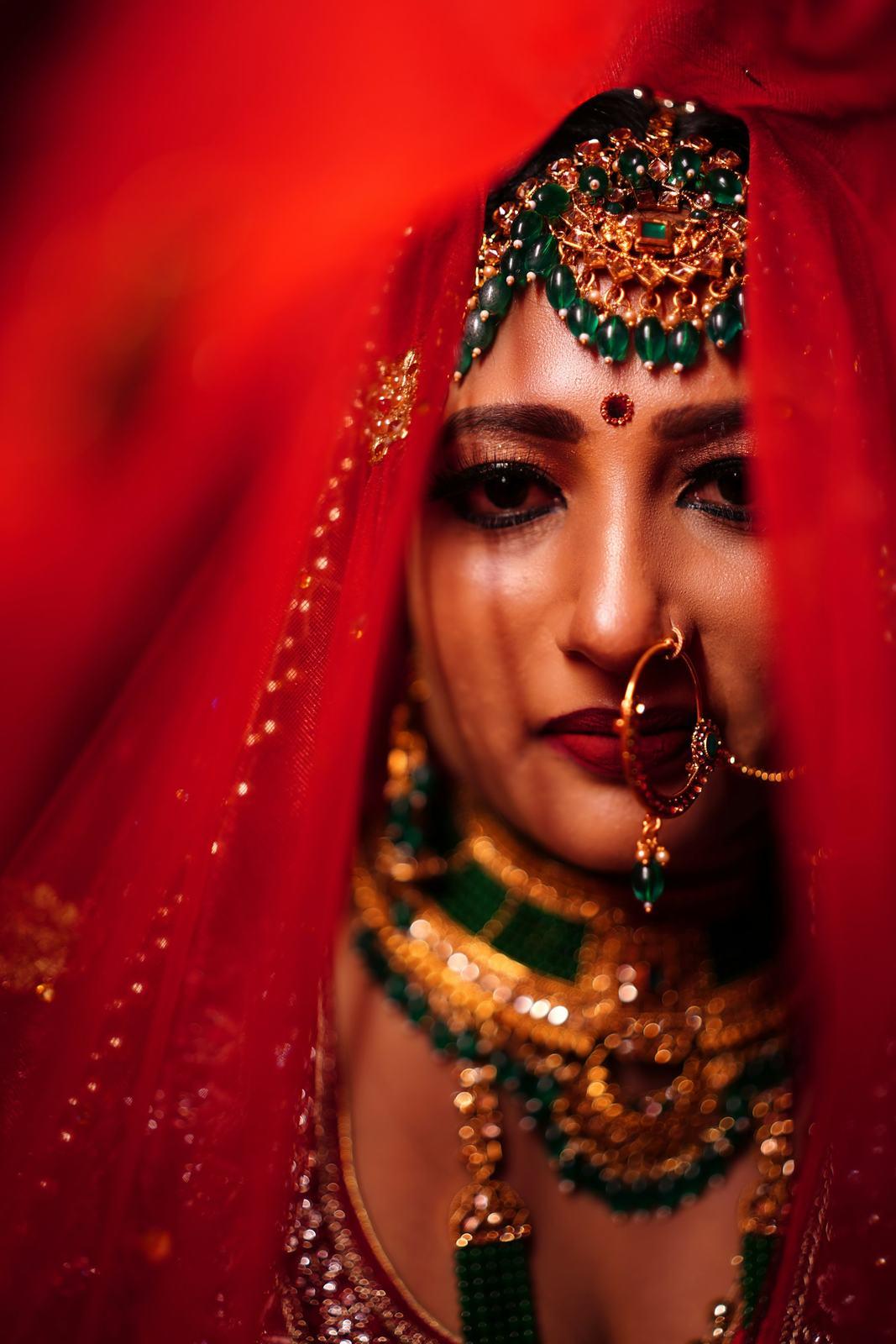

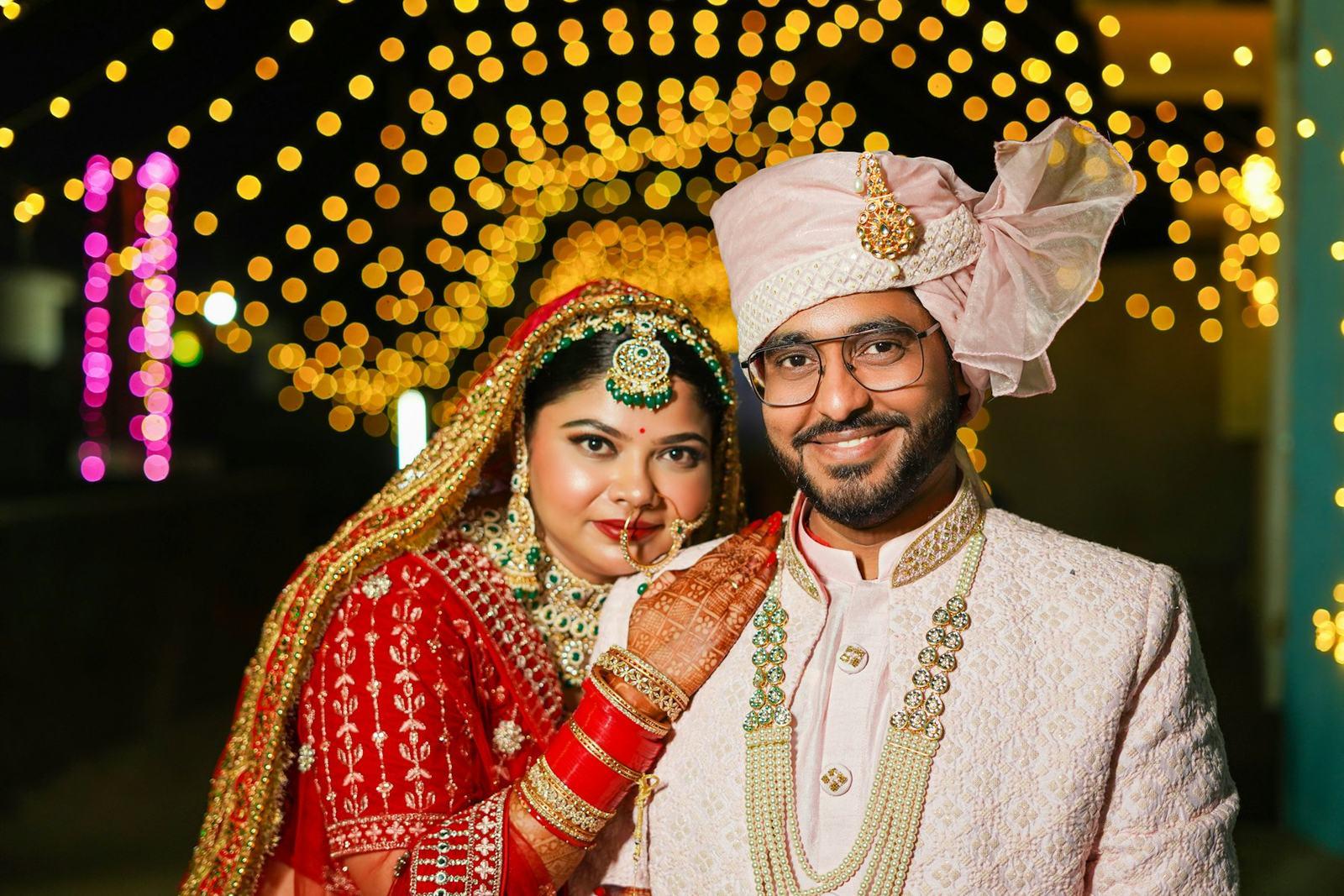



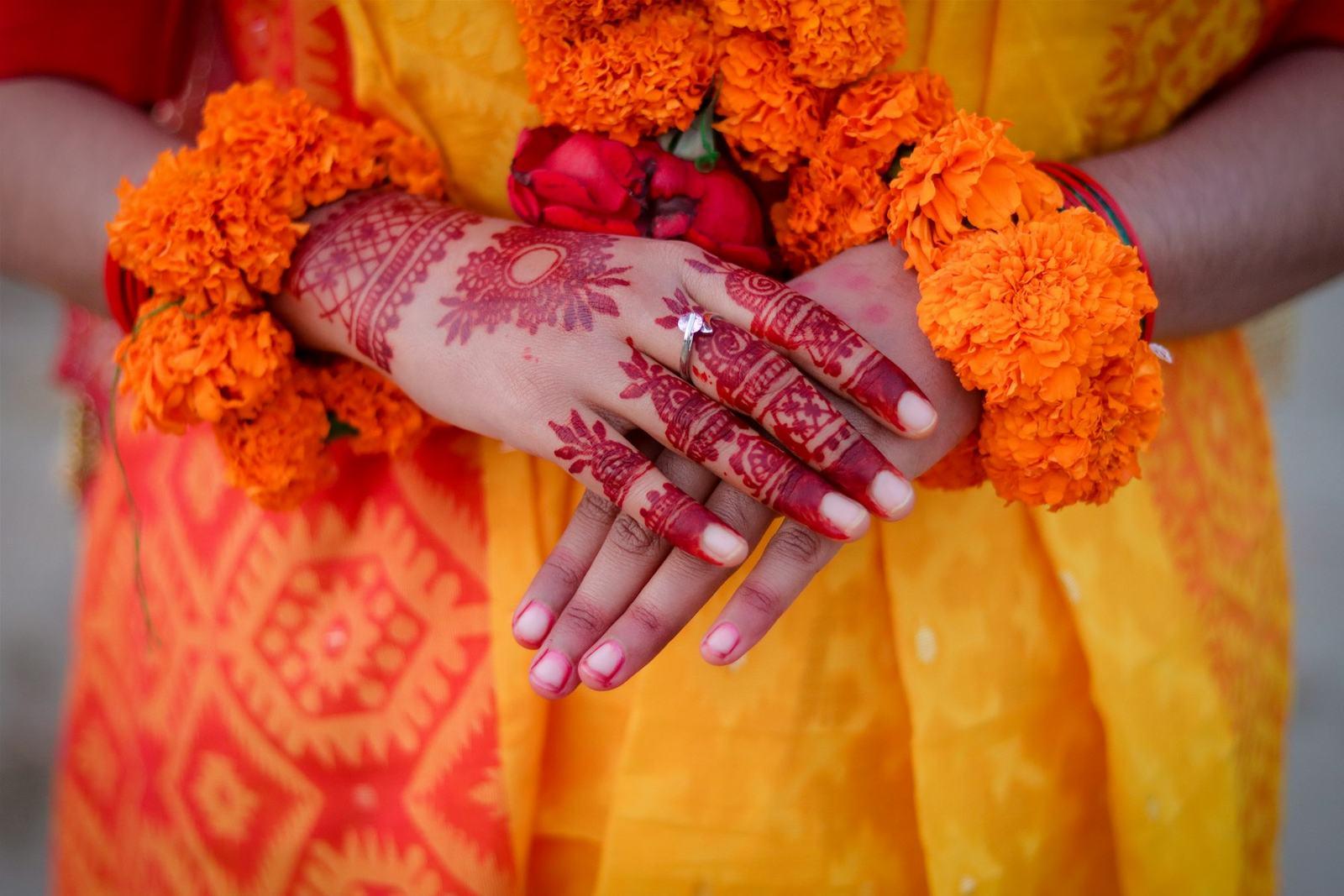
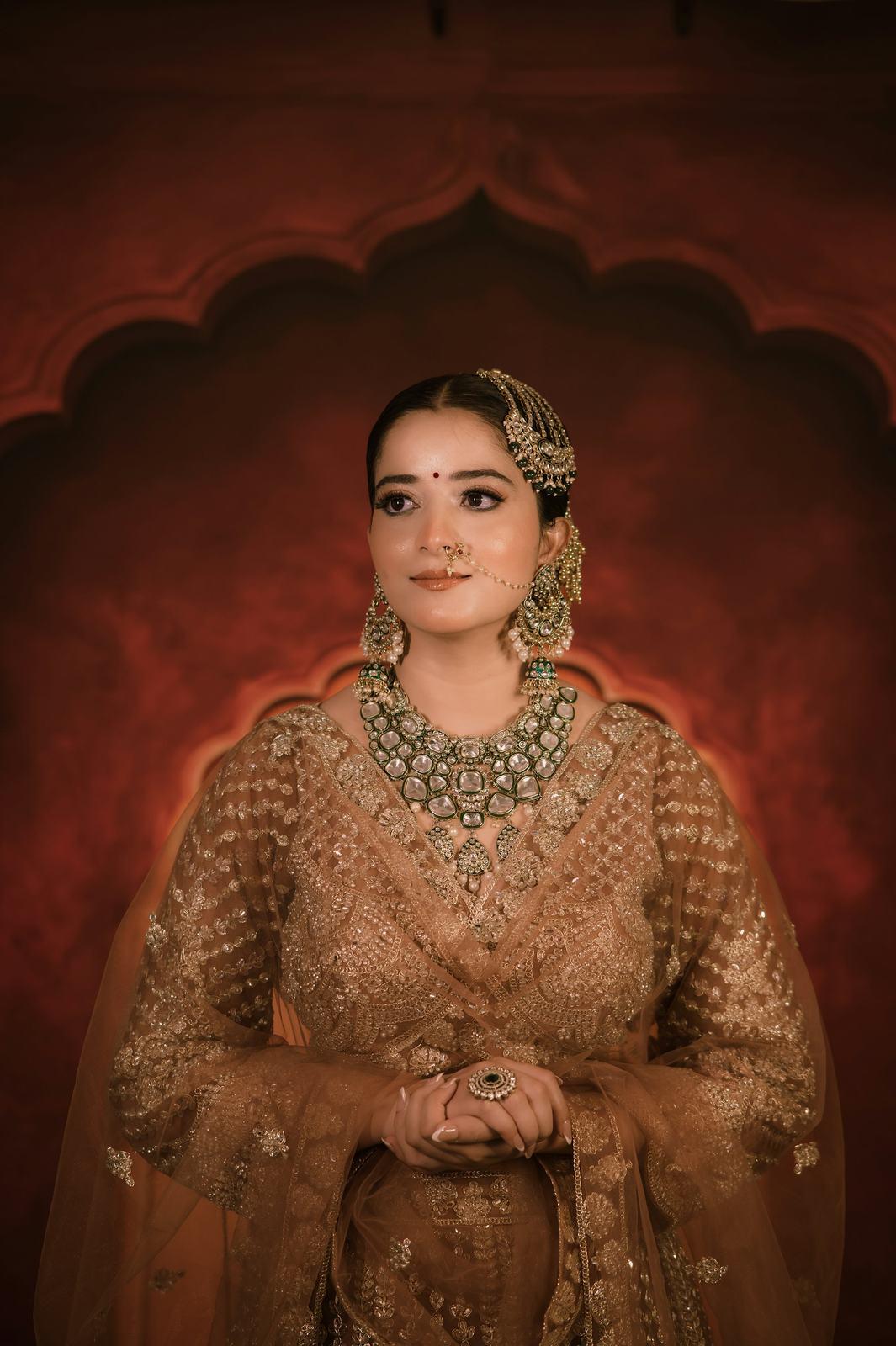
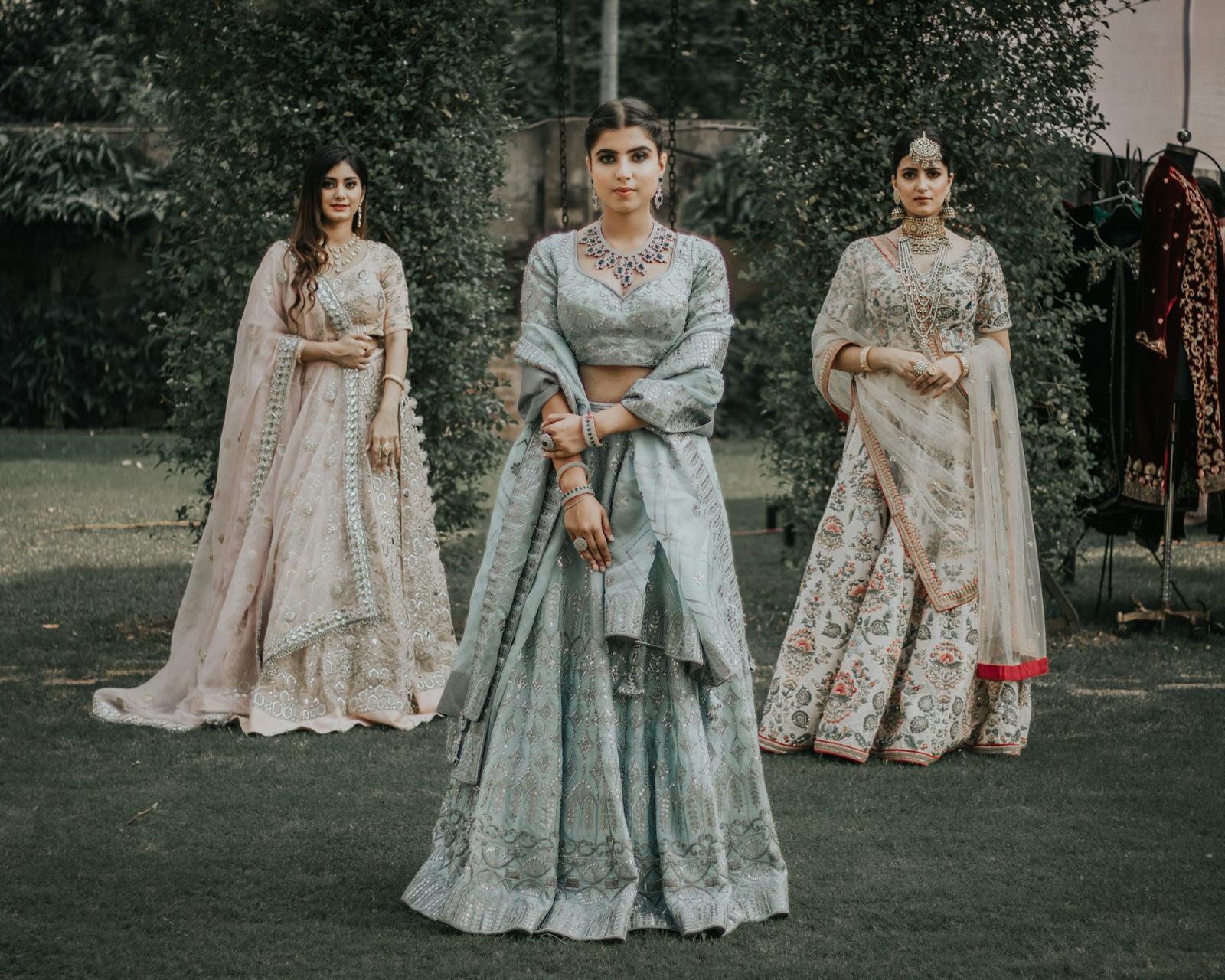
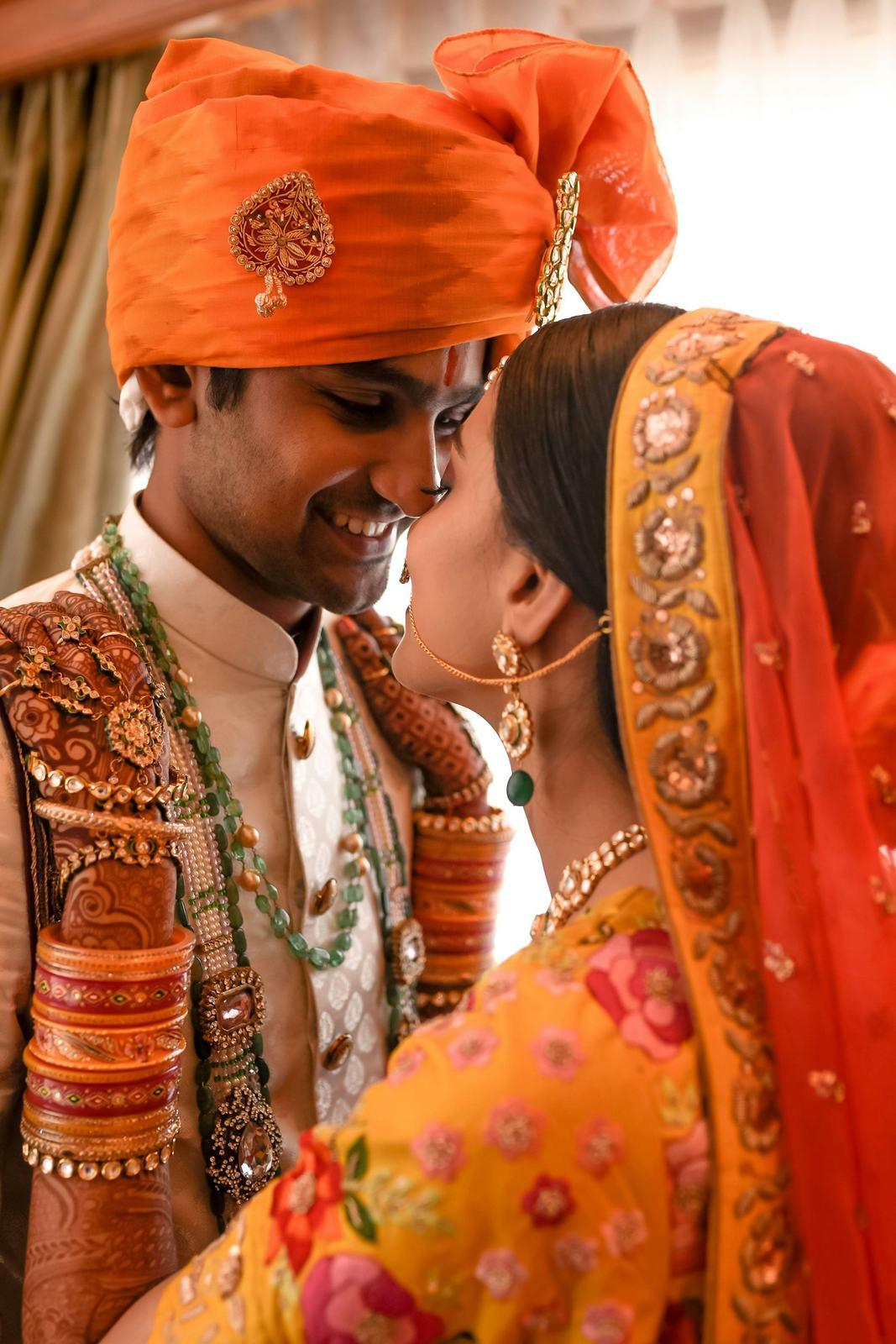
24 of 25,412 photos from a five-day wedding. Pick a guest to search for.
A few practical details that matter at Indian-wedding scale:
- Upload the whole set, in folders. Haldi, mehendi, sangeet, pheras, reception. Guests see their photos across every function, and the couple gets the same folders in their own gallery.
- Share one guest link, not forty. Post it in the family group with one line: “Take a selfie on this link to get your photos.” That’s the whole instruction.
- Give the couple their own link. They should see everything, mark favourites and share their picks with all guests. Guests should only see themselves.
- Keep your watermark on. Every photo that ends up on someone’s status should carry your name. On SpotMe the watermark is on both the original and the mobile download.
What about guests who aren’t in many photos?
This comes up a lot. The couple can mark photos as “shared with everyone”, like the big group shots and the varmala, so even a guest who was in two frames opens a gallery that feels full.
A quick comparison
| Guests find their photos | Works on phones | Quality kept | Your brand | You learn who came | |
|---|---|---|---|---|---|
| Google Drive link | Slowly, by scrolling | Barely | Yes | No | No |
| WhatsApp forwards | Only what you send | Yes | No, heavily compressed | No | No |
| Manual face folders | Yes | Yes | Yes | Sometimes | No |
| SpotMe | Yes, in about a second | Yes, no app | Yes, originals | Yes, on every photo | Yes, verified numbers |
The part nobody mentions: guests become leads
Every guest who opens a SpotMe gallery verifies their mobile number. You get that list, with names, for every wedding. A wedding of 500 guests has a few dozen people who will get engaged in the next two years. Most photographers have no way of reaching them. Now you do, and they’ve just spent ten minutes looking at your best work.
Where to start
If you want to try this on a real wedding, the free plan holds about two weddings’ worth of edited photos, and our team will set up your first event with you on a call. You can also try the demo first, or read how the face recognition itself works.