Face recognition
How face recognition photo sharing works, in plain language
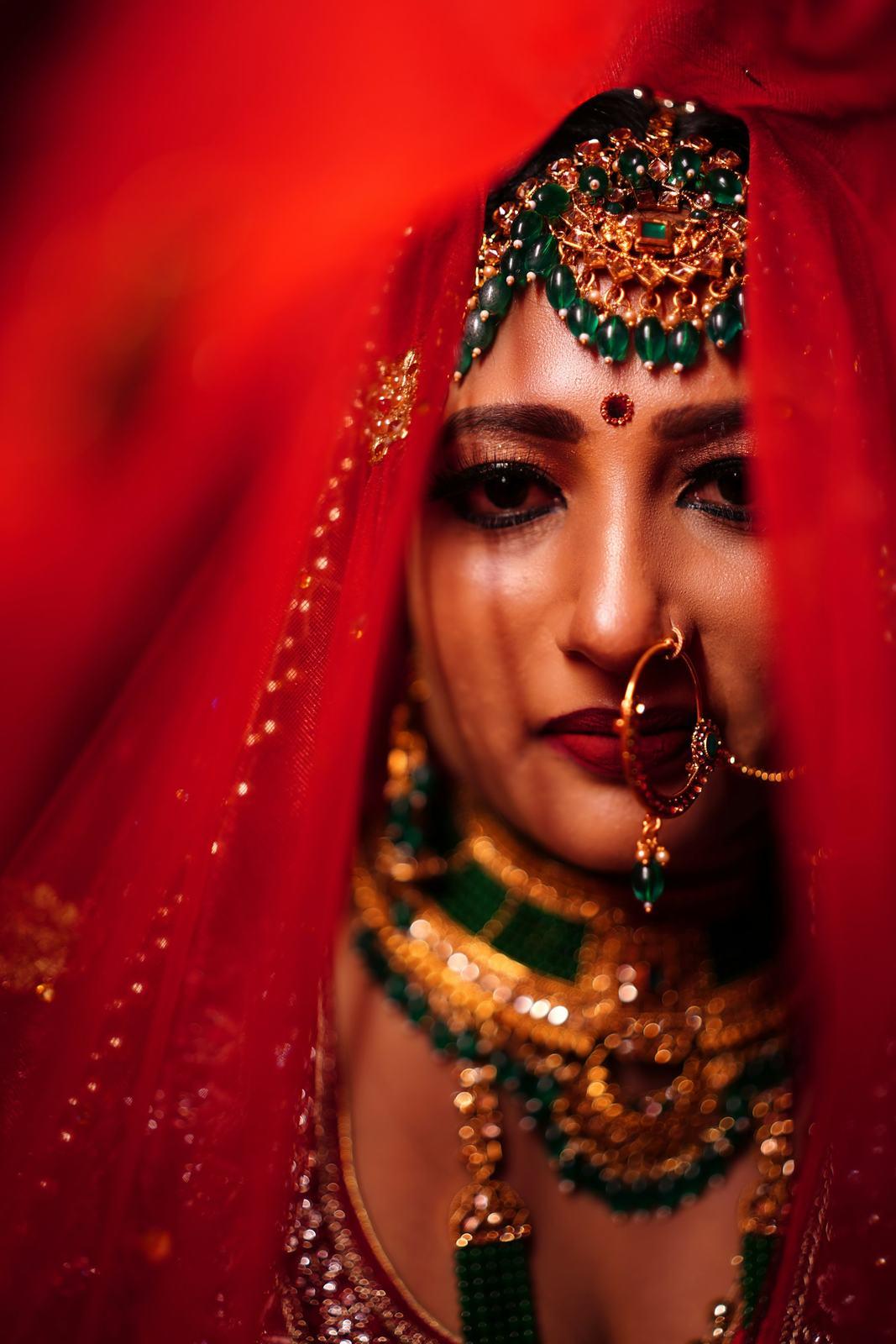
The first time we tested an early version of our matching on a real wedding, it was my cousin’s, in Vadodara. It did well on the reception photos. Then it put my mama-ji in the same group as the groom’s uncle, because both were wearing the same orange safa and both had the same moustache. In fairness, half the family mixes them up too.
That was a long time ago, and the system we run today is very different. But it taught me that face recognition at a wedding is a much harder problem than the face check that opens your phone, and that photographers deserve a straight explanation of how it works before they trust it with a client’s family.
So here it is, without the jargon.
The short version
When you upload a wedding to SpotMe and click Find faces, four things happen:
- We find every face in every photo.
- We check each face is clear enough to be useful.
- We turn each face into a face template, a list of numbers that describes it.
- We group the templates, so all the faces of one person in that event sit together.
Later, when a guest takes a selfie, we turn the selfie into a template too, find the closest group, and show them those photos. That last part takes about a second.
Let me go through each step.
Step 1: finding the faces
The first job is just to draw a box around every face in a photo. Not to recognise anyone, only to say “there’s a face here, and here, and here”.
At a wedding this is more work than it sounds. A wide shot of the baraat can have 80 faces in it, most of them tiny, some half-hidden behind a dhol or a raised arm. A photo of the bride getting ready has her face, her reflection in the mirror and three cousins in the background. We need all of them, because the cousin in the background is exactly the person who will never find that photo by scrolling.
Step 2: quality checks
Not every face we find is worth using. Some are motion-blurred from the dance floor. Some are turned almost completely away. Some are 20 pixels tall.
We check each face for blur and for how far the head is turned. Faces that fail are kept out of the grouping step, because one smeared face can pull two different people into the same group.
This is a trade-off, and I’d rather be upfront about it. If a guest’s only appearance in a photo is a heavily blurred face at the edge of the frame, that photo may not show up in their gallery. We’ve chosen to miss the odd unusable face rather than show someone a photo of a stranger.
Step 3: face templates, which are numbers, not pictures
This is the part people find surprising. We don’t compare photos of faces with each other. We turn each face into a face template: a few hundred numbers that together describe the shape and structure of that face.
A useful way to think about it is a very detailed description that only a computer can read. Two photos of the same person, one from the haldi and one from the reception, produce descriptions that are close to each other. Photos of two different people produce descriptions that are far apart. “Close” and “far” here are literally distances between lists of numbers.
You can’t turn a template back into a photo. It isn’t a picture, and it doesn’t store one.
Step 4: grouping faces within the event
Now we have thousands of templates for one wedding. A big Gujarati wedding can easily produce 15,000 to 40,000 face appearances, since most people show up in dozens of photos. We group them so that every appearance of one person ends up together.
Grouping happens inside one event only. Your Patel wedding is never compared with someone else’s Shah wedding, and a guest who attends three weddings in a season is three separate, unconnected people to us.
Step 5: the selfie
A guest opens the gallery link in their phone browser, enters their name and mobile number, verifies it with a code on WhatsApp, and takes a selfie. We turn the selfie into a template, compare it against the groups in that one event, and show the photos from the closest match. About a second from selfie to gallery.
Here’s that last step on a sample wedding:
Try it yourself
Tap a guest’s selfie and watch SpotMe find them.
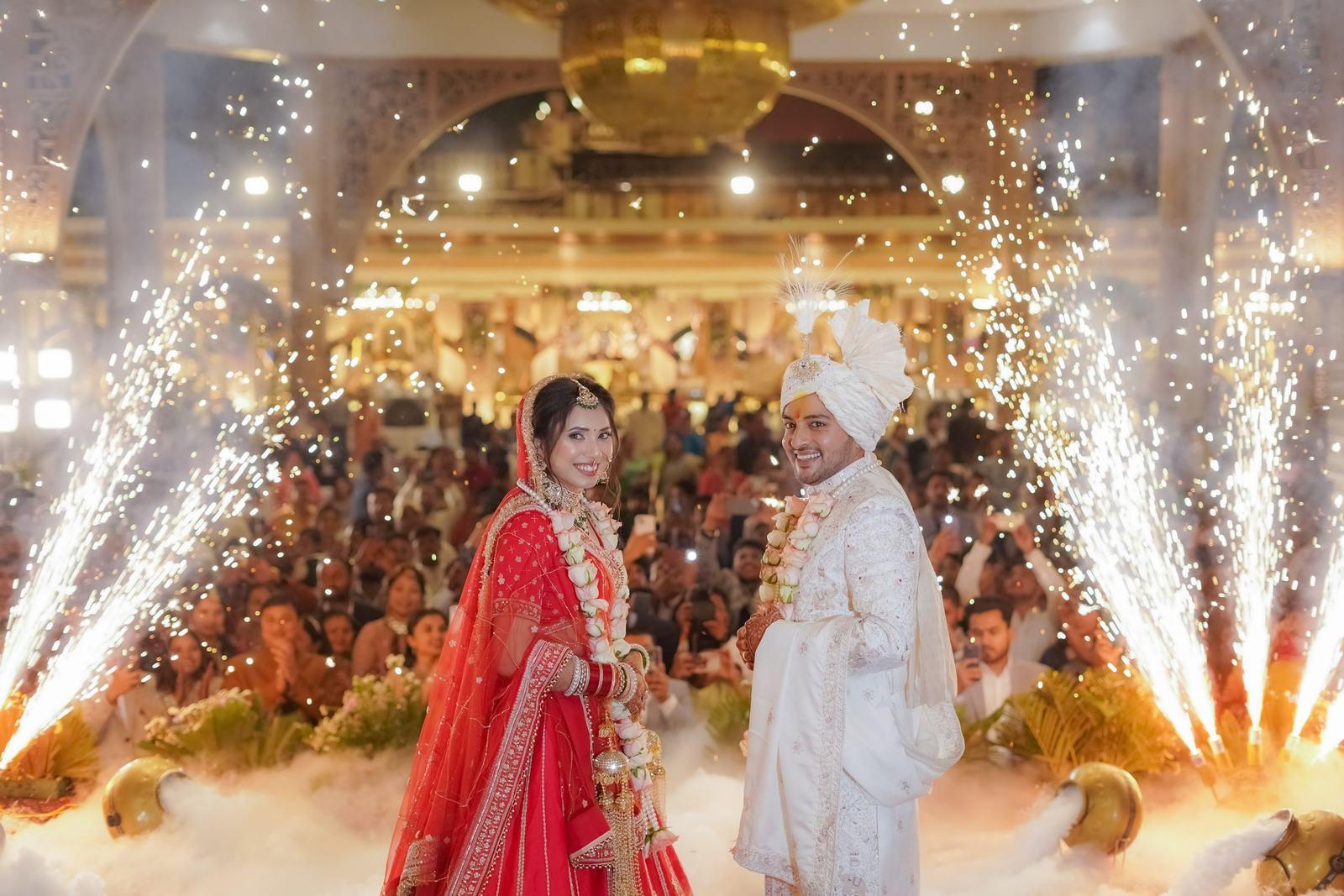
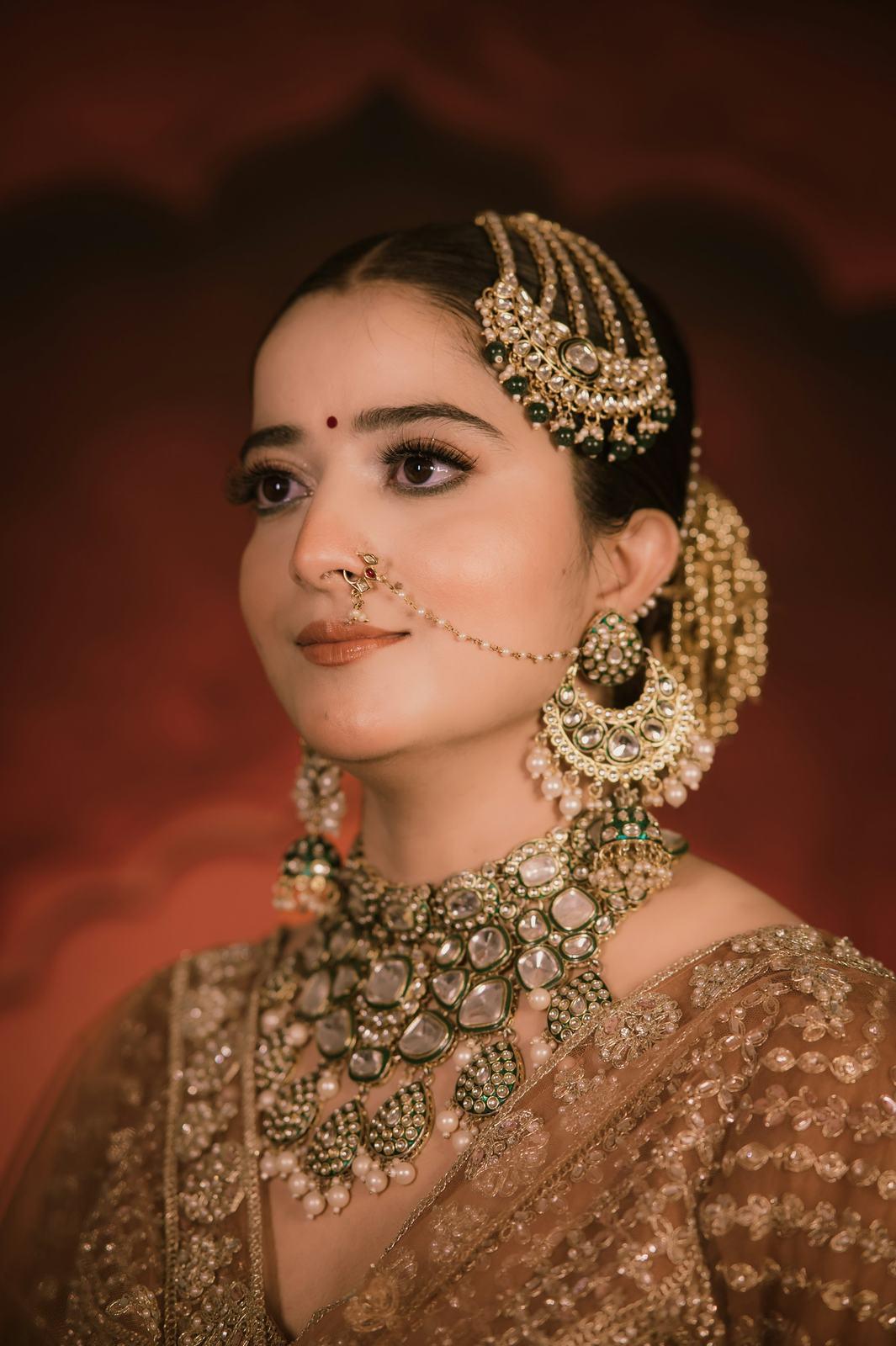
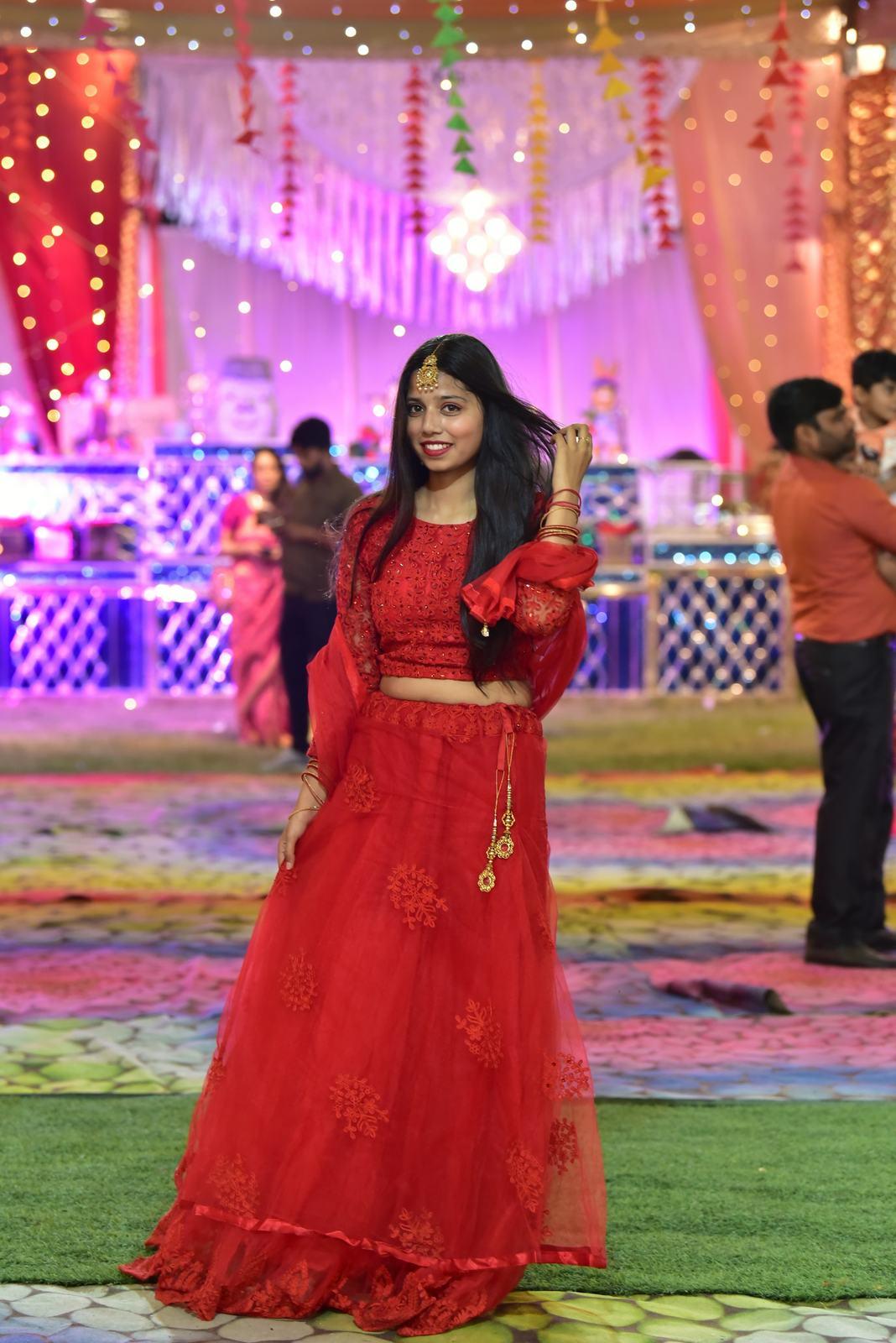
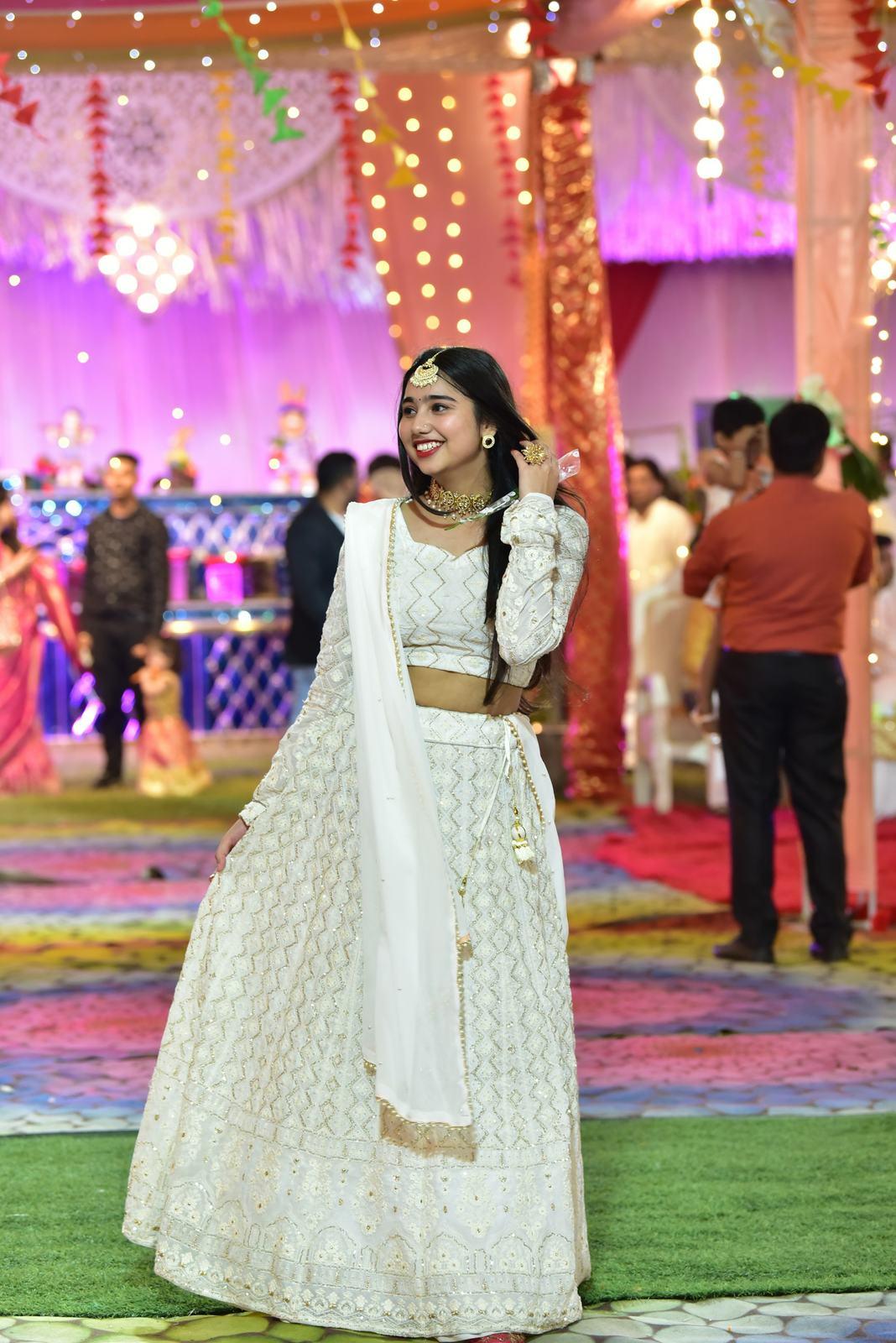
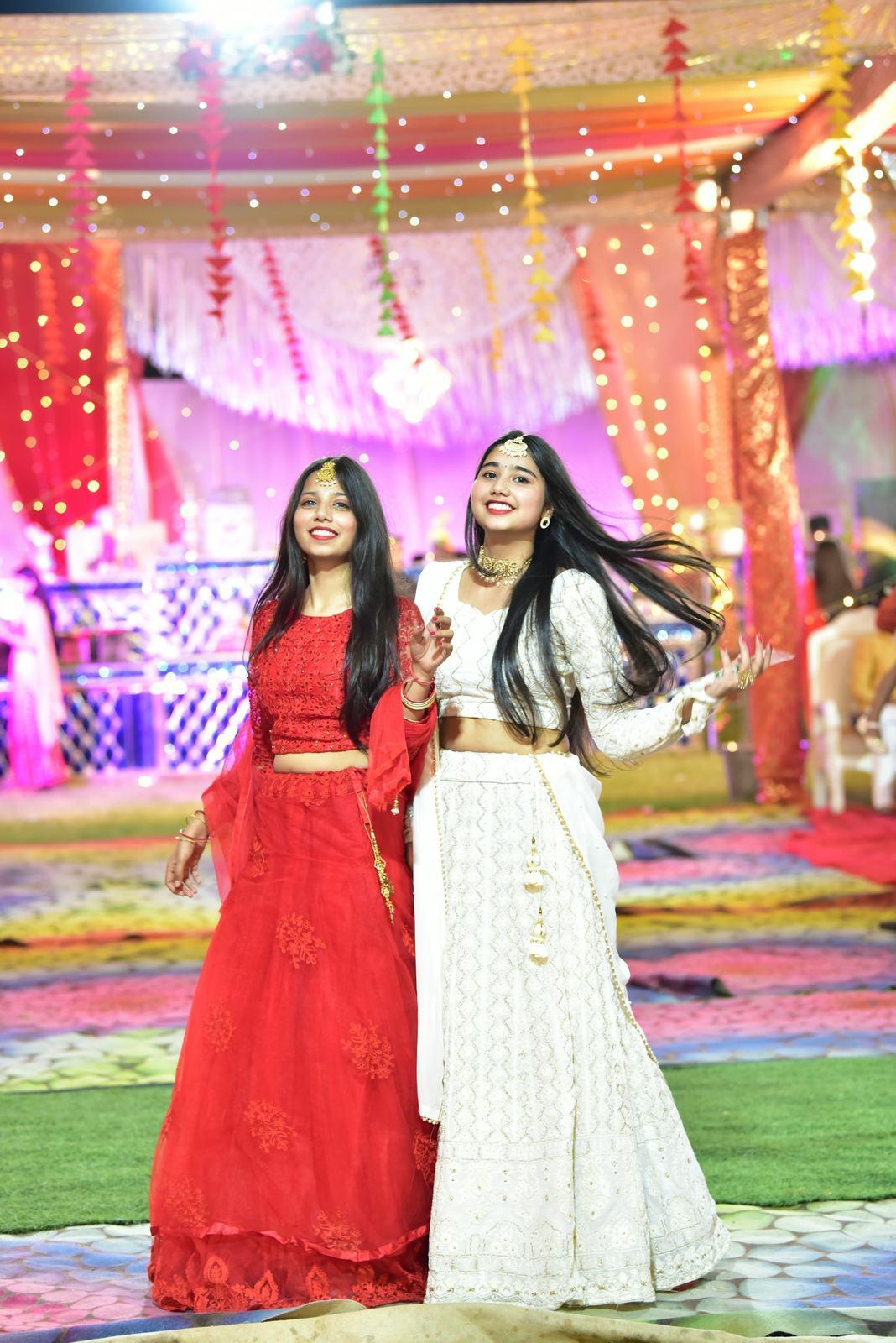
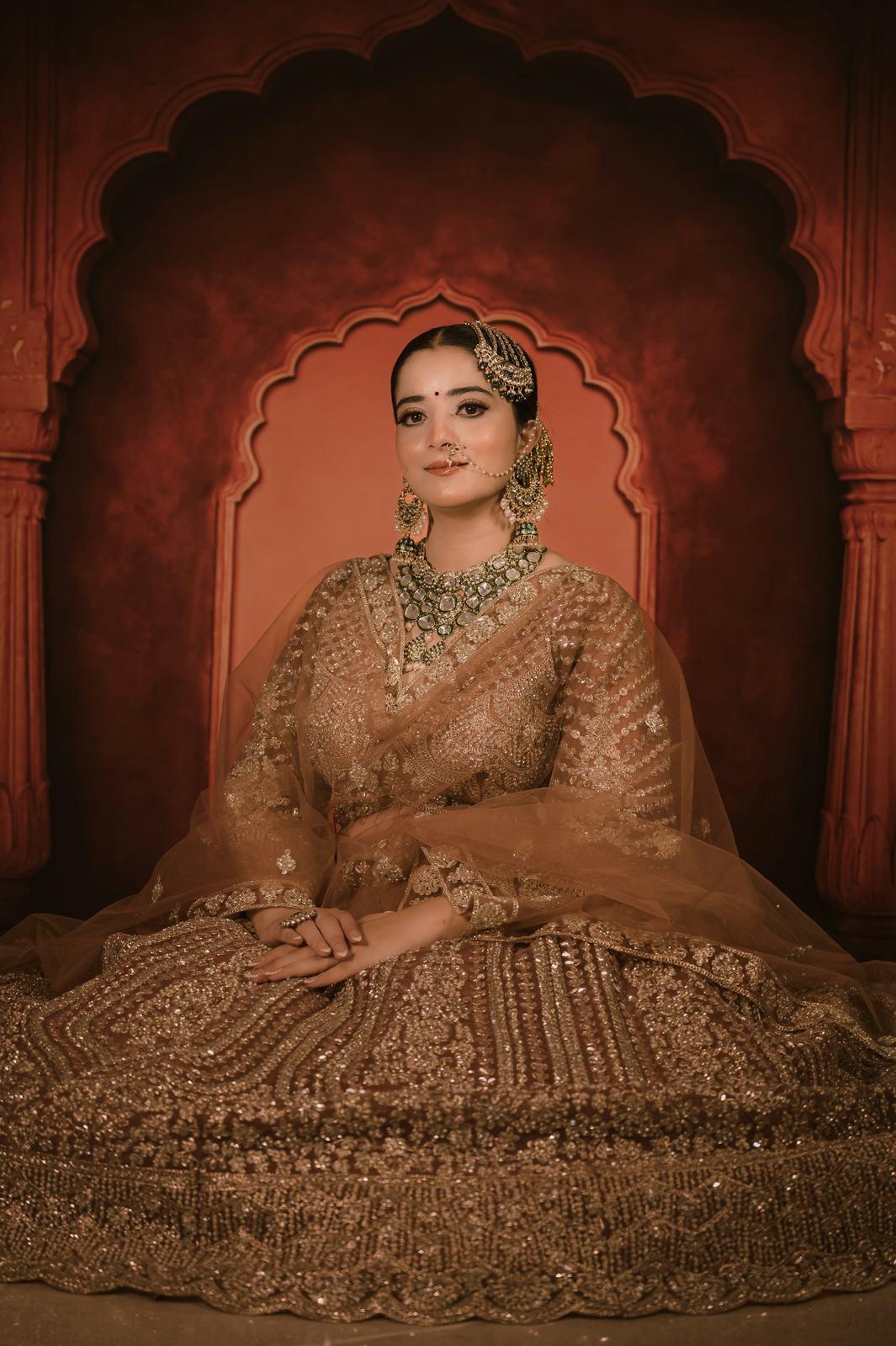
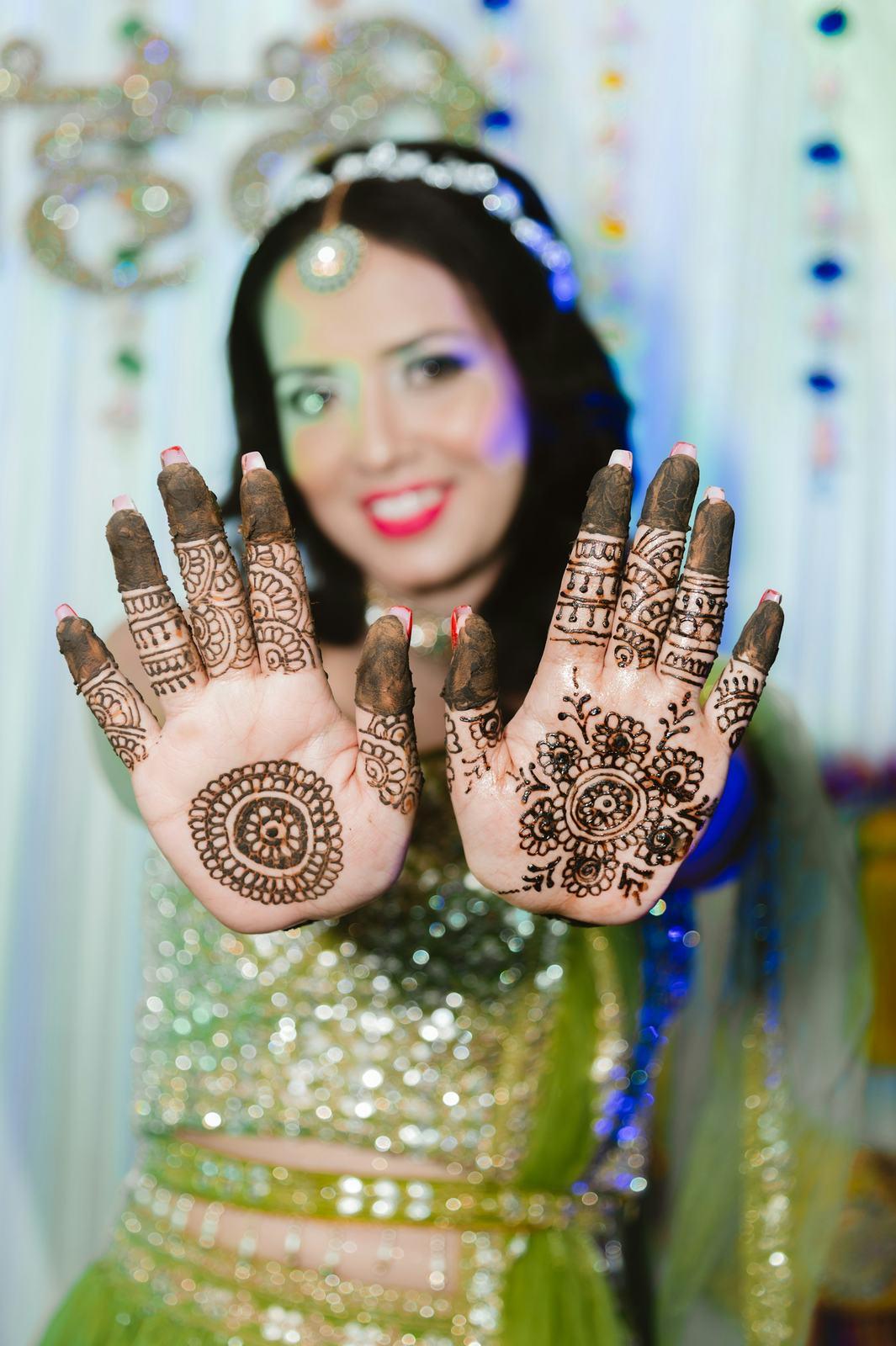
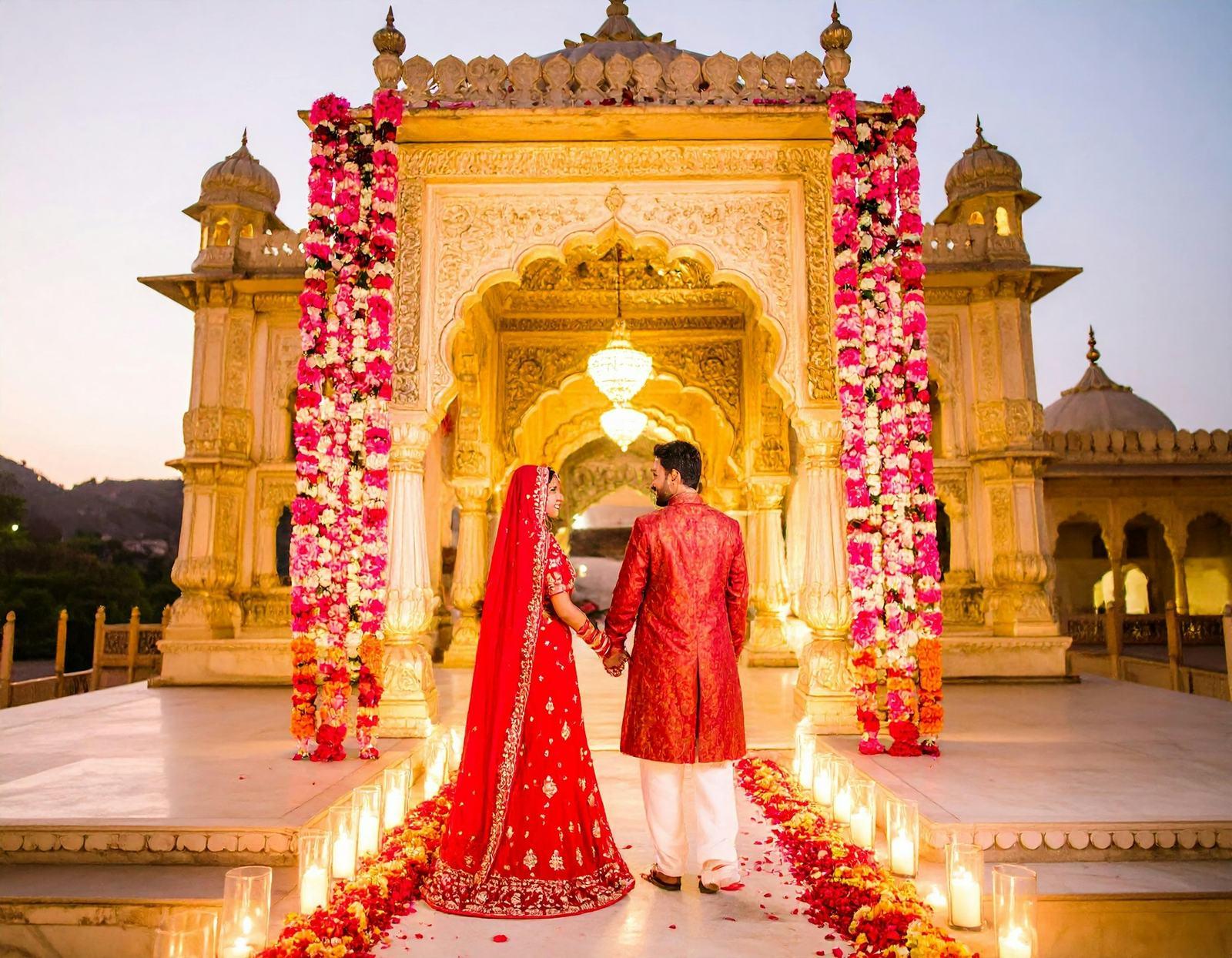
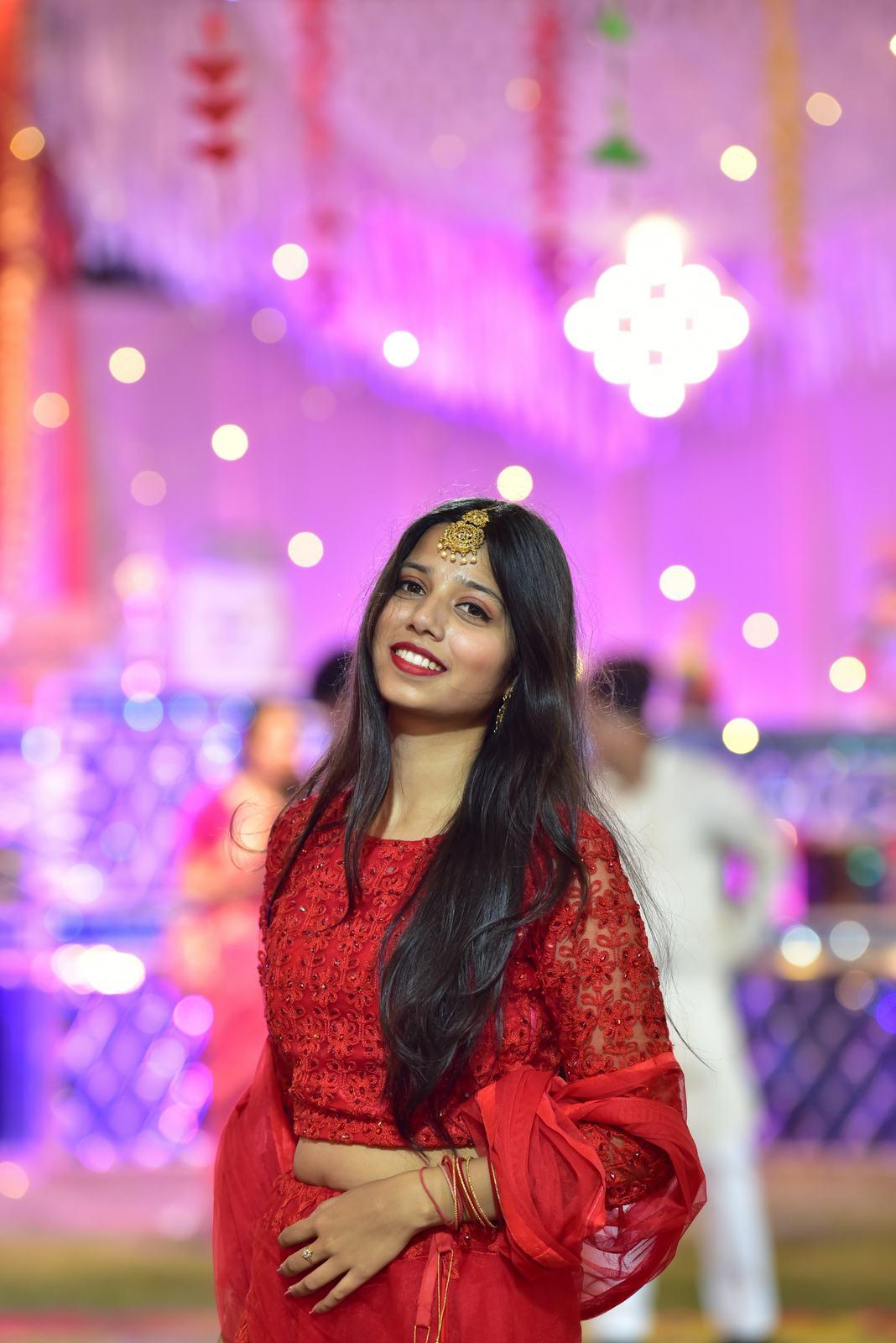
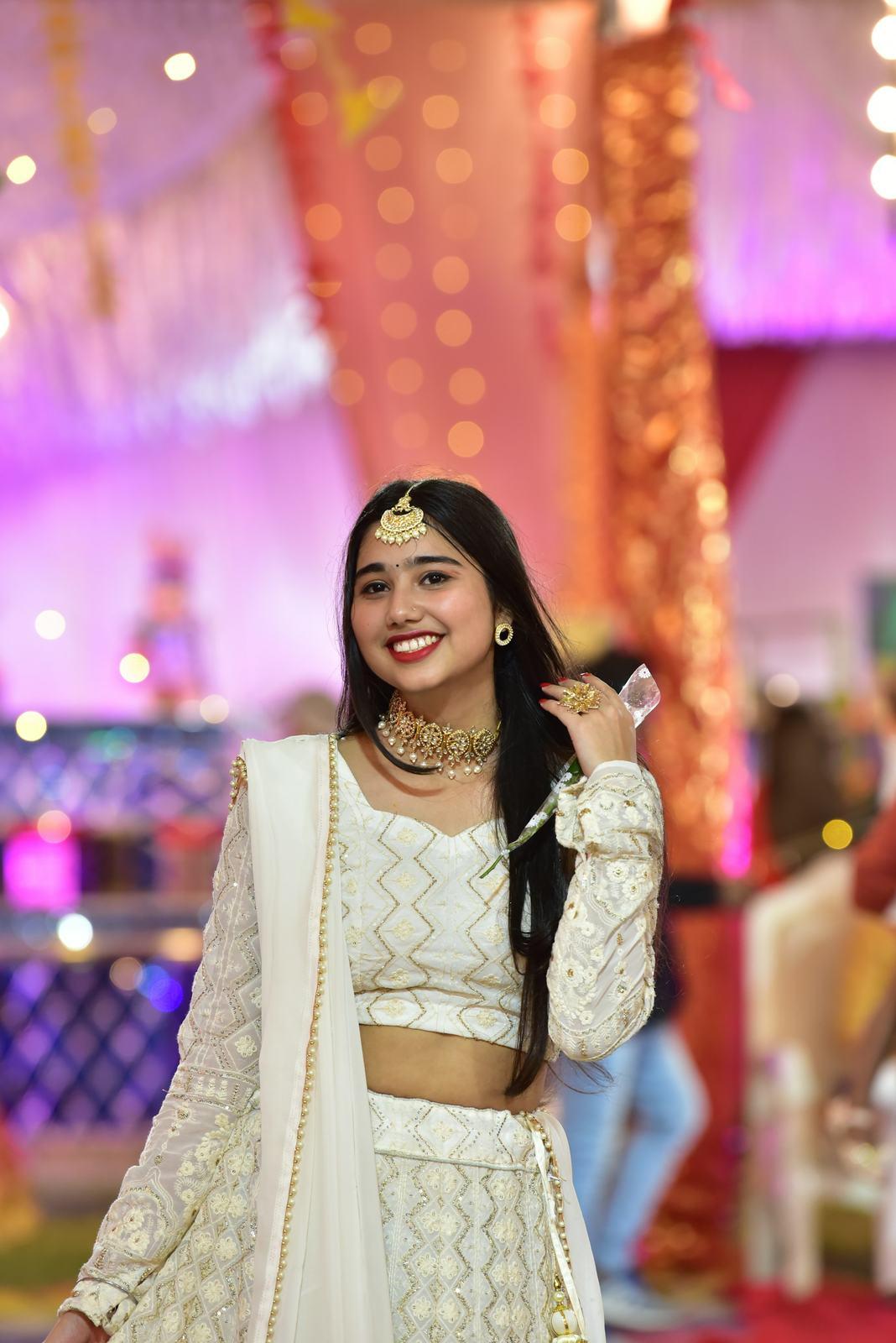
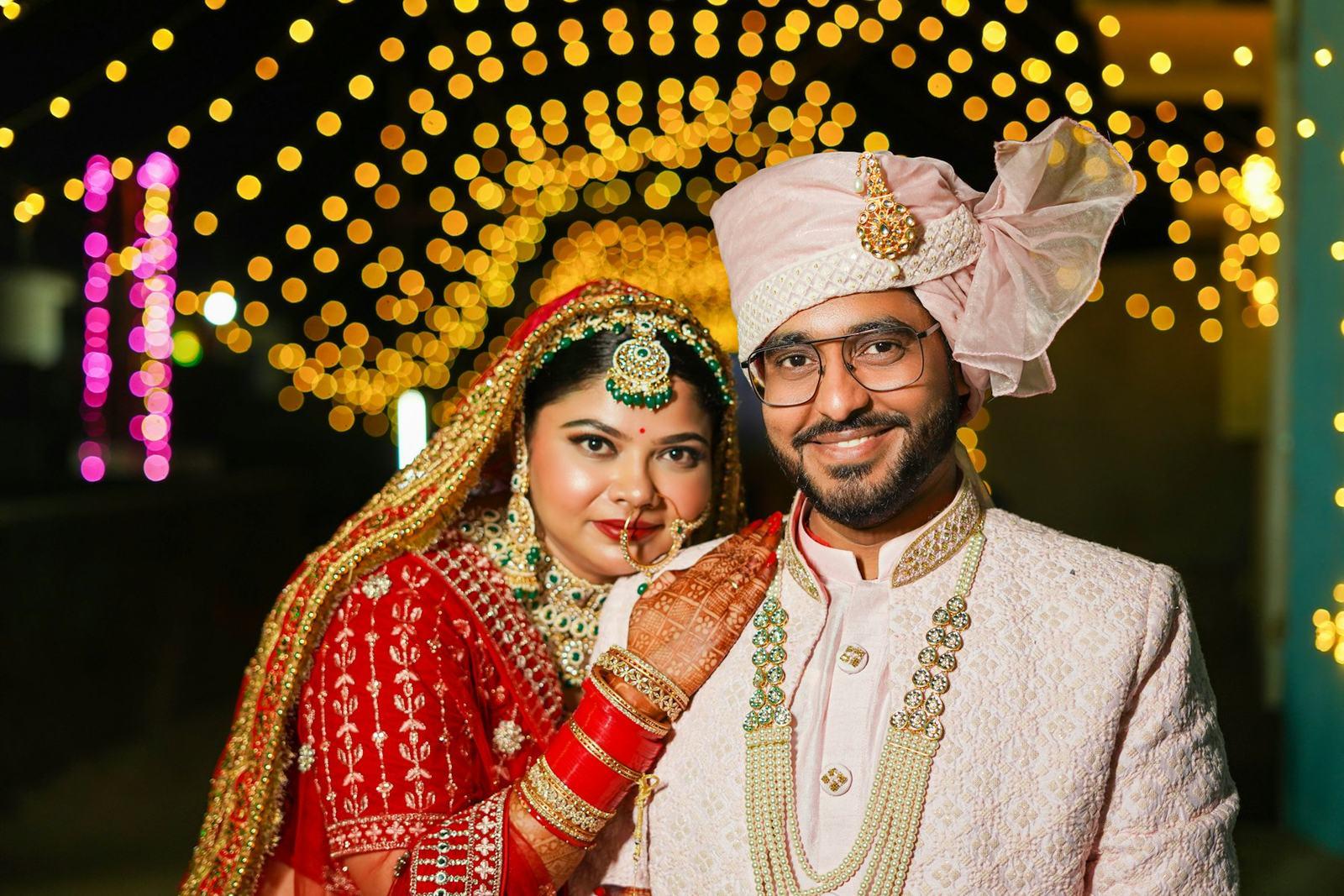
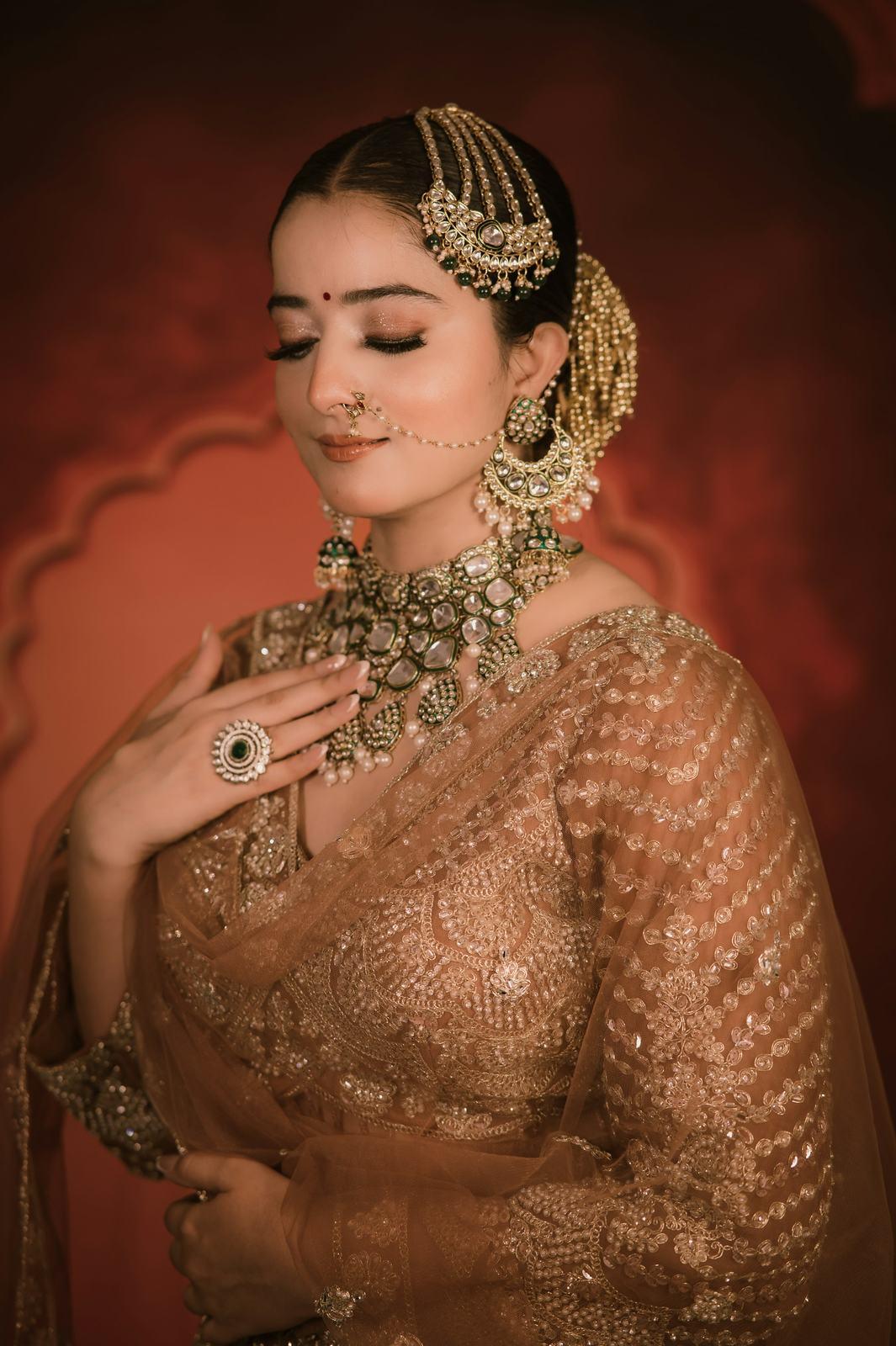
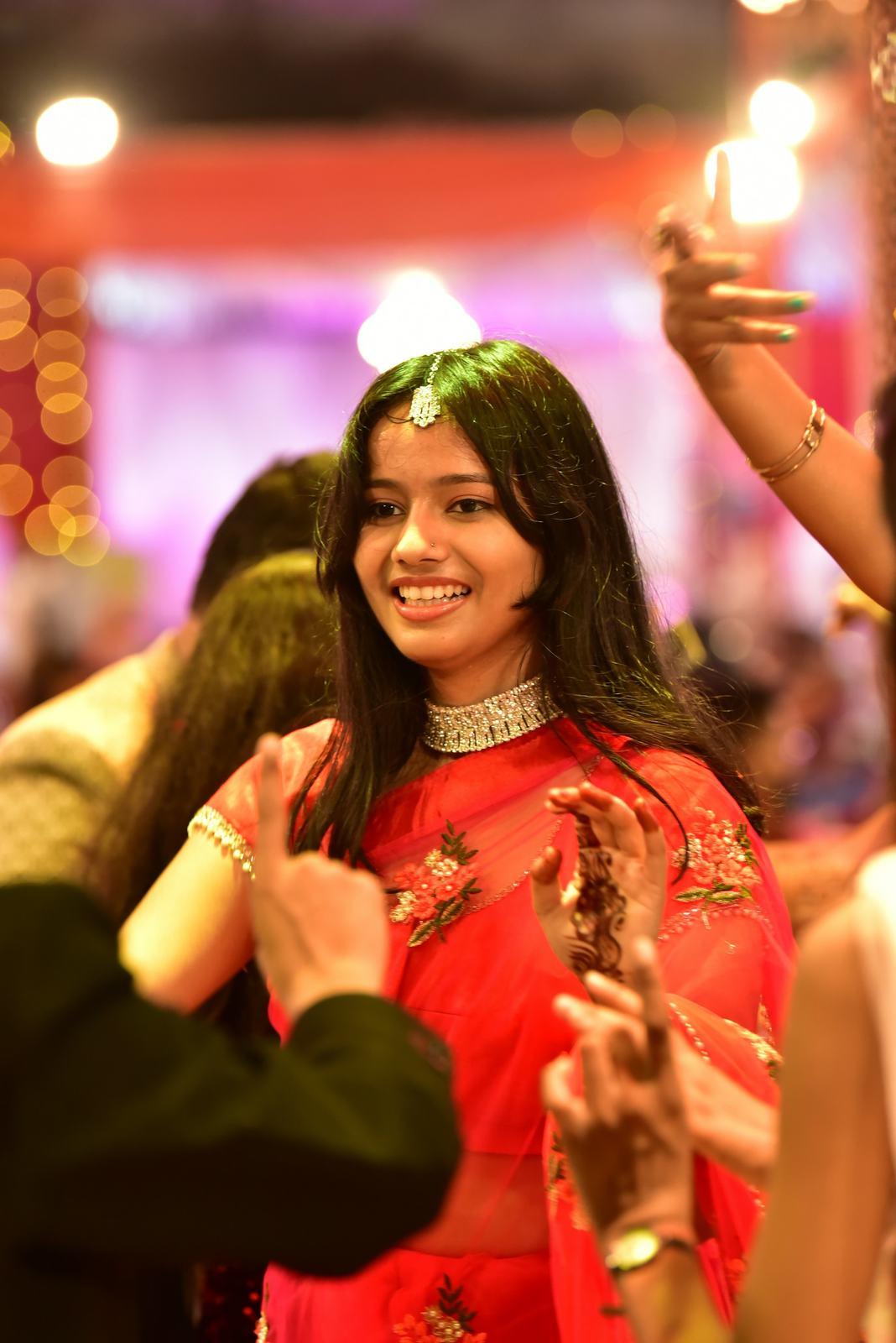
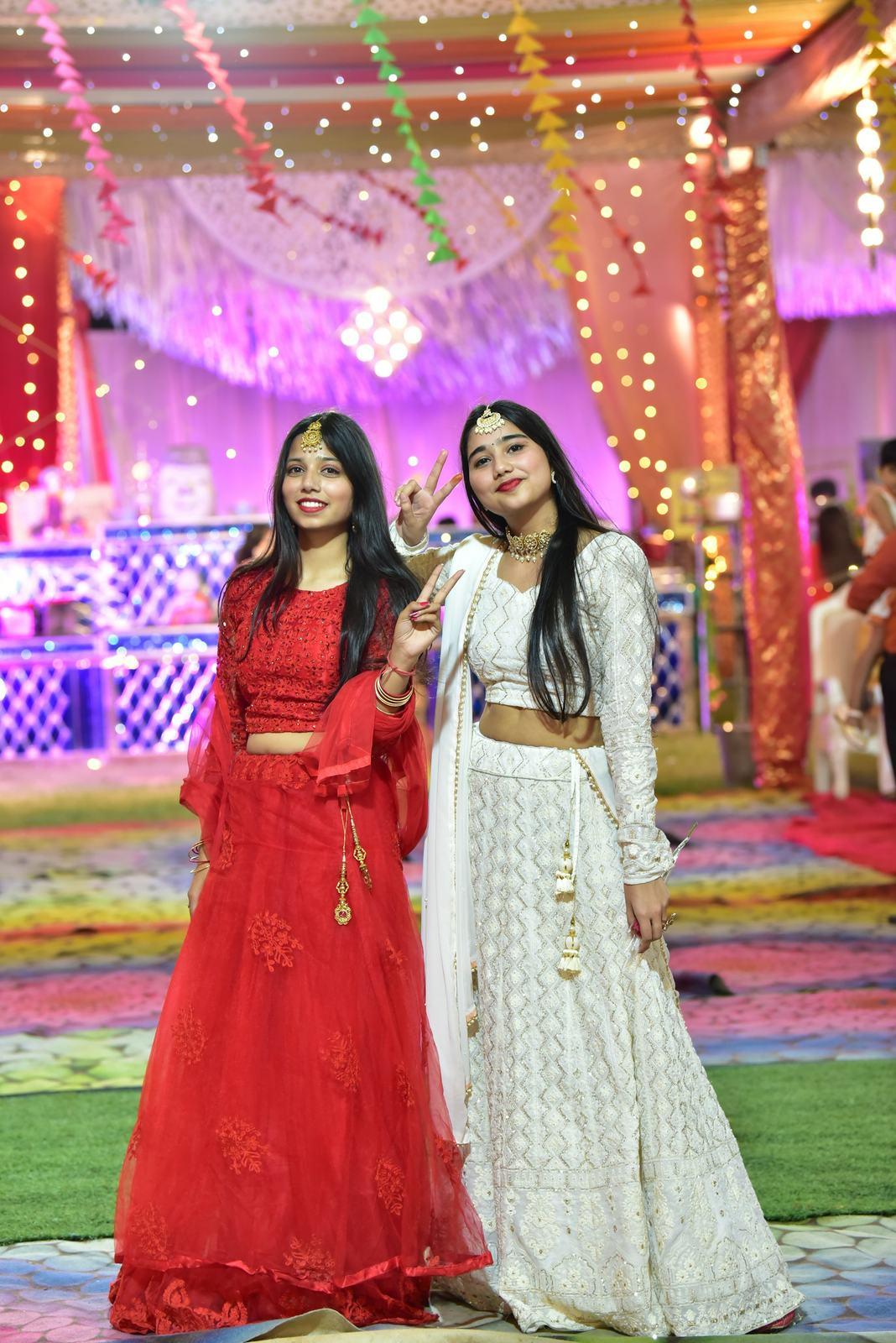
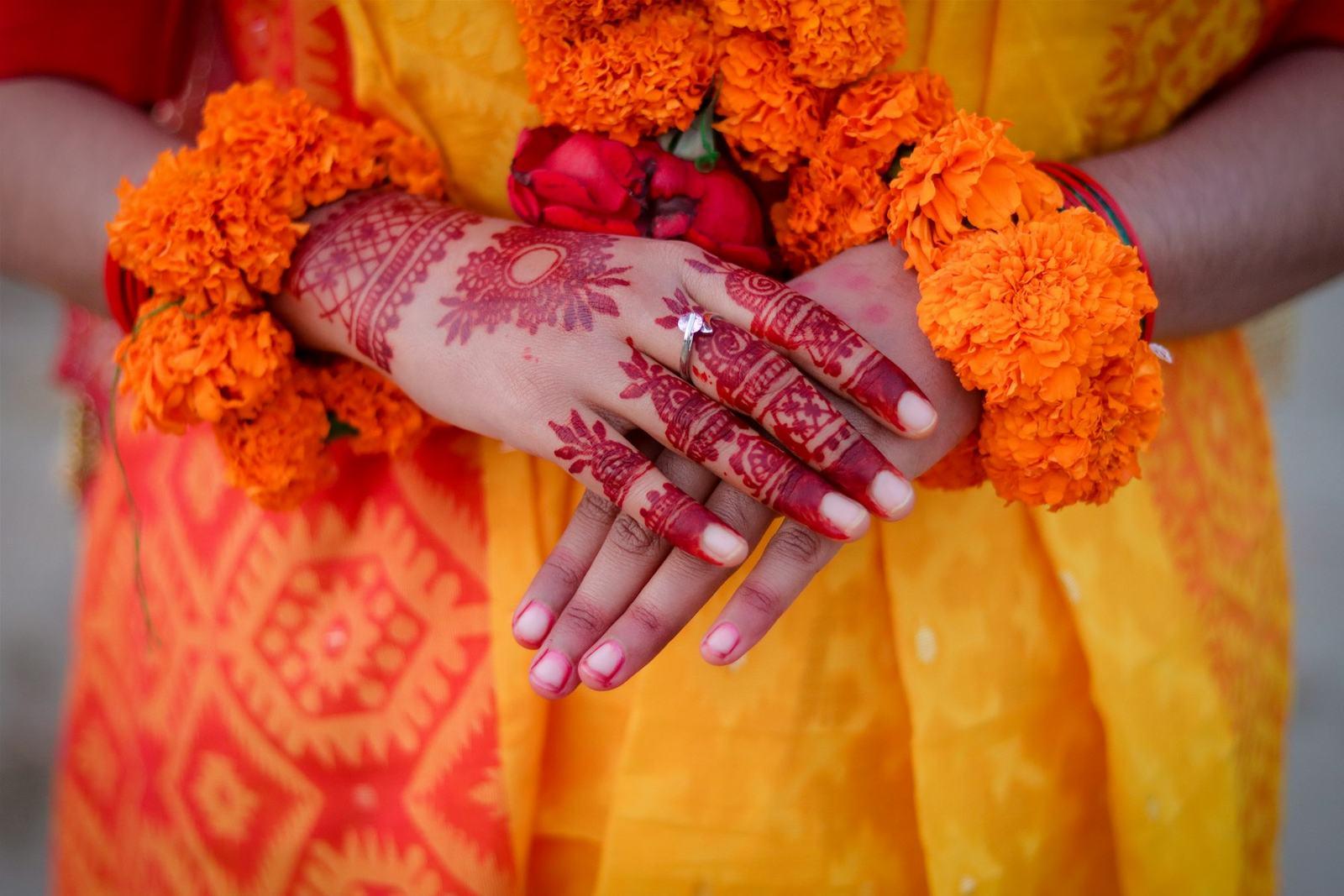
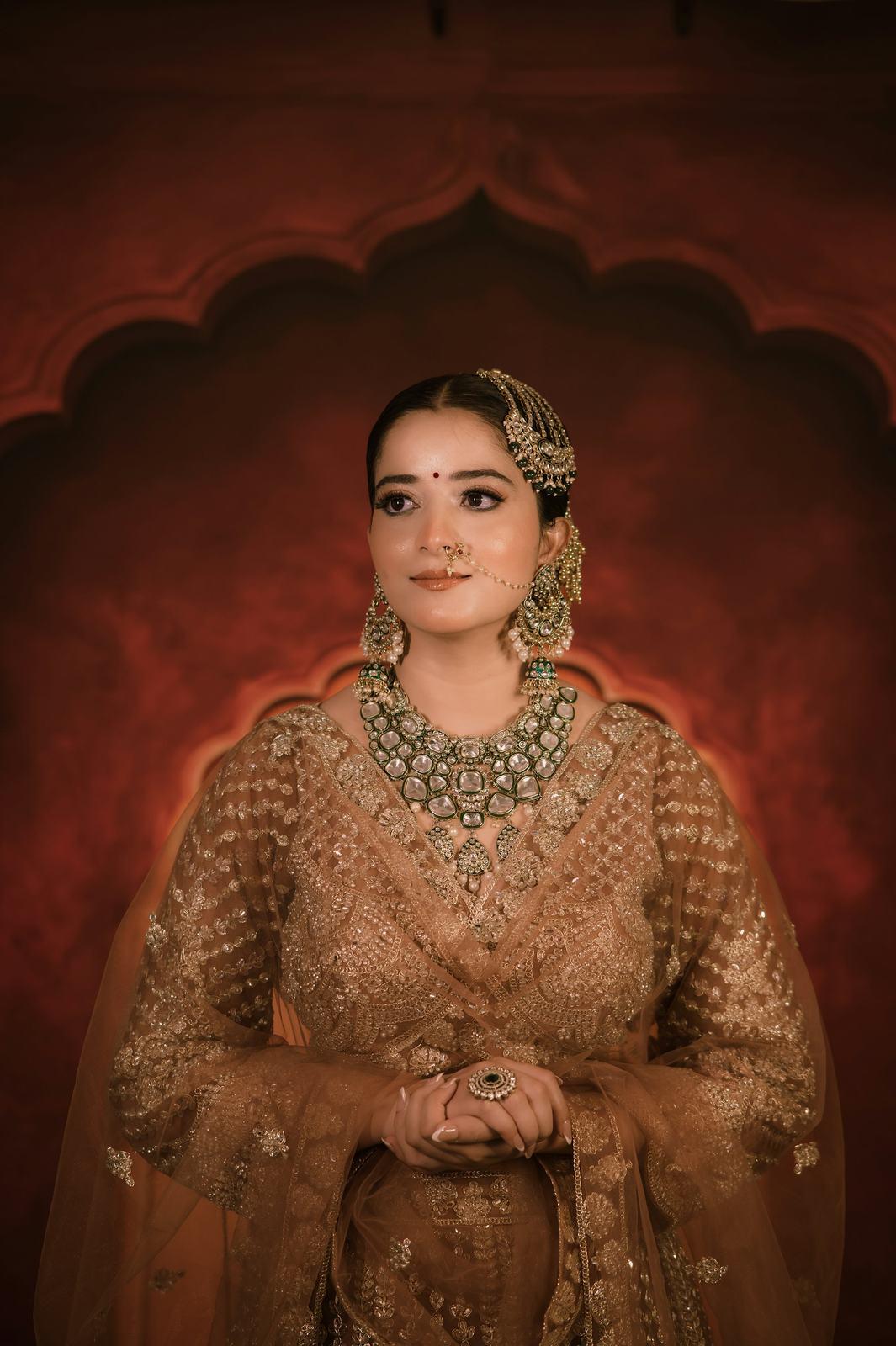
24 of 25,412 photos from a five-day wedding. Pick a guest to search for.
The selfie itself is never stored. It becomes a template, the template is used to match that guest within that event, and that’s all it is used for.
Why weddings are the hardest test
Most face recognition you’ve met was built for passport-style photos: someone looking straight at a camera in even light. Indian weddings break almost every one of those assumptions.
- Side profiles. During the pheras, the couple spends most of the time facing the fire, not you. Half of a wedding’s most important frames are three-quarter or full profile.
- Ghunghats and veils. A bride under a sheer red dupatta is partly visible. Under a heavy ghunghat she might not be visible at all, and no system, human or machine, can match a face it can’t see.
- Heavy jewellery. A large nath covers part of the mouth and nose. A maang tikka and matha patti sit right across the forehead. Kundan sets throw reflections onto the skin.
- Makeup that changes by function. The bride at the haldi, covered in turmeric, and the bride at the reception, in full HD makeup, can look like two different people in two different photos.
- Sangeet lighting. Dim halls, coloured LEDs, haze machines and cold pyros. Faces go magenta, then blue, then disappear into shadow.
- Kids. Small faces, constant motion, and they never look at the camera. They also look quite alike at that age, which is lovely for families and annoying for us.
- Lookalike relatives. Brothers, cousins, the two uncles with the same safa.
We trained our models in-house, on wedding and event photos, specifically for these conditions. On real wedding and event photos, our face recognition is 99.99% accurate. That number is measured on actual weddings, with all of the above in them, not on a clean lab dataset.
Where guest data goes, and where it doesn’t
Photographers ask us about privacy more than about accuracy, and they’re right to. Here is exactly how it works:
| Question | Answer |
|---|---|
| Whose AI runs the matching? | Ours. Our models are trained in-house and run on our own servers. No third-party AI provider sees your photos or your guests’ faces. |
| Are selfies stored? | No. A selfie becomes a face template used only to match that guest within that event. |
| Is face data used to train models? | No, never. |
| Where are photos kept? | On AWS in Mumbai, India, in private storage. |
| Can someone share a photo link around? | Media links are signed and expire after an hour. |
| Can one event see another? | No. Grouping and matching happen within a single event. |
What you actually have to do
Very little, which is the point. Upload the edited wedding, in folders if you like (they’re kept). Once the upload is done, click Find faces. When it finishes, share the guest link in the family group and the couple link with the couple.
If a guest says a photo is missing, the most common reasons are the ones above: a face that was turned fully away, hidden under a veil, or too blurred to use. At least now you can explain why. If it’s a photo that matters, the couple can share it with all guests from their own gallery.
If you want the business side of this, read how to share wedding photos with guests. For the security details, there’s a full security page.