
The whole wedding, in the order you shot it
The couple has waited weeks for these photos. They deserve better than a Drive folder called “Final_Edited_v2”. Their master link opens every function in your folders, with favourites, a people view and full-resolution downloads.
Free forever on 10 GB. Every feature on every plan.
At a glance
Every function, your folders
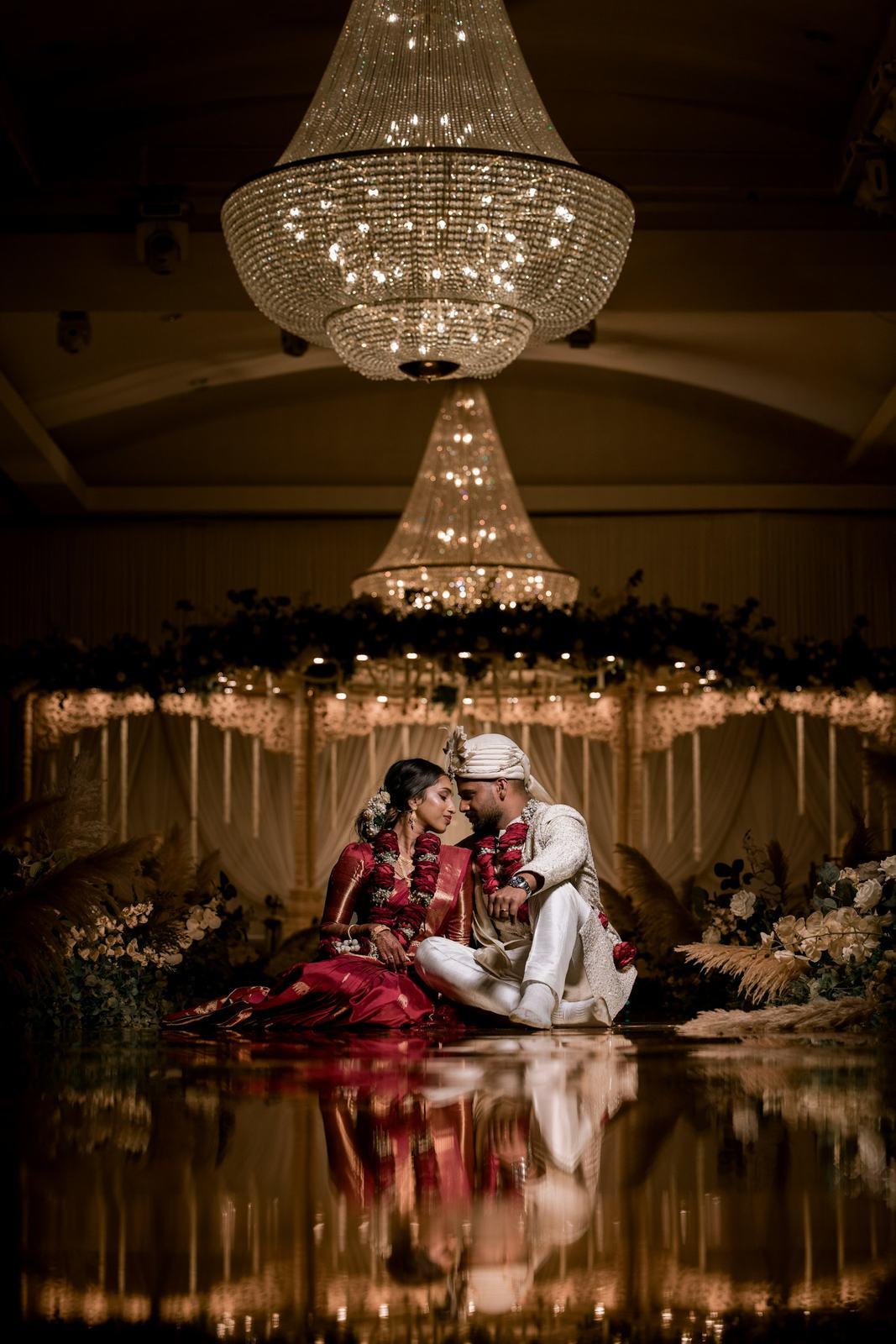
Haldi, mehendi, sangeet, pheras and reception appear exactly as you organised them, nested folders included.
Favourites on every device
A heart on the laptop shows up on the phone. Favourites stay private to the couple, with no link to forward around.
They choose what guests get
The couple can mark the family portraits and stage photos that every guest should have, whoever is in them.
What the couple sees when they open it
You send the master link on WhatsApp, usually the same day you send the guest link. The bride or groom enters their name and mobile number, types the code we send, and they’re in. On that phone or laptop they stay signed in, so next week it opens straight to the photos.
The gallery leads with your studio name and logo, then the folders you uploaded. If you shot a three-day wedding as “Day 1 / Haldi”, “Day 2 / Sangeet” and “Day 3 / Baraat”, that’s exactly how they browse it. Photos sit on a black background so the colours of the lehenga and the décor carry the page, and a tap opens a full-screen viewer with swipe and pinch-to-zoom.
One thing to tell them: this link opens the entire wedding. It’s meant for the couple and close family, the people who would get the pen drive. Guests get their own guest gallery instead.
Favourites for the album, the frames and the thank-you cards
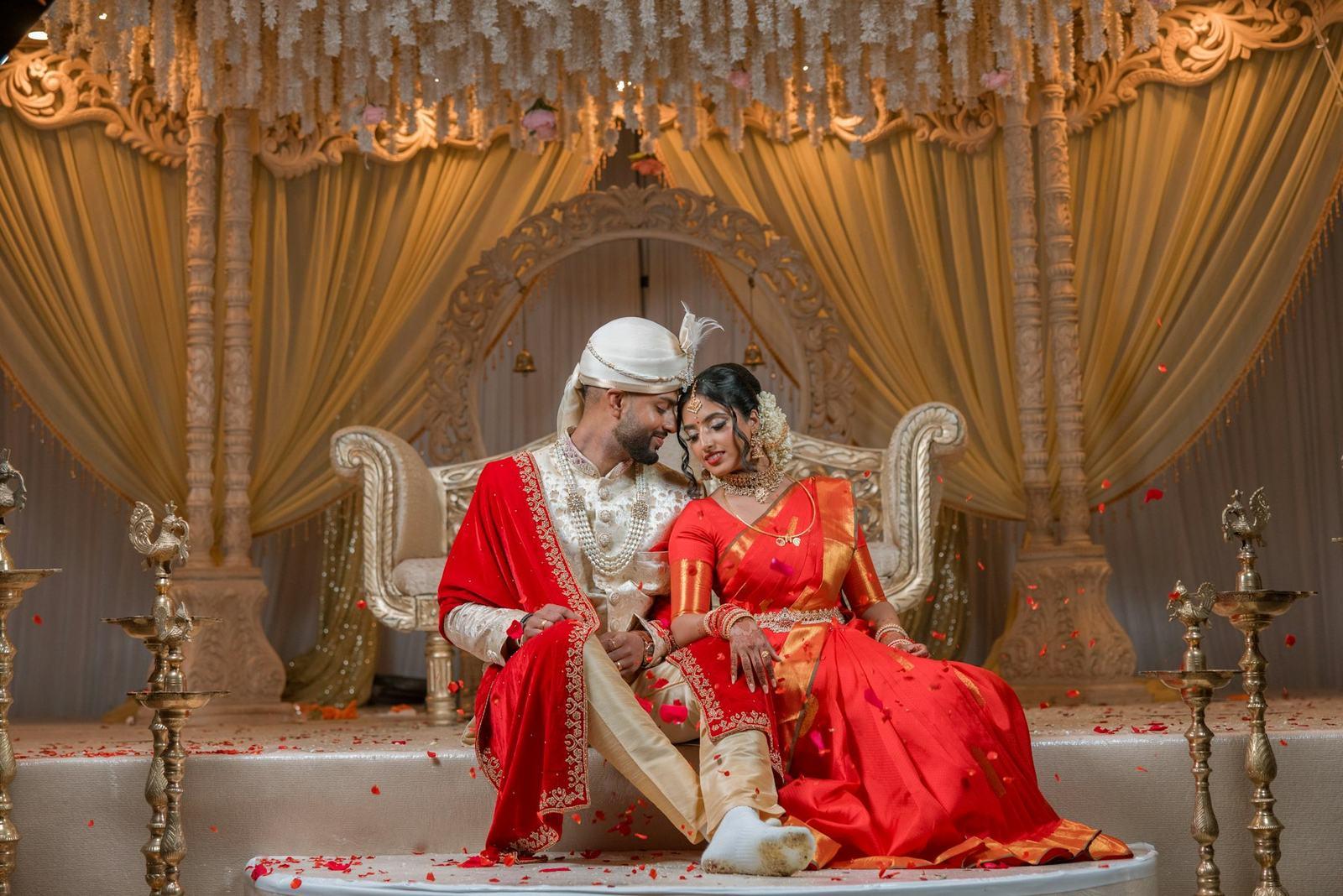
Most couples go through the gallery more than once. The first pass is on the phone, on the drive home from the airport. The second is on a laptop with their parents, arguing about which pheras photo goes in the album.
Favourites follow them through both. Every heart is saved on our servers against their verified number, not in the browser, so it shows up on whatever device they open next. A Favourites section collects them from every folder in one place.
Many studios now use this for album selection. Instead of a WhatsApp list of file names (“DSC_4471, DSC_4480, the one where mummy is laughing”), the couple hearts their shortlist and you open the same list.
Favourites are private. Guests never see them, and there’s no favourites link to send around.
Every photo of Nani, in one tap
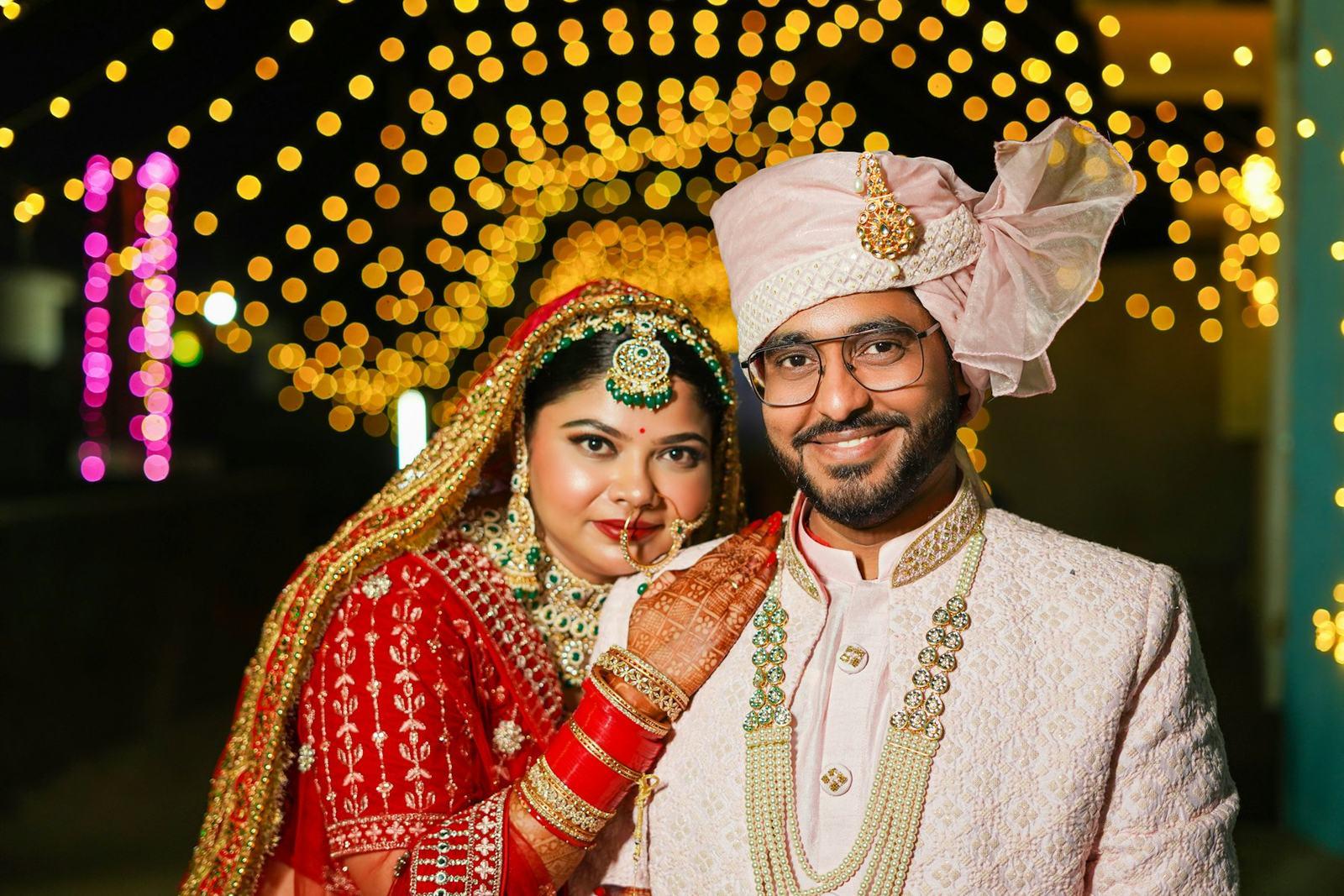
A switch at the top of the gallery flips between Gallery and People. People shows a grid of faces, one tile per person, with the person in the most photos first and a count on each tile.
Tap a face and you get every photo that person is in, across every function. Couples use it for small, specific jobs that would otherwise take an evening of scrolling:
- Putting together a frame for the grandparents
- Sending the bride’s college friends their photos before the guest link reaches them
- Checking that the groom’s bua made it into enough stage photos
The tiles show faces, not names, and for now the couple can’t rename or merge people. It’s a way to browse, and it only loads when they tap it, so the main gallery stays quick.
Choosing what every guest gets
On their own link, guests see only the photos they appear in. That’s right most of the time, but some photos belong to everyone: the couple’s entry, the varmala, the full family group on stage, the mandap before the first guest arrived.
The couple can mark any photo as shared with guests. It then appears in every guest gallery, including for guests who aren’t in it. A college friend who came only for the reception still gets the pheras.
This is separate from favourites. The couple can heart 400 photos for themselves and share 30 with everyone, and neither list affects the other.
Downloads, one photo or a whole set of favourites
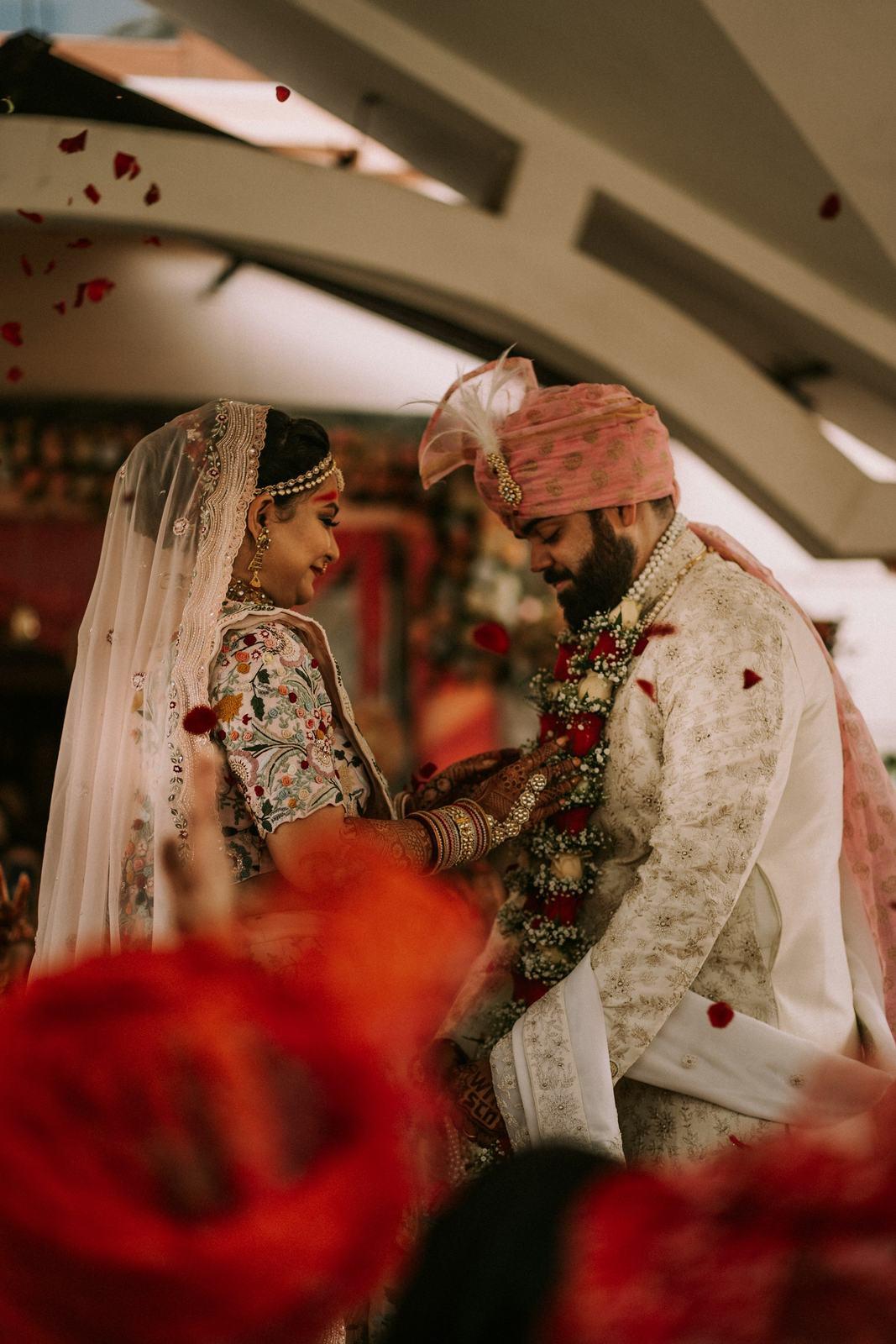
Every photo can be saved two ways:
- Original, at full resolution, for printing, framing or the album lab.
- Mobile, a 2048-pixel copy that saves quickly and looks sharp on WhatsApp and Instagram.
When the couple has finished hearting, they can download all their favourites as one zip file instead of saving photos one by one.
If you’ve set a watermark it sits on both versions, and a watermarked original takes a few seconds to prepare. If you sell albums or prints and would rather keep full-size files back, you can switch original downloads off for that event. More on how we handle files on the original quality page.
What’s included that others charge for
Every plan, including Free, has all of this. You only choose how much storage you want.
Original files, in and out
Upload full-resolution JPEG, HEIC or TIFF. Guests download the original or a mobile copy, never a squashed preview.
Usually elsewhere:Resized to around 2,000 px, with full resolution as a paid extra
No limit on photos
40,000+ photos in a single upload. You pay for storage, never per photo.
Usually elsewhere:Plans priced by photo count or credits
Storage you can reuse
Delete an event and its space comes straight back. Upload, delete and re-upload all year.
Usually elsewhere:Used-up uploads stay used up
Unlimited guests and face searches
A 2,000-guest reception costs the same as a 50-guest haldi. WhatsApp OTPs are included.
Usually elsewhere:Guest caps, scan limits or per-message fees
Every feature on every plan
Watermark, branding, couple gallery and guest leads are on Free too. Plans only differ in storage.
Usually elsewhere:Branding and watermark locked to higher tiers
A real gallery for the couple
Every function in your folders, synced favourites and a people view, separate from guest galleries.
Usually elsewhere:One shared gallery with a privacy toggle
Our own AI, on our own servers
In-house trained models, no third-party AI providers. Guest selfies are never stored.
Usually elsewhere:Worth asking where your clients’ faces are processed
| With SpotMe | Usually elsewhere |
|---|---|
Original files, in and out Upload full-resolution JPEG, HEIC or TIFF. Guests download the original or a mobile copy, never a squashed preview. | Resized to around 2,000 px, with full resolution as a paid extra |
No limit on photos 40,000+ photos in a single upload. You pay for storage, never per photo. | Plans priced by photo count or credits |
Storage you can reuse Delete an event and its space comes straight back. Upload, delete and re-upload all year. | Used-up uploads stay used up |
Unlimited guests and face searches A 2,000-guest reception costs the same as a 50-guest haldi. WhatsApp OTPs are included. | Guest caps, scan limits or per-message fees |
Every feature on every plan Watermark, branding, couple gallery and guest leads are on Free too. Plans only differ in storage. | Branding and watermark locked to higher tiers |
A real gallery for the couple Every function in your folders, synced favourites and a people view, separate from guest galleries. | One shared gallery with a privacy toggle |
Our own AI, on our own servers In-house trained models, no third-party AI providers. Guest selfies are never stored. | Worth asking where your clients’ faces are processed |
From photographers using it
“Couples love having a folder for each function. Haldi, mehendi, sangeet, pheras, reception, all separate. One bride sent me a voice note at 1 am saying she had been scrolling for two hours.”
Krupa PanchalKrupa Panchal Photography, Anand, Gujarat “I used to make separate Drive folders for the bride’s side, the groom’s side, college friends, office friends. Now it’s one link. The bride’s mother told me it was the first family wedding where she didn’t have to forward photos to anyone.”
Nirali ShahNirali Shah Studio, Surat, Gujarat “Clients usually compare us with whatever their cousin’s photographer used. I open a couple gallery on my phone and show them. The conversation normally ends there.”
Nisha GohilMoments by Nisha, Junagadh, Gujarat
Common questions
How is the couple gallery different from the guest gallery?
The couple’s master link shows every photo in every folder, with favourites and a people view. A guest link shows only the photos that guest is in, plus anything the couple has shared with everyone.
Can the couple share their link with their parents?
Yes. Anyone with the master link can open the full gallery after verifying their mobile number, so it should go only to close family. For everyone else, send the guest link.
Can guests see the couple’s favourites?
No. Favourites are private to the couple and there is no favourites link. Only photos the couple marks as shared appear in guest galleries.
Can the couple download all their favourites at once?
Yes. They can download every favourite as a single zip file. Any individual photo can also be saved as the full-resolution original or a 2048-pixel mobile copy.
Do I have to organise photos into folders?
No, but couples love it. SpotMe keeps the folder structure you upload, so a folder per function gives them haldi, mehendi and sangeet as separate sections. A single flat folder shows as one long gallery.
Keep exploring
- Guest galleryEach guest gets only the photos they are in, from one selfie, in their phone browser.
- Original qualityOriginals stored exactly as uploaded, with a full-resolution and a mobile download for every photo.
- Wedding photo sharingEvery function to the couple, and each guest’s own photos from one selfie, through one link.
- Live demoPick a guest and watch SpotMe find them in a real wedding.
Your first wedding, set up with you, free.
Send us one event. Our team sets it up with you on a call, and you see it working on your own wedding before you pay anything.
- No card needed
- Every feature included
- 10 GB free forever