
How face recognition photo sharing works
You upload the wedding, click Find faces and share a link. A guest takes one selfie and sees every photo they are in. Here is what happens in between, in plain language, and what we do with everyone’s faces.
Free forever on 10 GB. Every feature on every plan.
At a glance
99.99% accurate
Measured on real wedding and event photos, including side profiles, low light, jewellery and makeup.
About one second
From a guest’s selfie to their own gallery, because the hard work is done before they arrive.
Selfies never stored
A selfie is used to match one guest within one event, then discarded. Face data never trains our models.
Step one: Find faces, after you upload
Uploading and face recognition are separate on purpose. While photos upload, SpotMe only makes the web previews and applies your watermark, if you’ve set one. No face work starts yet, so you can reorganise folders or remove a few frames first.
When you’re happy with the set, you click Find faces. Our system then:
- Looks at every photo and finds each face in it, including faces at the back of a group shot.
- Turns each face into a face template, which is a set of numbers describing the face, not a photo of it.
- Groups the templates that belong to the same person. Mama-ji might appear in 312 photos across five functions; after this step, those 312 photos sit together as one person.
A big wedding takes a while, so you don’t need to watch it. We email you when it’s finished, and from then on guests can find themselves.
Step two: one selfie, about a second
A guest opens your link, verifies their mobile number and takes a selfie. A face guide shows them where to look, and a quick check stops a blurry or half-framed selfie before it is used.
That selfie becomes a face template too. SpotMe compares it with the people already grouped in that one event and returns the photos of the closest match. Because the grouping was done during Find faces, there’s no need to scan thousands of photos again. That is why the gallery appears in about a second, even for a 25,000-photo wedding.
On the same phone, a returning guest goes straight to their gallery. On a new phone they verify their number again and SpotMe remembers their match, so there’s no second selfie.

What 99.99% accuracy looks like at a real wedding
We measured our accuracy on real wedding and event photos, not on passport-style headshots. That means the situations you actually shoot:
- Side profiles during the pheras and candids from across the hall.
- Low light at the sangeet, with coloured LEDs and cold pyros.
- Heavy jewellery and makeup: a nath, a maang tikka, a bridal look that changes between the haldi and the reception.
- Glasses, turbans and safas.
- Kids and elderly guests, from the flower girl to Dada-ji.
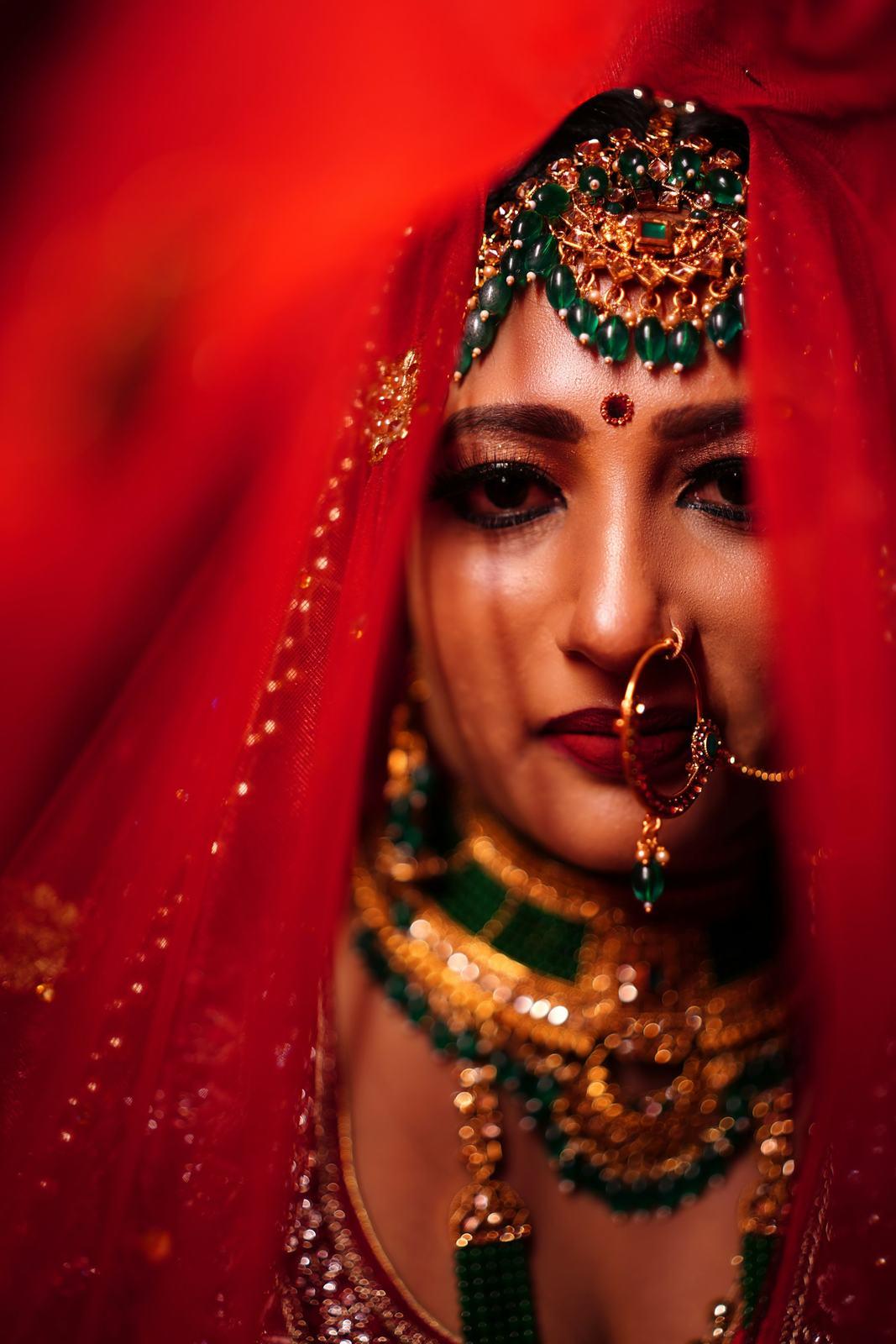
Here is the honest limit. Face recognition needs to see a face. Someone fully under a ghunghat, or photographed from behind, can’t be matched. For those photos the couple can share them with everyone from their gallery, so nobody misses the important ones.
Where faces go, and where they don’t
Your clients trust you with their faces, so we keep that chain short.
- Our own models. We trained our face recognition in-house and run it on our own servers. No photo or selfie is sent to a third-party AI provider.
- Selfies are never stored. A selfie becomes a face template, is matched, and is discarded.
- One event only. A guest’s selfie is compared only with the event they opened. Nobody can search across your events, or look for someone else’s face.
- Never used for training. Face data from your events is not used to train our models.
- Stored in India. Photos live on AWS in Mumbai in private storage, and every photo link is signed and expires after an hour.
The full details are on our security and privacy page, and our post on how face recognition photo sharing works goes deeper for the curious.
Why accuracy matters more than speed
Every face-matching app is fast now. What separates them is how often they get it wrong.
A wrong match means a guest sees a photo of someone else, which is a privacy problem with your name on it. A missed match means a message at 11 pm asking where the photo with the bride went. Both cost you time and goodwill, and on a 1,500-guest wedding even a small error rate turns into dozens of calls.
The fastest way to judge it is to try it. Our live demo lets you pick a guest and watch SpotMe find them in a real 25,412-photo wedding.
From photographers using it
“It took me one event to trust it. I went through the bride’s aunt’s gallery myself, about 140 photos, looking for a wrong match and didn’t find one. I’ve stopped checking.”
Harpreet SandhuSandhu Studios, Brampton, Ontario, Canada “Navratri garba is chaos for face matching: 2,000 people, coloured lights, everyone in similar chaniya cholis. I tested it on our society’s nine nights, about 11,000 photos. Out of the guests who used it, one person said a photo was missing. That’s it.”
Pooja MehtaPooja Mehta Weddings, Ahmedabad, Gujarat “Speed is what guests notice. Selfie, and the photos are just there. Nobody waits around, nobody calls me.”
Ananya KulkarniAnanya K Photography, Pune, Maharashtra
Common questions
How does face recognition photo sharing work?
The photographer uploads the event and clicks Find faces, which groups each person’s photos. A guest then takes a selfie, and SpotMe matches it against that event’s groups and shows their photos in about a second.
How accurate is face recognition for wedding photos?
SpotMe is 99.99% accurate, measured on real wedding and event photos. That includes side profiles, low light, heavy jewellery, makeup, glasses, children and elderly guests.
Does face matching start automatically when I upload?
No. Uploading creates the web previews and applies your watermark. Face recognition starts only when you click Find faces, and we email you when it has finished.
Are guest selfies stored?
No. A selfie is turned into a face template, matched against that one event and discarded. Face data is never used to train our models.
Can someone use a selfie to find photos of another person?
No. A guest sees only photos that match their own selfie, plus photos the couple has shared with everyone. Matching works within one event only.
Is my clients’ face data sent to a third-party AI company?
No. Our face recognition models are trained in-house and run on our own servers. No photo or selfie is shared with a third-party AI provider.
Keep exploring
- Security and privacyWhere photos live, how faces are handled, and who can see what.
- Live demoPick a guest and watch SpotMe find them in a real wedding.
- Guest galleryEach guest gets only the photos they are in, from one selfie, in their phone browser.
- Wedding photo sharingEvery function to the couple, and each guest’s own photos from one selfie, through one link.
Your first wedding, set up with you, free.
Send us one event. Our team sets it up with you on a call, and you see it working on your own wedding before you pay anything.
- No card needed
- Every feature included
- 10 GB free forever