Photo delivery
How to deliver wedding photos without losing quality

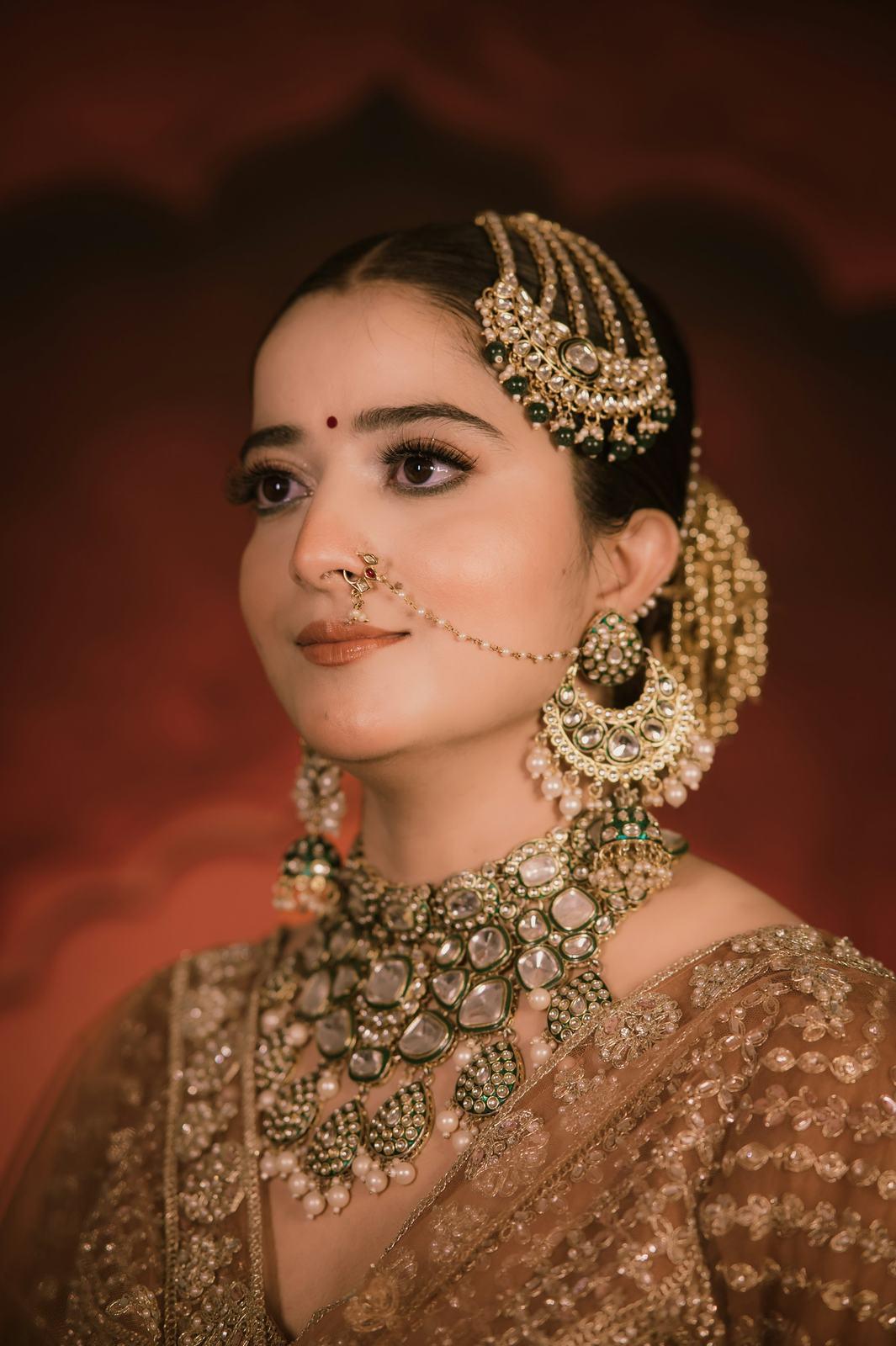
A photographer in Navsari once sent me two files of the same bridal portrait. One was her export from Lightroom. The other was the version the bride’s cousin had forwarded back to her on WhatsApp, the one that was now on everybody’s status.
On a phone, at a glance, they looked similar. Then she zoomed into the nath. On her export you could see every tiny pearl and the light catching the gold wire. On the forwarded copy the gold looked like orange plastic and the pearls had melted into one blob.
“Is my camera the problem?” she asked. It wasn’t. The file had been through two rounds of compression on its way to that status. Here’s what happens, and how to avoid it.
Resolution and compression are two different things
Most quality problems come from mixing these up, so it’s worth getting them straight.
Resolution is how many pixels the photo has. A 24-megapixel camera makes photos about 6,000 pixels wide and 4,000 tall. More pixels means you can print bigger or crop harder.
Compression is how much detail the file throws away to make itself smaller. JPEG files save space by simplifying areas that look similar, like a patch of sky or a plain wall. A little compression is invisible. A lot of it turns fine detail (embroidery, jewellery, hair) into smudges and blocky patches.
A rough way to picture it: think of the photo as a mosaic. Resolution is how many tiles it has. Compression is how many of those tiles have been repainted to match their neighbours, to save paint. A big mosaic with careless repainting can look worse than a smaller one done carefully.
What each platform does to your photo
These are rough figures and the apps change them from time to time, but the pattern has held for years.
| Where the photo goes | Resolution | Compression | Colour profile |
|---|---|---|---|
| WhatsApp, normal | Shrunk to roughly 1,600 px on the long side | Heavy | Usually stripped |
| WhatsApp, HD option | Larger, but still resized | Still recompressed | Usually stripped |
| WhatsApp, sent as a document | Untouched | None | Kept |
| Instagram post | Shrunk to roughly 1,080 px wide | Heavy | Converted |
| Google Drive download | Untouched | None | Kept |
| Google Drive phone preview | Shrunk for the screen | Some | Varies |
The pattern is simple. Anything designed for chatting or scrolling shrinks and compresses. Anything designed for storing files leaves them alone.
The trouble is that guests don’t send photos as documents, and they don’t download from Drive on a phone. They forward. And every forward is another round of compression on an already-compressed file. That’s how you get the orange plastic nath.
Why an original plus a 2048 px copy is the right pair
You can’t stop guests from forwarding photos. What you can do is make sure the file they start with is as good as possible, and give them a version that’s comfortable to download on a phone.
That’s why SpotMe offers every photo in two sizes:
- Original. Full resolution, from the file stored as you uploaded it. This is for the couple’s album, prints, and anyone who wants the best possible copy.
- Mobile, 2048 px. Resized to 2,048 pixels on the long side. Plenty for any phone screen, crisp on Instagram, and much quicker to download on 4G at a farmhouse.
Why 2048? Even a top-end phone screen is around 1,400 pixels wide. A 2048 px copy has more detail than the screen can show, so it looks sharp even when someone pinches to zoom a little. And it’s a fraction of the size of a full-resolution file.
If you set a watermark, it’s on both versions.
Export settings that hold up
The delivery platform can only keep what you give it. A few export choices make the biggest difference.
JPEG quality: 90 is enough
At JPEG quality 100, a 24-megapixel photo can be 15 to 25 MB. At quality 90 it’s often half that, and I have yet to meet anyone who can tell the two apart in a print or on screen. Below about 80, you start to see it in skin and in dark areas of sangeet photos.
My recommendation for wedding delivery: full resolution, quality 85 to 90. That usually lands between 6 and 12 MB per photo.
Colour profile: always sRGB
If you edit in Adobe RGB or a wider space, convert to sRGB on export. Here’s why. Phones, browsers and messaging apps assume sRGB. When they meet an Adobe RGB file and ignore or strip the profile, the colours go flat and slightly dull. Red lehengas look brick-coloured. Skin goes grey.
A quick test: open your exported file on a phone, in the plain gallery app, next to the same photo on your calibrated monitor. If the phone version looks washed out, your profile is the problem.
HEIC: fine for shooting, not for delivery
HEIC is the format iPhones save photos in. It’s efficient and looks good. But plenty of Windows laptops, older Android phones and photo labs still struggle to open it.
SpotMe accepts HEIC uploads, along with JPEG, PNG, TIFF and WebP. But because we store originals as uploaded, a guest who downloads the original of a HEIC file gets a HEIC file. If you shot some frames on a phone, export them as JPEG before delivery.
TIFF and PNG: usually not needed
TIFF files are lossless and huge, often 50 to 150 MB for one photo. Our per-file limit is 50 MB, and more importantly, nobody needs a TIFF on their phone. Keep TIFFs on your own drives and for your print lab. PNG is for graphics like logos, not for photographs.
A pre-upload checklist
Before you upload a wedding for delivery:
- Full resolution, not resized for web.
- JPEG, quality 85 to 90.
- sRGB colour profile.
- No HEIC in the delivery set.
- Files under 50 MB each.
- Folders by function (haldi, mehendi, sangeet, wedding, reception). They’re kept, so the couple sees the same structure.
Then upload, click Find faces, and share. Guests will download a clean original or a light mobile copy, and whatever they forward starts from the best possible file. You can’t control the forward. You can control the start.
If you want to see how the two downloads look from a guest’s side, the original quality page shows it. For delivery more broadly, read how to share wedding photos with guests.