
How a wedding gets delivered with SpotMe
Three things for you to do, one thing for each guest. Here is the whole flow, from the last dance to every guest’s phone.
Product film
You, the evening after
Upload the whole wedding, folders and all
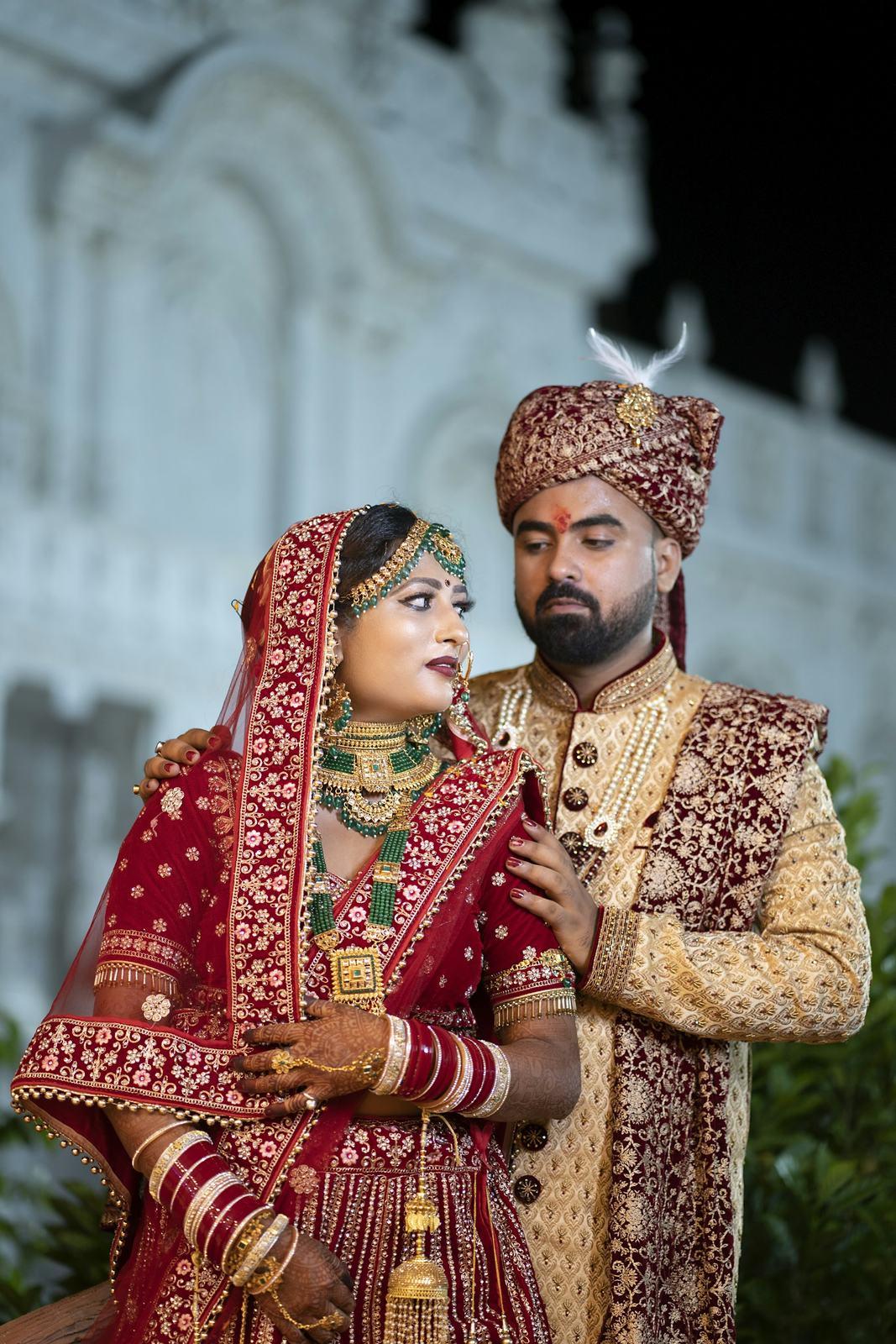
Drag your edited export into SpotMe from the browser or publish straight from Lightroom. Your folders become the couple’s folders, so name them the way the family talks: Haldi, Mehendi, Sangeet, Pheras, Reception.
- 40,000+ photos in one go, JPEG, HEIC, TIFF or PNG up to 50 MB each
- Uploads pick up where they stopped if the Wi-Fi drops
- Re-dropping a folder skips photos already uploaded
- Your watermark and logo are applied automatically
You, one click
Click Find faces
When the upload is done, click Find faces. Our own face recognition looks at every photo, finds every face, and groups each person across the whole wedding. You get an email when it’s ready.
- 99.99% accurate on real wedding photos
- Handles side profiles, veils, jewellery and dim sangeet lighting
- Runs on our own servers in India, no outside AI companies
- Add more photos later and run it again for just the new ones
You, two messages
Send two links
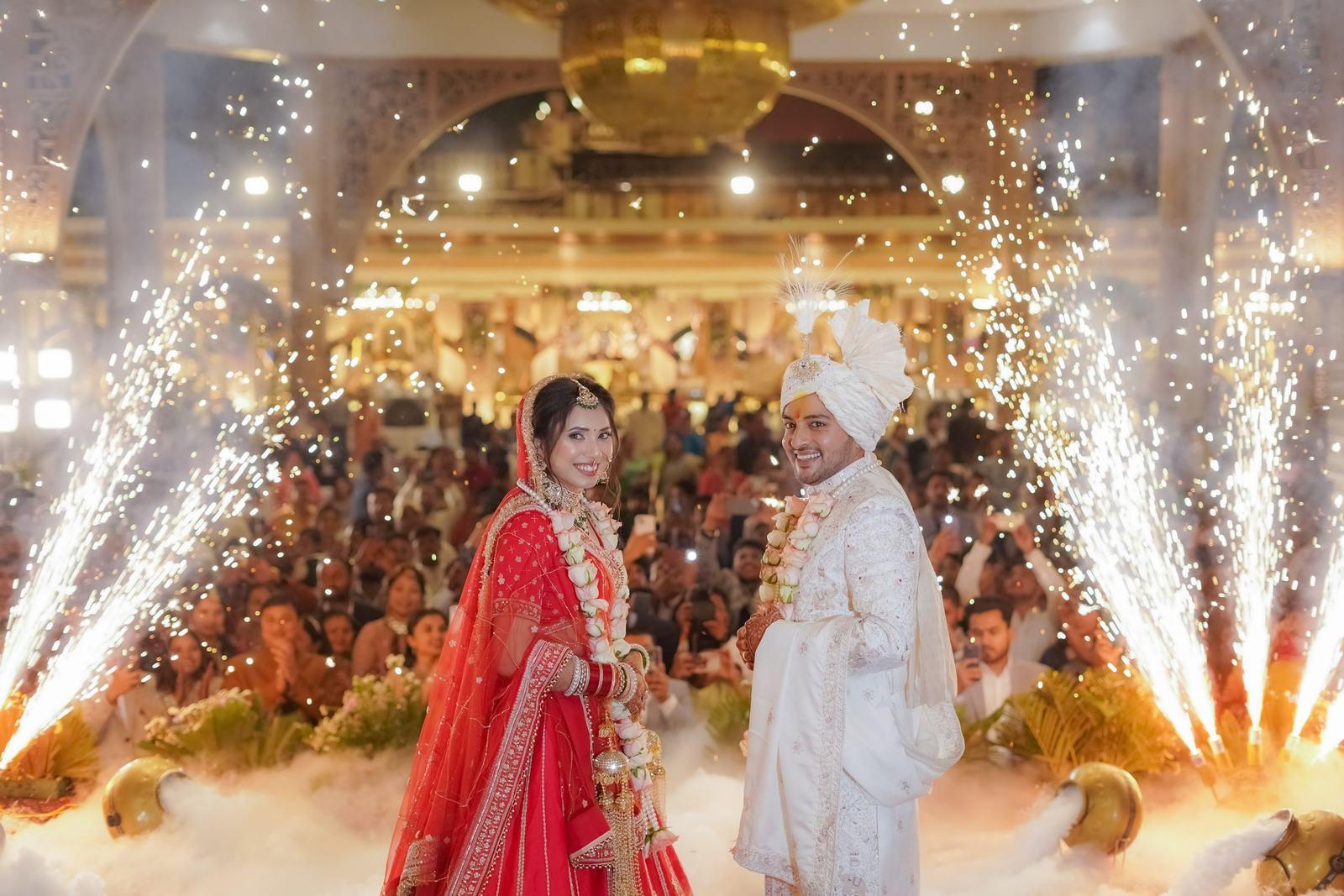
The couple gets a private master link to everything. The guest link goes into the family WhatsApp group, onto a QR code at the reception, or both. That is the whole delivery.
- Couple link: every folder, favourites, people view
- Guest link: each guest sees only their own photos
- Switch any link off without deleting the event
- Optional WhatsApp message to every verified guest
Your guests, on their phones
Guests take one selfie
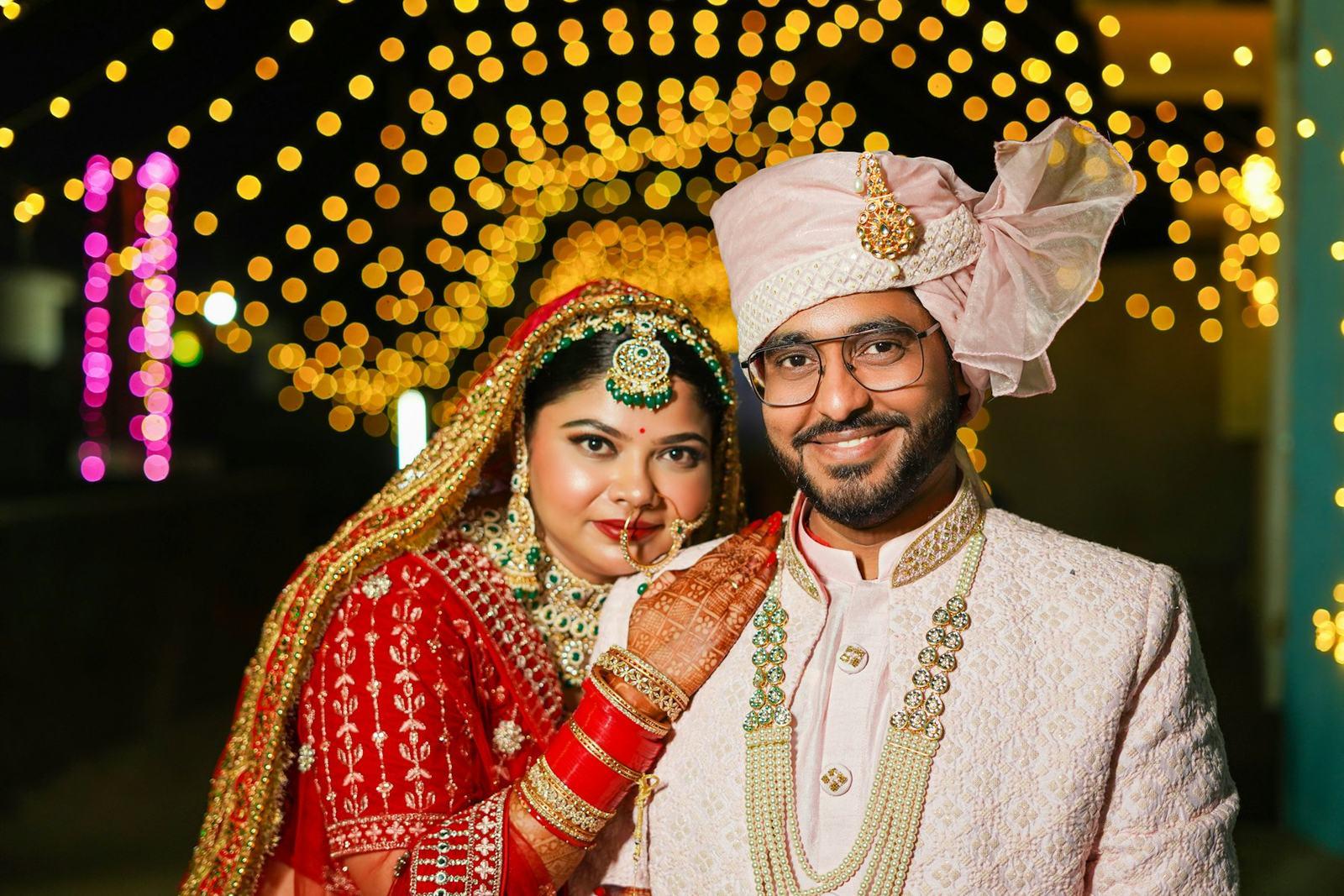
A guest taps the link, enters their name and mobile number, verifies a code on WhatsApp and takes a selfie. About a second later, their gallery is open, in the browser, with no app.
- Download the original or a mobile copy of any photo
- Your watermark travels with every photo they post
- Return visits on the same phone skip the selfie
- You get each guest’s verified name and number

The couple gets their own gallery
Every function in your folders, favourites that sync across devices, a people view, and photos they can share with all guests.
Questions about the flow
How long does Find faces take?
It depends on the size of the event. A typical 5,000 to 10,000-photo wedding is ready within the hour, and we email you the moment it finishes. Guests see a “photos are being prepared” page until then.
Does face matching start while I’m uploading?
No. You choose when to run Find faces, after the upload is complete. That way you can check the folders first, and nothing is matched until you are happy.
Can I deliver the sneak peek first and the full edit later?
Yes. Upload the first batch and run Find faces. When the full edit is ready, add it to the same event and run Find faces again. Guests keep the same link.
What do guests need?
A phone with a browser and a camera, and a mobile number for the one-time code. Nothing to install.
Your first wedding, set up with you, free.
Send us one event. Our team sets it up with you on a call, and you see it working on your own wedding before you pay anything.
- No card needed
- Every feature included
- 10 GB free forever