Photo delivery
Google Drive vs face recognition: what actually changes for your guests

Nine days after a Vadodara wedding last winter, the photographer got a call from the bride’s mother. Not a complaint about the photos. Her younger sister had opened the Drive link, scrolled for a while, found nothing of herself and decided the photographer “didn’t take any” of her.
She was in 112 photos. They were in the folder called Sangeet_Final_02, between frames 3,400 and 4,100.
I tell this story because Drive is not a bad tool. The photographer did everything right: edited on time, exported at full resolution, organised by function, shared one clean link. The problem is that Drive was built for sharing files with people who know what they are looking for. A wedding guest doesn’t. They are looking for themselves.
What Drive genuinely does well
Let me be fair to it first, because most of you use it and it has earned its place.
- It keeps your files as they are. A 14 MB export stays a 14 MB export. No compression on download.
- Everyone already knows it. The couple doesn’t need instructions.
- It is cheap. If you already pay for Google storage, the marginal cost of one more wedding feels like nothing.
- It is a decent backup. Plenty of studios keep a Drive copy of every delivered wedding, and I think that’s sensible.
For the couple, a well-organised Drive folder is a perfectly good delivery. They care about every photo, they will sit with a laptop, and they will scroll.
What a guest actually goes through on Drive
Here is the real sequence for a guest, say the bride’s cousin from Pune, opening a Drive link on her phone in the family WhatsApp group:
- She taps the link. Her phone either opens the Drive app, asks her to sign in, or shows a slow web preview.
- She sees five folders: Haldi, Mehendi, Sangeet, Wedding, Reception. She picks Sangeet because that’s where she danced.
- Inside are 2,100 thumbnails named
DSC_7731.jpgand so on, about 15 to a screen. - She scrolls. Somewhere around screen 40 she gives up, or her bus arrives.
- If she does find a photo, she downloads it one at a time. Selecting 50 makes a zip file, and zip files on phones are where good intentions go to die.
And on a popular wedding link you can sometimes hit Drive’s download limit for heavily shared files, which shows guests a message they don’t understand and you can’t fix quickly.
None of this is anyone’s fault. It’s just the wrong shape of tool for the job.
What a guest goes through with face recognition
Same cousin, same wedding, a SpotMe guest link instead:
- She taps the link. It opens in her phone browser. No app, no Google sign-in.
- She types her name and mobile number and gets a one-time code on WhatsApp (SMS if WhatsApp doesn’t come through).
- She takes a selfie.
- About a second later she is looking at her 112 photos, across every function, plus the big group shots the couple chose to share with everyone.
- She downloads the ones she wants, either the full-resolution original or a lighter mobile copy that is quicker on 4G.
If she comes back next week on the same phone, she skips the selfie and goes straight to her gallery.
You can try the matching part yourself on a sample wedding:
Try it yourself
Tap a guest’s selfie and watch SpotMe find them.

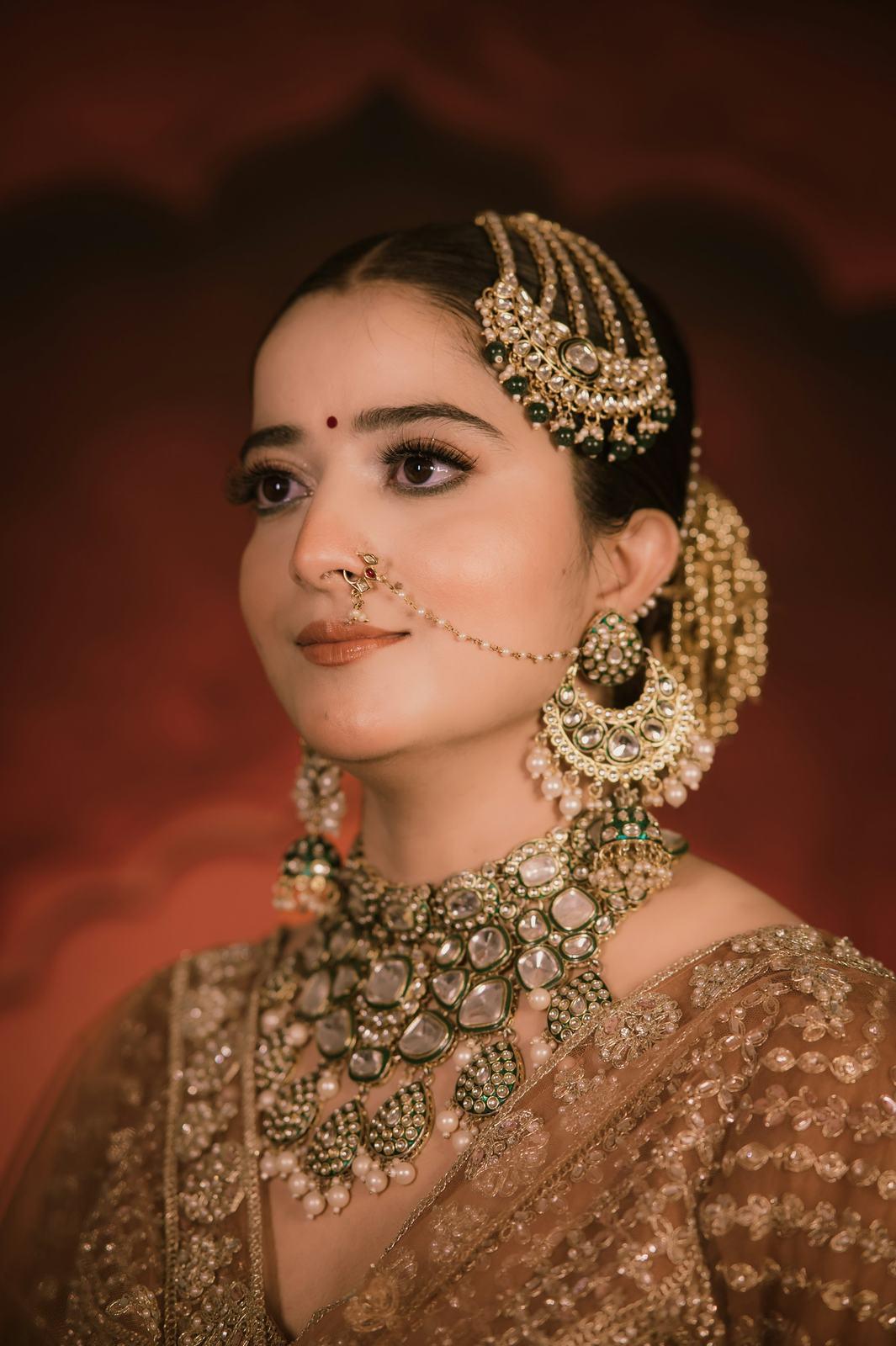




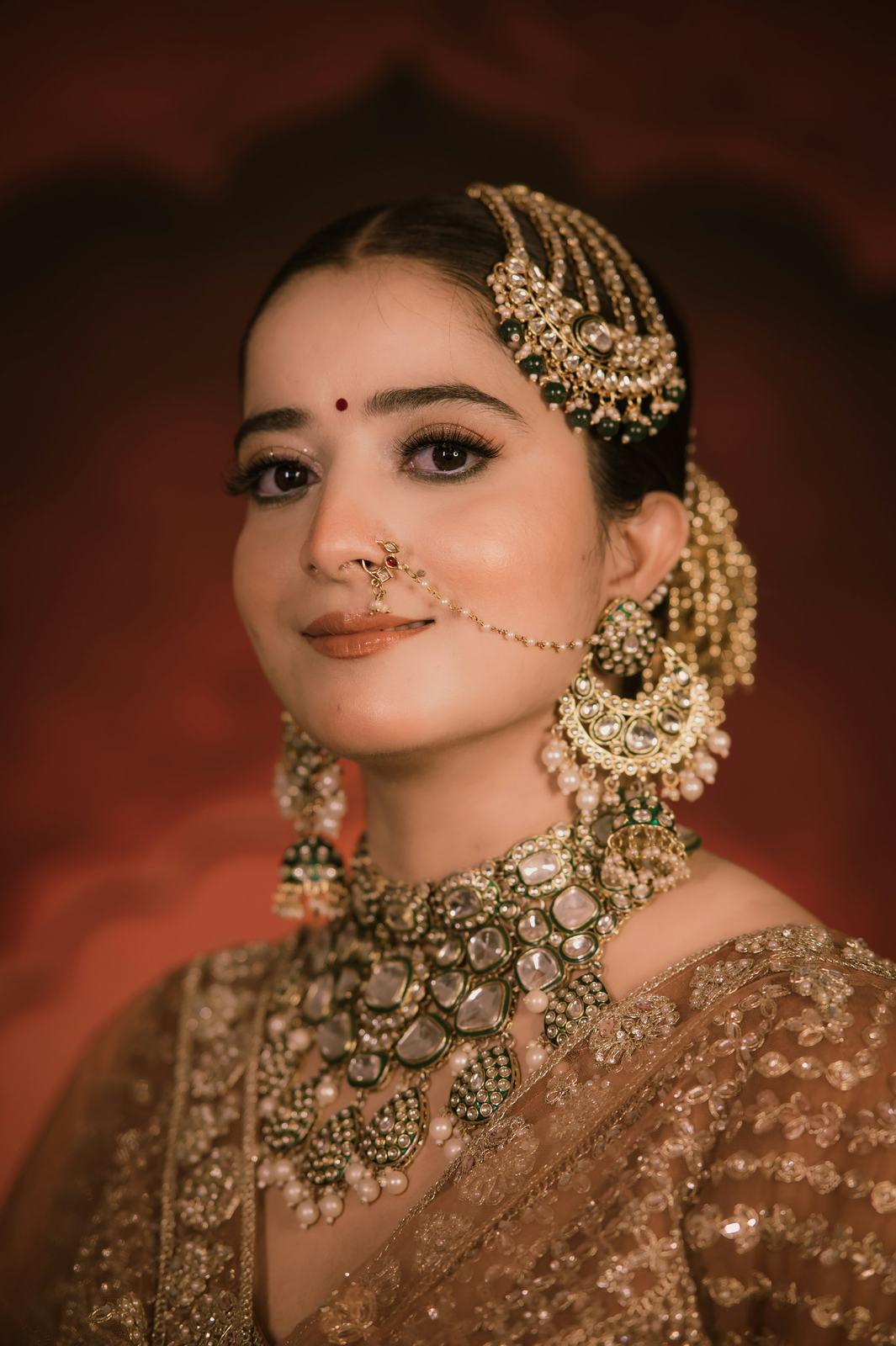






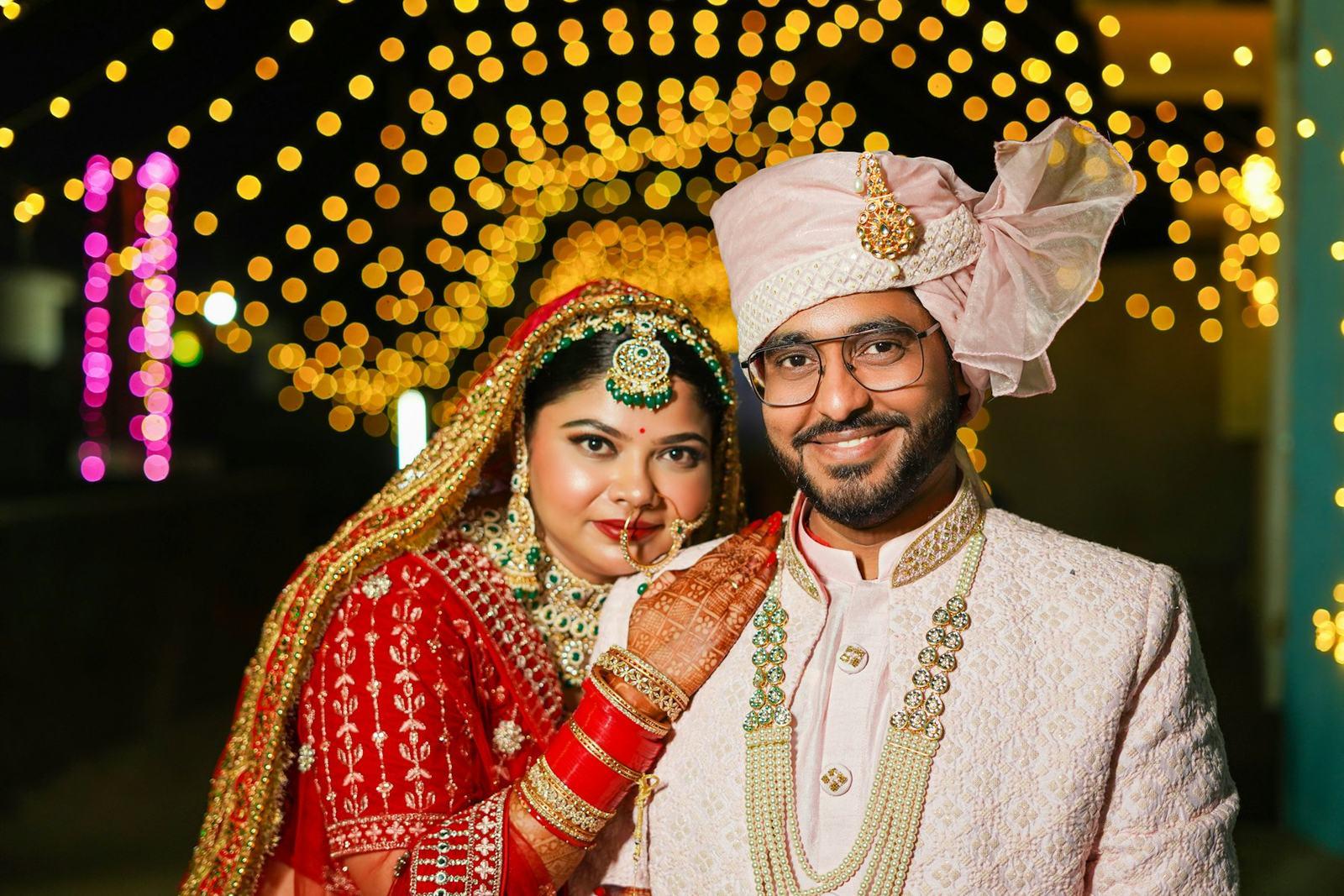



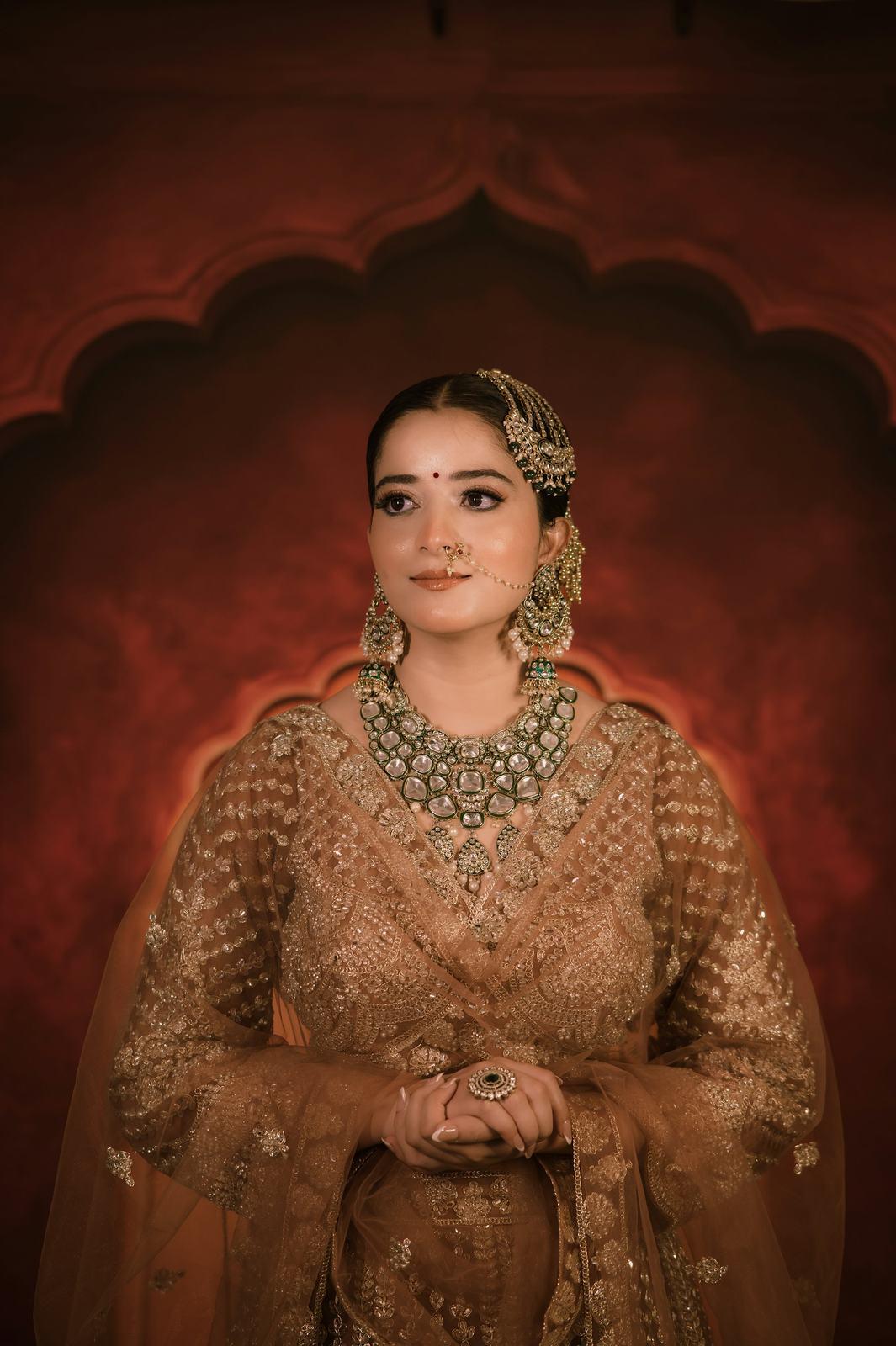

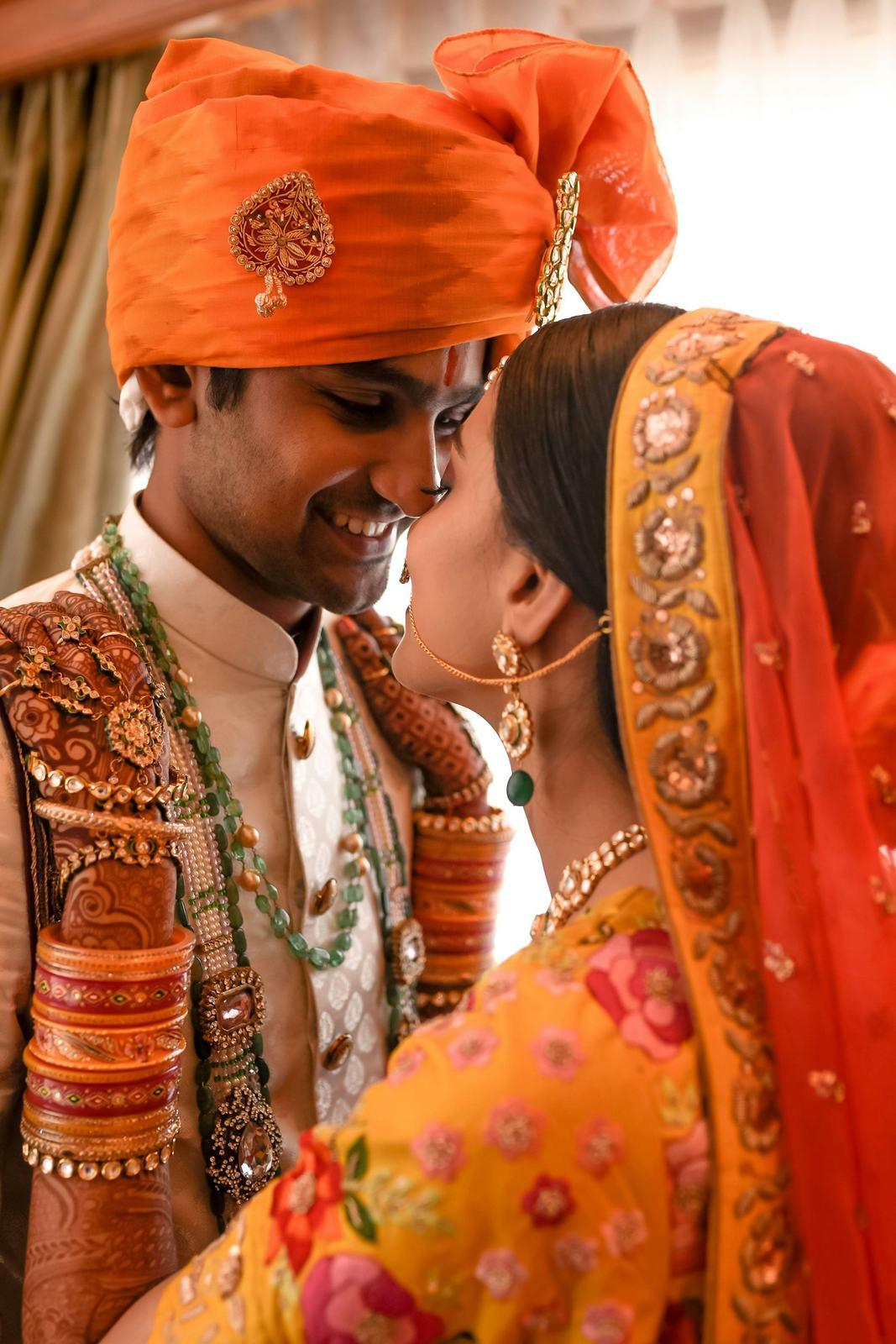
24 of 25,412 photos from a five-day wedding. Pick a guest to search for.
What changes is the question the guest has to answer
On Drive, the guest has to answer “where am I in these 6,000 photos?” That is a search problem, and you have handed it to someone on a phone with a cracked screen and twelve other things to do.
With face recognition, the only question is “is this me?”, and they answer it by taking a selfie. The search happens on our side, on our own servers, with models we trained in-house. The selfie itself is turned into a face template, which is a set of numbers describing the face, used only to match that guest in that event. We never store the selfie.
Side by side
| Google Drive link | Face recognition (SpotMe) | |
|---|---|---|
| What the guest sees first | Folders of file names | Only their own photos |
| Time to first photo of themselves | Minutes, if ever | About a second after the selfie |
| Works well on a phone | Partly | Yes, in the browser |
| File quality | Original | Original or 2048 px mobile copy |
| Your branding | None | Studio name, logo, watermark |
| Who opened it | You can’t tell | Names and verified mobile numbers |
| Guest needs an account | Sometimes | No |
What changes for you, the photographer
The guest experience is the obvious part. The less obvious part is what it does to your week after the wedding.
The calls stop. Most of the “bhaiya, please send mine” messages come from people who couldn’t find themselves on Drive. When the gallery finds them, they stop asking.
Your name travels with the photos. A guest who downloads from SpotMe gets your watermark on the photo, on both the original and the mobile copy, and your studio name and contact details on the gallery itself. A photo forwarded from Drive is anonymous.
You find out who was there. Every guest verifies their mobile number to see their gallery. That list, with names, belongs to you. A 450-guest wedding has more future brides and grooms in it than any Instagram ad will reach.
The couple still gets everything. They get their own gallery link with every folder, favourites that sync between their phones and laptop, and the option to share photos with all guests. In practice it replaces the Drive link for them too, though many studios still keep a Drive backup, and I wouldn’t argue them out of it.
When Drive is still the right call
I would be lying if I said face recognition is always worth it. It isn’t.
- A small event. A 40-person engagement dinner where everyone is in the group photo doesn’t need it. Share a folder.
- A single-client shoot. Pre-wedding, maternity, a corporate headshot day where each person gets five photos. One person, one folder.
- An internal backup. Keep using Drive as your own backup of delivered weddings, if that’s your system.
The point where Drive stops working is roughly when there are more guests than any one person can recognise. For most Indian weddings, that happens before the haldi is over.
How to move from Drive without upsetting anyone
You don’t need to change everything at once. On your next wedding, upload the same edited folders you would have put on Drive, click Find faces once the upload finishes, and share two links: the couple link with the couple, and the guest link in the family group with one line, “Take a selfie on this link to get your photos.” If you want a side-by-side, keep the Drive link too and see which one people use.
Our team will set up the first event with you on a call, on any plan including Free. If you would rather look first, the demo shows the guest side, and this explainer covers how the matching works under the hood.