
One studio account, the whole team on it
A big Indian wedding is rarely one photographer. There’s you, a second shooter on the groom’s side, a candid shooter, someone covering the baraat and an editor back at the studio. Team accounts give each of them their own login, with only the access they need.
Free forever on 10 GB. Every feature on every plan.

At a glance
Three clear roles
Owners run the studio, Editors upload and manage events, and Viewers can look without changing anything.
Everyone uploads their own cards
Several people can upload to the same event at once, each from their own laptop, into their own folders.
Access ends when the job does
Remove a freelancer when the season ends. Their photos stay in the event and their login stops working.
Owner, Editor, Viewer
Every team member has one of three roles:
- Owner. Everything, including adding and removing team members, choosing who works on which event, and studio settings such as your logo and watermark. Usually you, and perhaps a business partner.
- Editor. Creates events, uploads photos, organises folders, runs Find faces and shares gallery links. This is the role for second shooters, editors and anyone who handles delivery.
- Viewer. Can open events and galleries but can’t upload, delete or change settings. Useful for the person who takes client calls and needs to pull up a gallery while the couple is on the line.
You can change someone’s role whenever you need to. An assistant who starts as a Viewer can become an Editor once you trust them with uploads.
Three shooters, three card readers, one event
The day after a wedding, the cards are rarely in one place. You’re at the studio with the pheras and portraits. Your second shooter is home with the groom’s getting-ready and the baraat. The candid shooter has a phone full of HEIC files from the sangeet.
With team accounts, each of them uploads to the same event from their own laptop, at the same time, into their own folders. Uploads are resumable, so a dropped connection at someone’s home doesn’t send them back to zero.
You choose which events each person is on, so a freelancer hired for one wedding doesn’t see your whole client list. When every card is in, one person clicks Find faces once for the whole event, and guests get matched across everyone’s photos.
See who uploaded what
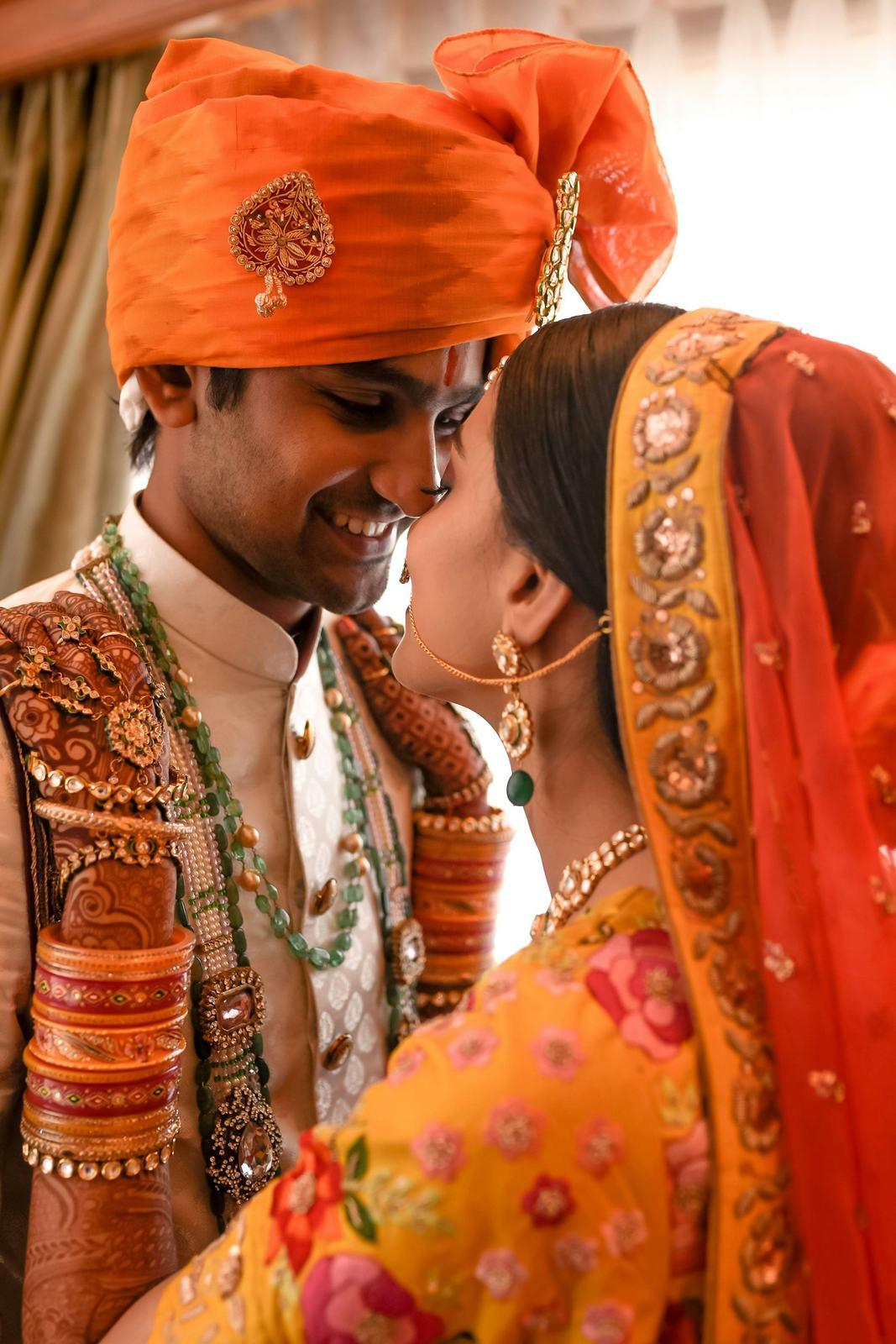
Every photo records who uploaded it and when. It sounds like a small detail until you need it.
The couple asks why there are 300 near-identical frames of the varmala, and you can see whose card they came from. The reception folder looks thin, and you can see that one upload hasn’t finished yet. An edit comes back with the wrong colour grade, and you know which editor to call.
It also makes handover easier. When the second shooter says “I’ve uploaded everything”, you can check in a few seconds instead of taking it on faith.
When a freelancer moves on
Wedding season means extra hands. Most studios bring in two or three freelancers from November to February, and they don’t all stay.
Shared logins never worked well anyway. Every SpotMe sign-in sends a one-time code to the account owner’s email, so a second shooter on your login was calling you at 7 am for the OTP.
With team accounts, each person signs in with their own details. When someone leaves, remove them in a step. Their login stops working straight away, every photo they uploaded stays in the event under your studio, and you don’t have to change your own password in the middle of December.
How it works
Invite your team
Add each person by email from your studio settings.
Pick a role
Make them an Owner, Editor or Viewer, depending on what they need to do.
Put them on events
Choose the events each person works on, and they can start uploading from their own login.
From photographers using it
“Our second shooter uses an iPhone for candids, so HEIC files get mixed into every upload. It just takes them. Small thing, but the last app made me convert everything first.”
Dhruv JoshiThe Wedding Frame Co., Gandhinagar, Gujarat “We shoot big Gujarati and Marwari weddings in Mumbai, often 1,500 guests. Families used to ask for a pen drive for each side. This replaced the pen drives.”
Siddharth NairBandra Wedding Co., Mumbai, Maharashtra
Common questions
Can two people upload to the same event at the same time?
Yes. Several team members can upload to one event at once, each from their own computer. Folders are kept as each person uploads them.
What happens to photos when I remove a team member?
They stay in the event. Removing someone only stops their login. Everything they uploaded still belongs to your studio.
Do team members share my storage?
Yes. Everything the team uploads counts towards your studio’s one storage pool, and the space comes back when you delete events.
Can a freelancer see all my events?
No. You choose which events each person works on, so a freelancer hired for one wedding sees only that wedding.
Do team members need to install an app?
No. Everyone can upload from a browser. The SpotMe Studio apps for iOS and Android and the Lightroom Classic plugin are there if they prefer.
Keep exploring
- StudiosTeam accounts, one brand across every shooter and a fixed yearly cost for 100–200 weddings a season.
- Lightroom pluginPublish edited collections from Lightroom Classic straight into a SpotMe event, folders and all.
- Mobile appsSpotMe Studio for iOS and Android: your events, links and guest leads in your pocket.
- Reusable storagePay for storage, not photos. Delete an event and its space comes straight back for the next one.
Your first wedding, set up with you, free.
Send us one event. Our team sets it up with you on a call, and you see it working on your own wedding before you pay anything.
- No card needed
- Every feature included
- 10 GB free forever