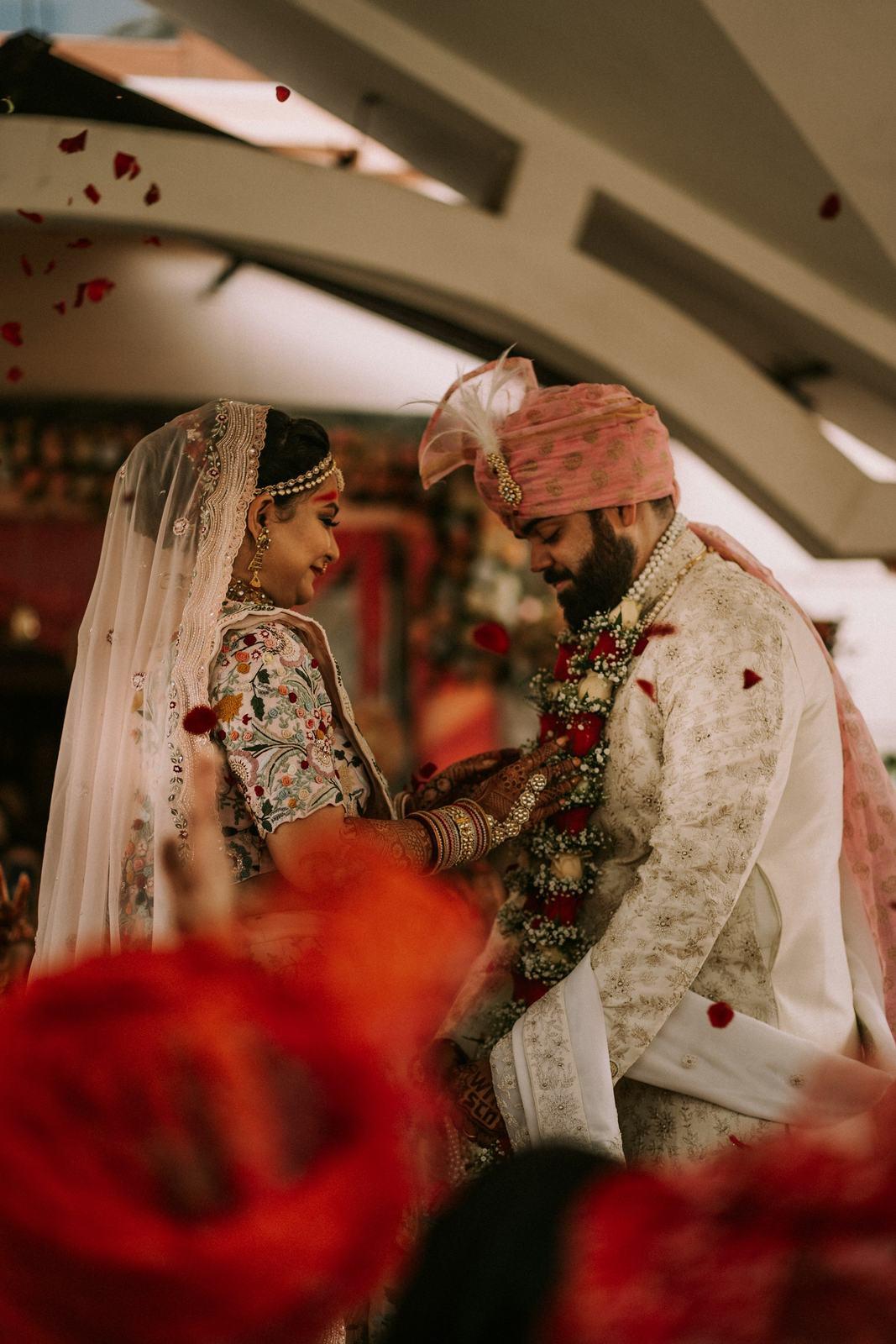
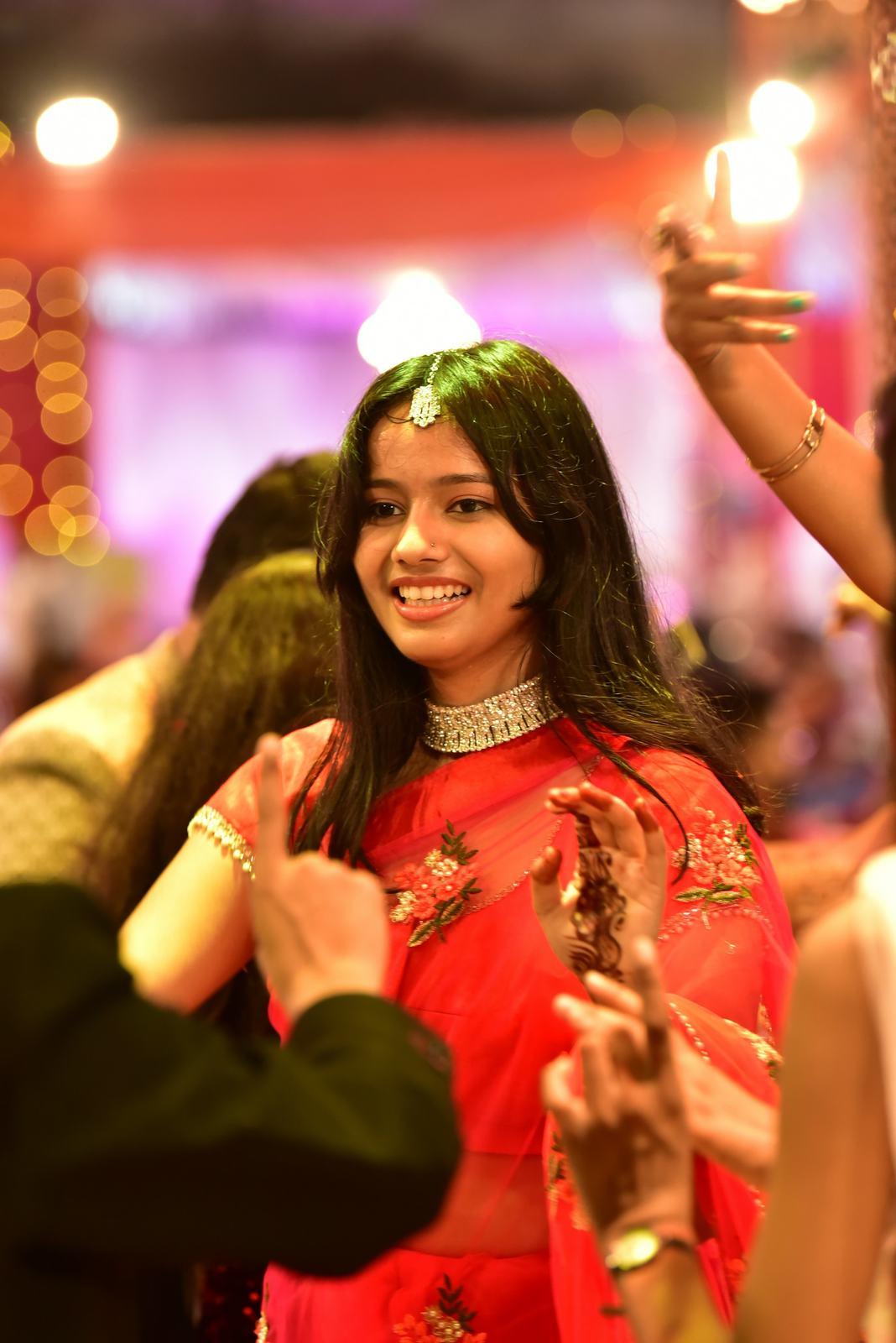
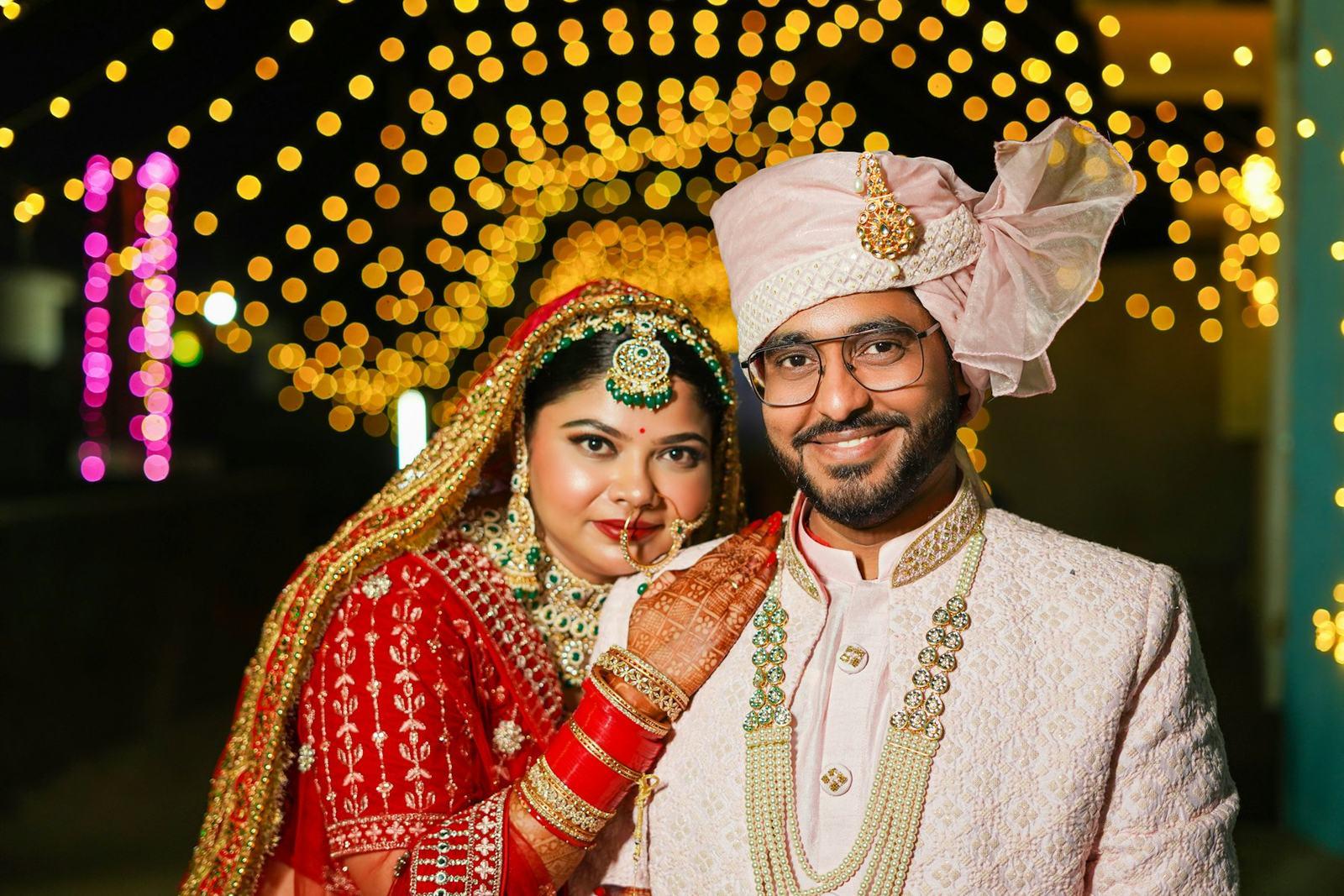
Frames by Kavya, Vadodara, Gujarat
Frames by Kavya stopped answering “where are my photos” messages
Kavya Trivedi used to spend two evenings after every wedding sorting photos into folders for relatives. Now she uploads once, sends one link to the family group, and guests find their own photos.
- Studio
- Wedding studio, 1 lead photographer and 2 assistants
- Photographer
- Kavya Trivedi
- Based in
- Vadodara, Gujarat
Results
- weddings delivered on SpotMe
- 38
- of sorting saved per wedding
- 2 evenings
- photos from one sangeet, matched overnight
- 3,800
Before SpotMe
Kavya runs Frames by Kavya out of a small studio near Alkapuri, with two assistants who shoot second camera and help with culling. A normal Vadodara wedding for her is four functions and somewhere between 4,000 and 7,000 edited photos.
Delivery was the part she dreaded. The couple got a Google Drive link and a pen drive. Everyone else got whatever she had time for. After the haldi photos went out, her phone would fill with messages from cousins, aunts and the groom’s college friends, each asking for “just my photos”.
“I would sit with the laptop after dinner and make folders by face. Mama-ji, the bride’s friends from Pune, the dance group. Two evenings minimum, sometimes three, and I still missed people in the background.”
She tried sending function-wise folders to the family WhatsApp group. WhatsApp compressed everything, and her best portraits ended up on statuses looking soft, with her name nowhere on them.
Making the switch
Kavya signed up on the Free plan and tested SpotMe on a small engagement before trying it on a full wedding. Our team set up that first event with her on a call.
The one thing that tripped her up was folders. On the first wedding she dragged every photo into a single upload, so the couple gallery was one long scroll. She deleted the event, rebuilt the folders on her laptop as Haldi, Mehendi, Sangeet, Pheras and Reception, and uploaded again. SpotMe kept the structure exactly as it was on disk.
She also forgot, once, to click Find faces after the upload finished, and wondered why guests saw a waiting screen. Now it is part of her routine: upload in the evening, click Find faces, wait for the email, then send the links.
“The second wedding took me ten minutes of actual work. The upload ran while I was editing the next one.”
What changed
Kavya now sends two links after every wedding. The couple gets the master link with every function in its own folder. The guest link goes into the family group, usually the morning after she finishes editing.
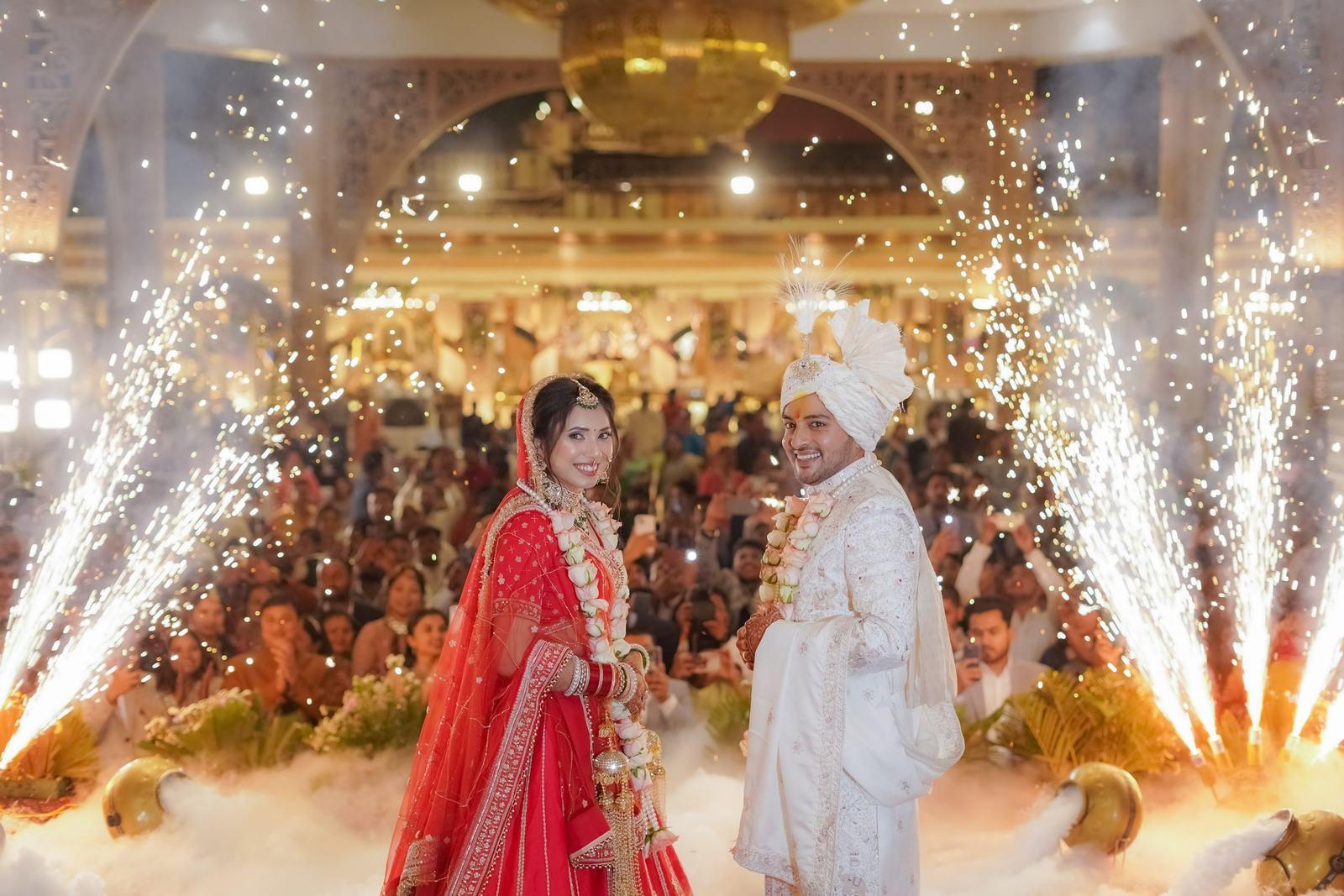
At a recent wedding, the sangeet alone was around 3,800 photos. By the next afternoon most of the guests who opened the link had downloaded their photos, and two of them messaged asking for her rates.
The evenings she used to spend sorting are back. She uses them for editing, and for replying to the enquiries that now come in with a screenshot of her watermark attached.
“My assistants were happiest. Sorting by face was their job before, and they hated it more than I did.”
She is on the Standard plan and deletes older weddings once couples have downloaded everything, so the storage keeps coming back for the next season.
“I used to measure a wedding by how many evenings of sorting it would cost me afterwards. Now the only thing I do after the upload is click one button and wait for the email. The family group sorts itself out.”