
The wedding film, in the same place as the photos
Couples shouldn’t need a Drive link for the photos, an unlisted YouTube link for the teaser and a pen drive for the full film. Upload your films to the same SpotMe event and they play in the browser, right beside the haldi and sangeet folders.
Free forever on 10 GB. Every feature on every plan.

At a glance
MP4 and MOV
Upload the full film, the teaser and the highlight reel straight from your edit exports, into the event’s folders.
Plays on patchy 4G
Adaptive streaming picks the right quality for each connection, so a film starts quickly even on an older phone.
Reels from your photos
SpotMe can put together a short highlight reel from the event’s photos, set to music, for events without a film.
Films live in the event, not in another link
Upload MP4 and MOV files the same way you upload photos, into whichever folder makes sense. The sangeet teaser can sit in “Sangeet”, the full wedding film in a “Films” folder of its own, and the couple sees them all on their one link.
Large film files use the same resumable uploads as photos. If the studio Wi-Fi drops halfway through a long export, the upload carries on from where it stopped instead of starting again.
A practical tip: upload a delivery file, not your master. A well-encoded 1080p export looks good on every phone and laptop and uses a fraction of the storage of a 4K ProRes file. Films count towards your plan storage like photos do, and that space comes back when you delete the event.
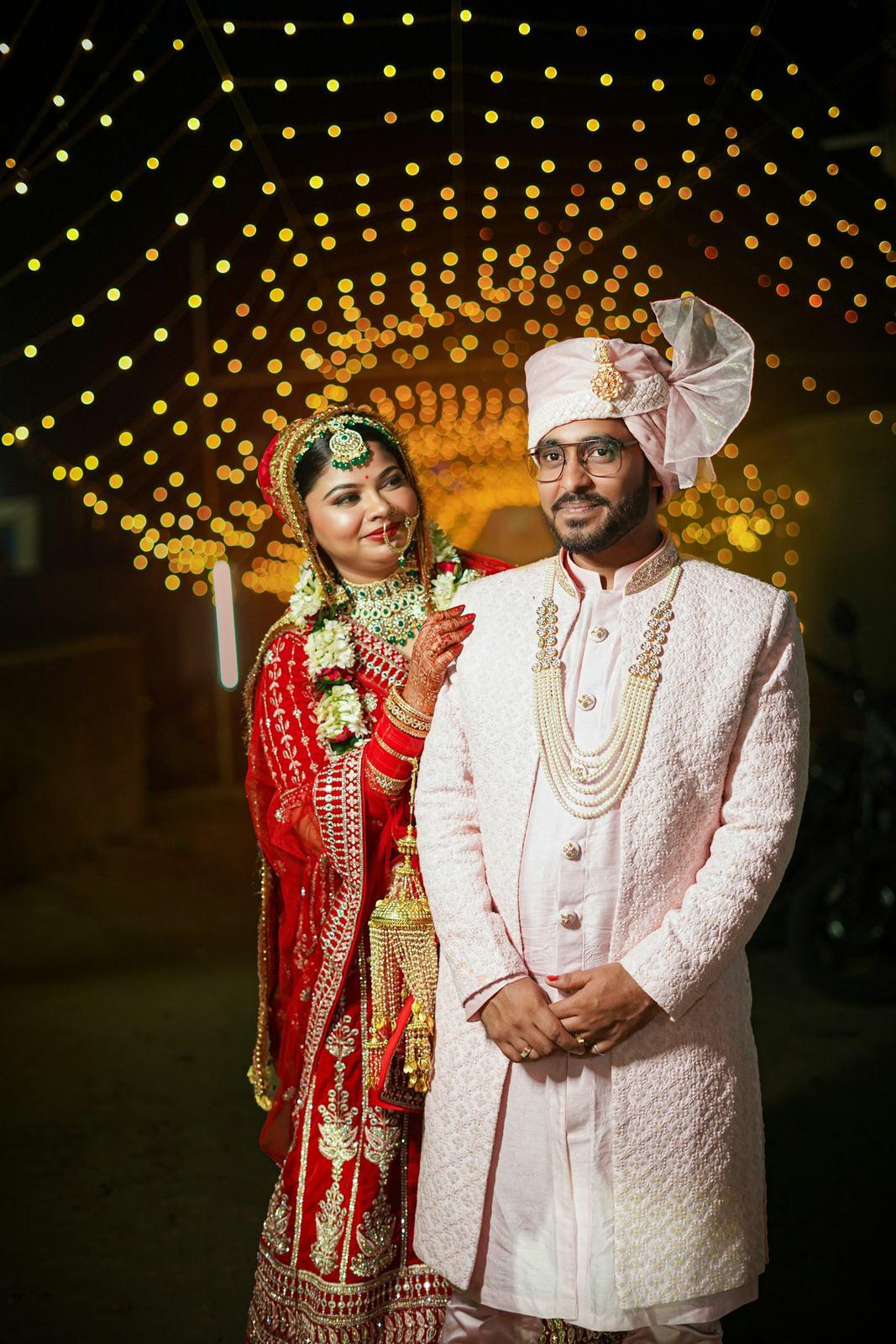
Streaming that works at Nani’s house
A 40-minute wedding film is far too heavy to send as one file to a phone on 4G. So when a film uploads, we prepare it in several qualities. The player in the gallery starts with whatever the connection can handle, then switches up as soon as there’s room.
On home Wi-Fi it looks sharp from the start. On a weak signal in a hotel lobby it starts quickly at a lower quality instead of sitting on a spinner. Nobody has to choose a setting, and there’s nothing to install. It plays in the phone or laptop browser, like the photos.
Who can watch and download
The couple sees every film on their master link and can download the file you uploaded, to keep or to play on the TV at home.
Guests see the films the couple chooses to share with everyone, usually the teaser and the highlight reel, while the full film stays on the couple’s link. Face matching is for photos, so films don’t appear in a guest’s gallery just because that guest is in a scene.
If the full film is a paid add-on in your packages, switch downloads off for the event. The couple and guests can still watch, but can’t save the file.
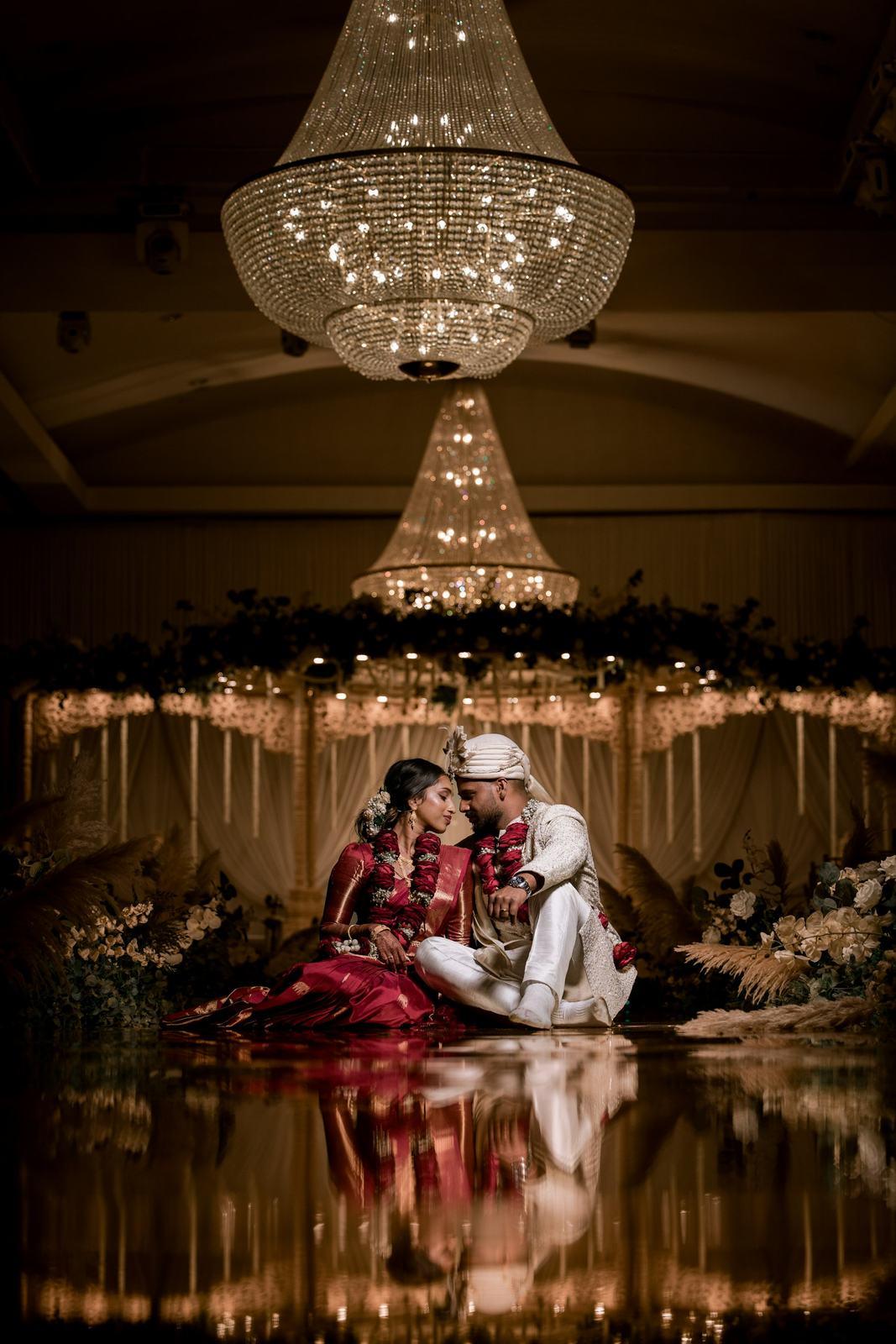
Highlight reels from the photos
Not every event has a videographer. Ring ceremonies, intimate court weddings, a corporate dinner or a 60th birthday often have only you and your camera.
For those, SpotMe can put together a short highlight reel from the event’s photos: a slideshow of frames from across the functions, set to music, a minute or two long. Our AI picks the frames, and you decide whether to share the reel.
Let’s be clear about what it is. A photo reel is a nice extra for guests to post and forward. It isn’t a cinematic film and it won’t replace a videographer’s edit.
From photographers using it
“We shoot a lot of weddings in the Rann tents. Guests fly back to Mumbai, Bengaluru and Dubai the next morning. One link that works wherever they are beats chasing ten WhatsApp groups.”
Chirag ThakkarChirag Thakkar Films, Bhuj, Gujarat “A 9,000-photo destination wedding at a lakeside palace hotel. Most guests had their photos before checkout on the last day.”
Rohan MehtaKohl & Kesar Films, Udaipur, Rajasthan
Common questions
Which video formats can I upload?
MP4 and MOV, the formats most editing software exports by default. Upload them to any folder in an event, alongside the photos.
Do videos count towards my storage?
Yes, the same way photos do. When you delete the event, the space comes back. Uploading a 1080p delivery export rather than a 4K master keeps films small.
Can guests find themselves in videos with a selfie?
No. Face matching works on photos. Guests see the films the couple has shared with everyone, while the couple sees every film on their own link.
Can the couple download the full film?
Yes, they can download the file you uploaded. If you’d rather they only stream it, switch downloads off for that event.
Is video on every plan?
Yes. Every plan includes every feature, video galleries included. Plans differ only in storage.
Keep exploring
- Couple galleryThe couple’s master link: every function, private favourites, a people view and full-size downloads.
- Reusable storagePay for storage, not photos. Delete an event and its space comes straight back for the next one.
- Wedding photo sharingEvery function to the couple, and each guest’s own photos from one selfie, through one link.
- PricingFree forever on 10 GB. Paid plans by storage, every feature included.
Your first wedding, set up with you, free.
Send us one event. Our team sets it up with you on a call, and you see it working on your own wedding before you pay anything.
- No card needed
- Every feature included
- 10 GB free forever