
The moments you weren’t there for, in the same gallery
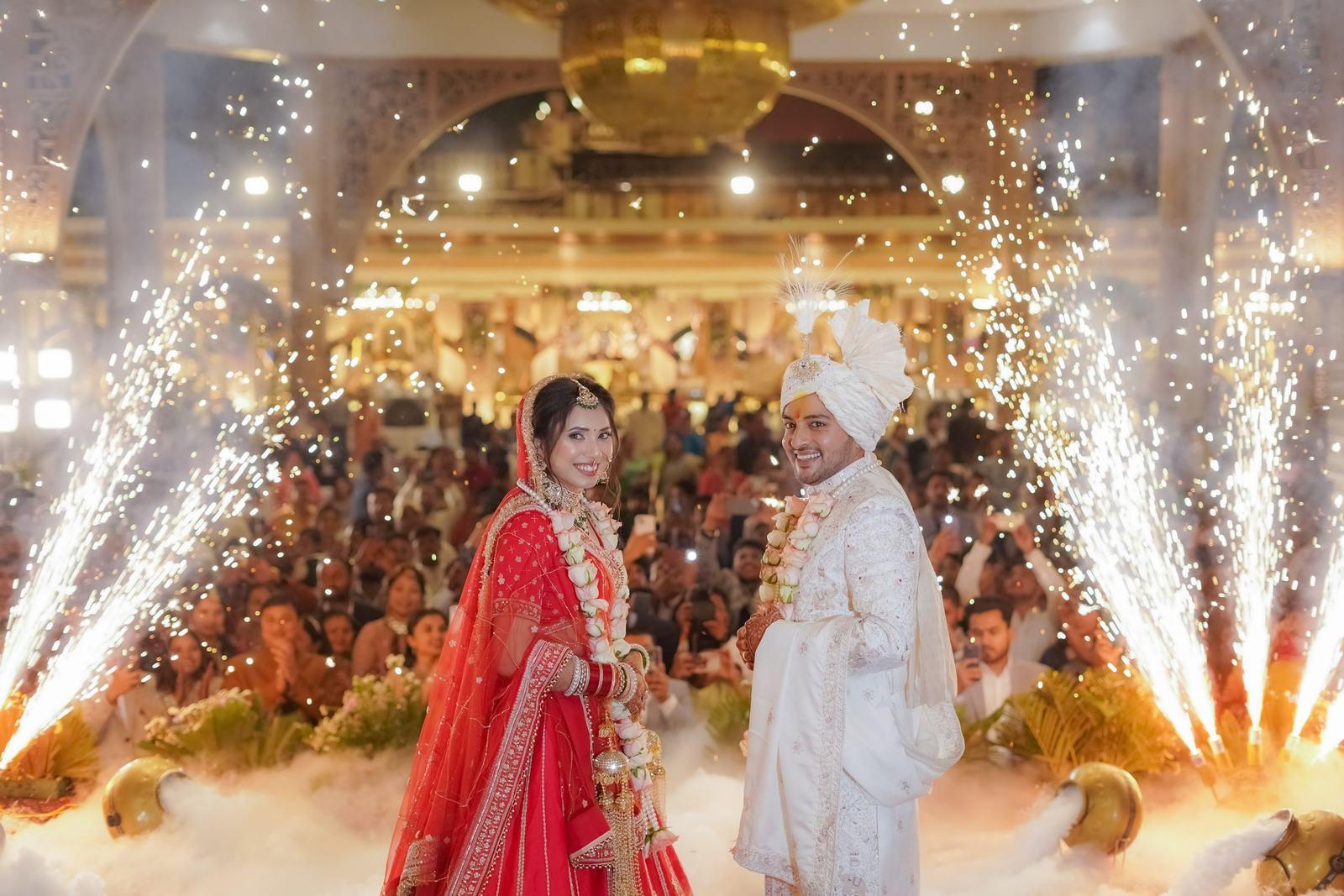
You can’t be in the bride’s room at 6 am and at the groom’s side of the baraat at once. Her cousins were. Guest uploads let them add their phone photos to the wedding gallery, in a folder of their own, after you approve them.
Free forever on 10 GB. Every feature on every plan.

At a glance
A folder of their own
Guest photos go into a separate Guest uploads folder. Your edited work is never mixed with them.
Nothing appears unapproved
You see every upload first and approve what goes in. Blurry, duplicate or unsuitable photos never reach the couple.
Matched by face
Approved guest photos are matched like yours, so the aunt in the background of a cousin’s selfie finds it in her gallery.
Why couples ask for this
After every big wedding the same thing happens. Two hundred phones took photos, and those photos live in forty different WhatsApp chats, three Google Photos albums and someone’s Instagram story that disappears tomorrow. The bride spends the week after her wedding asking people to “send everything”.
Most of those photos aren’t good. A few are priceless: the mehendi artist’s helper caught mid-laugh, the dadi dancing at the after-party you had already left, the view from inside the baraat crowd. Couples want those kept alongside the professional set, not lost in a chat.
Guest uploads give them one place to collect it all, inside the gallery you delivered, under your studio’s name.
How guests add photos
When you switch guest uploads on for an event, guests see an Add your photos button in their gallery. They have already verified their number, so there is no new sign-up. They pick photos from their phone and upload them. HEIC from iPhones and JPEG from Android both work, at full size.
Each upload carries the guest’s name, so you and the couple can see that the 23 photos from the haldi came from Riya, the bride’s friend from Pune.
Uploads land in a review queue in your dashboard, not in the gallery. You can approve them all at once, pick through them one by one, or remove the ones you don’t want. Only approved photos move into the Guest uploads folder.
Your work stays your work
We keep a clear line between your photos and theirs. Your folders (haldi, mehendi, sangeet, pheras, reception) hold only what you uploaded. Guest photos sit in their own folder, labelled as guest uploads, with the uploader’s name on each.
The couple sees every approved guest photo in their couple gallery. Guests see guest photos the same way they see yours: the ones they appear in, plus anything the couple chooses to share with everyone.
Nobody opening the gallery will confuse a dim phone photo with your work, and nobody has to choose between a professional delivery and the family’s own memories.
When to switch it on, and when not to
Guest uploads work best at weddings with a lot of guest-only moments: multi-day destination weddings, the after-party, the night before when the cousins are doing each other’s makeup. They also suit corporate offsites, where colleagues want each other’s photos as much as the official ones.
Leave it off when the couple wants a strictly curated gallery, or when the guest list is mostly elders who won’t use it. It is off by default and you turn it on per event.
Approved guest photos use your storage like any other photos. Since storage is reusable, the space comes back when you delete the event.
From photographers using it
“Couples love having a folder for each function. Haldi, mehendi, sangeet, pheras, reception, all separate. One bride sent me a voice note at 1 am saying she had been scrolling for two hours.”
Krupa PanchalKrupa Panchal Photography, Anand, Gujarat “I used to make separate Drive folders for the bride’s side, the groom’s side, college friends, office friends. Now it’s one link. The bride’s mother told me it was the first family wedding where she didn’t have to forward photos to anyone.”
Nirali ShahNirali Shah Studio, Surat, Gujarat
Common questions
Do guest photos appear straight away?
No. Every guest upload waits in your review queue until you approve it. Only approved photos appear in the Guest uploads folder.
Will guest photos mix with my edited photos?
No. They live in their own Guest uploads folder, labelled with the guest’s name. Your function folders only ever hold what you uploaded.
Are guest photos matched by face?
Yes. Once approved, they are matched like your own photos, so guests find the phone photos they appear in inside their personal gallery.
Do guests need an account or app to upload?
No. They upload from the same gallery page in their phone browser, using the number they already verified for the event.
Do guest uploads count against my storage?
Approved guest photos use your storage like any other photo. Delete the event and the space comes back.
Keep exploring
- Couple galleryThe couple’s master link: every function, private favourites, a people view and full-size downloads.
- Guest galleryEach guest gets only the photos they are in, from one selfie, in their phone browser.
- Destination weddingsOne link for guests who fly home from Udaipur, Goa or Dubai the morning after the wedding.
- Wedding photo sharingEvery function to the couple, and each guest’s own photos from one selfie, through one link.
Your first wedding, set up with you, free.
Send us one event. Our team sets it up with you on a call, and you see it working on your own wedding before you pay anything.
- No card needed
- Every feature included
- 10 GB free forever